{limit.name}
{label}
0 ? (left / max) * 100 : 0}%`,
height: "100%",
background: left === 0 ? "#b91c1c" : "#1d4ed8",
}}
/>
{resets &&
{resets}}
);
}
```
The bar shows what’s left, so it empties as the team spends. Screen readers announce the same words the user sees, such as “4975 credits left”. Swap the inline styles for your own classes.
Fetch it when the page opens, not on a timer. If your product shows the meter on every page, cache the route’s answer for a few seconds on your server.
## 4. When they run out
[Section titled “4. When they run out”](#4-when-they-run-out)
A refused check throws `LimitReached` from `limitry.guard()` and `limitry.reserve()`. Answer it where your product talks to the user, and point them at the meter or a way to get more:
* TypeScript
```ts
import { LimitReached } from "@limitry/sdk";
try {
return await limitry.guard(
{
subject: { kind: "user", id: user.id },
shared: [{ kind: "team", id: user.teamId }],
action: "report",
cost: 25,
},
() => buildReport(params),
);
} catch (err) {
if (err instanceof LimitReached && err.reason === "limit_reached") {
return res.status(402).json({
message: "Your team is out of credits. Buy more to keep going.",
buyUrl: "/billing/credits",
});
}
throw err;
}
```
* Python
```python
from flask import jsonify
from limitry import LimitReached
try:
with limitry.guard(
subject={"kind": "user", "id": user.id},
shared=[{"kind": "team", "id": user.team_id}],
action="report",
cost=25,
):
return build_report(params)
except LimitReached as err:
if err.reason == "limit_reached":
return jsonify(
message="Your team is out of credits. Buy more to keep going.",
buyUrl="/billing/credits",
), 402
raise
```
A balance’s `retryAfterSeconds` is `null`, because waiting won’t help. Show a “Buy more credits” button when `remaining` reaches 0, and add the credits from your payment webhook (see [Sell prepaid credits](/docs/guides/prepaid-credits/)). For a limit that resets, tell the user when, from `err.retryAfterSeconds`.
To tell users before they run out, see [Warn your users before they hit a limit](/docs/guides/warn-users/).
# Use Limitry with Stripe
> Let a customer's Stripe plan set their limits, sell credits with Stripe Checkout, and bill usage through Stripe meters.
Stripe takes the payments and Limitry does the counting. This guide covers the three ways the two meet:
1. A customer’s plan decides their limits.
2. Customers buy credits with Stripe Checkout, and a refund takes them back.
3. You bill for usage, and Stripe’s meters get each unit exactly once.
The examples use Node with the `stripe` package and the [Limitry SDK](/docs/typescript/), and a team as the subject. Your webhook handler checks Stripe’s signature first, as Stripe’s docs describe.
## Before you start: two things every handler does
[Section titled “Before you start: two things every handler does”](#before-you-start-two-things-every-handler-does)
**Pick the environment from the event.** Stripe’s test mode and live mode match Limitry’s test and live. Keep a Limitry key for each, and choose by the event’s `livemode`:
* TypeScript
```ts
import { createClient } from "@limitry/sdk";
const limitry = {
live: createClient({ token: process.env.LIMITRY_LIVE_KEY! }),
test: createClient({ token: process.env.LIMITRY_TEST_KEY! }),
};
const apiFor = (event: Stripe.Event) =>
event.livemode ? limitry.live : limitry.test;
```
* Python
```python
import os
import stripe
from limitry import Limitry
limitry = {
"live": Limitry(token=os.environ["LIMITRY_LIVE_KEY"]),
"test": Limitry(token=os.environ["LIMITRY_TEST_KEY"]),
}
def api_for(event) -> Limitry:
return limitry["live"] if event.livemode else limitry["test"]
```
**Expect the same event twice, and events out of order.** Stripe redelivers events for up to three days and doesn’t promise their order. Each section below says how its handler stays correct either way.
## 1. The plan decides the limits
[Section titled “1. The plan decides the limits”](#1-the-plan-decides-the-limits)
Give each plan its own subject kind, such as `team-free` and `team-pro`, with its own limits. A kind per plan is how one plan gets more. (To give one team more than its plan, add a limit for that team alone: it replaces its kind’s limit with the same action and window.) Then store each team’s plan, and send that kind in every check:
* TypeScript
```ts
await limitry.live.guard(
{
subject: { kind: `team-${team.plan}`, id: team.id },
action: "report",
},
() => buildReport(params),
);
```
* Python
```python
with limitry["live"].guard(
subject={"kind": f"team-{team.plan}", "id": team.id}, action="report"
):
report = build_report(params)
```
Keep the plan up to date from the subscription events. Don’t trust the order they arrive in: fetch the subscription again and store what it says now. A late or repeated event then does no harm.
* TypeScript
```ts
const PLAN_BY_PRICE: Record
= {
pro_monthly: "pro",
pro_annual: "pro",
};
async function onSubscriptionEvent(event: Stripe.Event) {
const { id } = event.data.object as Stripe.Subscription;
const subscription = await stripe.subscriptions.retrieve(id);
const team = await teams.byStripeCustomer(subscription.customer as string);
const paying = ["active", "trialing", "past_due"].includes(
subscription.status,
);
const lookupKey = subscription.items.data[0]?.price.lookup_key ?? "";
await teams.setPlan(
team.id,
paying ? (PLAN_BY_PRICE[lookupKey] ?? "free") : "free",
);
}
// customer.subscription.created, .updated and .deleted
```
* Python
```python
PLAN_BY_PRICE = {"pro_monthly": "pro", "pro_annual": "pro"}
def on_subscription_event(event) -> None:
subscription = stripe.Subscription.retrieve(event.data.object.id)
team = teams.by_stripe_customer(subscription.customer)
paying = subscription.status in ("active", "trialing", "past_due")
lookup_key = subscription["items"].data[0].price.lookup_key or ""
teams.set_plan(team.id, PLAN_BY_PRICE.get(lookup_key, "free") if paying else "free")
# customer.subscription.created, .updated and .deleted
```
What this does in each case:
* **Upgrade or downgrade:** the next check uses the new plan’s limits.
* **Trial:** a `trialing` subscription counts as the plan.
* **Failed payment:** Stripe retries while the subscription is `past_due`, and the team keeps its plan. To cut them off sooner, leave `past_due` out of the list.
* **Cancellation:** a `canceled` or `unpaid` subscription drops the team to `free`.
Each plan’s kind keeps its own count. A team that upgrades mid-month starts the Pro window at zero. A team that moves back to Free finds its Free count where it left it.
### Reset on the billing date
[Section titled “Reset on the billing date”](#reset-on-the-billing-date)
Stripe bills from the day a subscription starts, not on the 1st. To reset a team’s allowance on its billing day, give the plan’s limits `start: "billing_date"` (see [When limits reset](/docs/resets/)), and set the team’s billing date from the subscription in the same handler:
* TypeScript
```ts
async function setBillingDate(
event: Stripe.Event,
subscription: Stripe.Subscription,
team: { id: string; plan: string },
) {
// Stripe's billing_cycle_anchor is in seconds.
await apiFor(event).subjects.update(`team-${team.plan}`, team.id, {
billingDate: new Date(
subscription.billing_cycle_anchor * 1000,
).toISOString(),
});
}
```
* Python
```python
from datetime import datetime, timezone
def set_billing_date(event, subscription, team) -> None:
# Stripe's billing_cycle_anchor is in seconds.
billing_date = datetime.fromtimestamp(subscription.billing_cycle_anchor, tz=timezone.utc)
api_for(event).subjects.update(
f"team-{team.plan}", team.id, billing_date=billing_date.isoformat()
)
```
An annual plan’s monthly allowance then resets on the same day every month, and a new subscription starts a new period. Without a billing date, a team’s first check sets it.
To match a Stripe customer to a team, store the customer id on the team when you create the customer. Put the team’s id in the customer’s `metadata` too, so you can find it from either side.
Stripe’s own Entitlements say which features a plan includes. Limitry says how much of them a team can use. You can use both: decide the subject kind from the team’s entitlements instead of the price.
## 2. Credits from Stripe Checkout
[Section titled “2. Credits from Stripe Checkout”](#2-credits-from-stripe-checkout)
Make a balance, a limit with the window `total`, as in [Sell prepaid credits](/docs/guides/prepaid-credits/). When you create the Checkout Session, record what it sells:
* TypeScript
```ts
const session = await stripe.checkout.sessions.create({
mode: "payment",
line_items: [{ price: "price_credits_5000", quantity: 1 }],
client_reference_id: team.id,
metadata: { credits: "5000" },
success_url: "https://example.com/billing?paid=1",
});
```
* Python
```python
session = stripe.checkout.Session.create(
mode="payment",
line_items=[{"price": "price_credits_5000", "quantity": 1}],
client_reference_id=team.id,
metadata={"credits": "5000"},
success_url="https://example.com/billing?paid=1",
)
```
When the payment succeeds, add the credits. The session’s id is the idempotency key, so a repeated event adds nothing:
* TypeScript
```ts
async function onCheckoutPaid(event: Stripe.Event) {
const session = event.data.object as Stripe.Checkout.Session;
if (session.payment_status !== "paid") return; // a delayed method: wait
const credits = Number(session.metadata?.credits);
await purchases.record({
paymentIntent: session.payment_intent as string,
teamId: session.client_reference_id!,
credits,
amountPaid: session.amount_total!,
});
await apiFor(event).limits.credits.create(
BALANCE_ID,
{
subject: { kind: "team", id: session.client_reference_id! },
amount: credits,
note: `Checkout ${session.id}`,
},
{ idempotencyKey: session.id },
);
}
// checkout.session.completed, and checkout.session.async_payment_succeeded
// for payment methods that settle later
```
* Python
```python
def on_checkout_paid(event) -> None:
session = event.data.object
if session.payment_status != "paid":
return # a delayed method: wait
credits = int(session.metadata["credits"])
purchases.record(
payment_intent=session.payment_intent,
team_id=session.client_reference_id,
credits=credits,
amount_paid=session.amount_total,
)
api_for(event).limits.credits.create(
BALANCE_ID,
subject={"kind": "team", "id": session.client_reference_id},
amount=credits,
note=f"Checkout {session.id}",
request_options={"idempotency_key": session.id},
)
# checkout.session.completed, and checkout.session.async_payment_succeeded
# for payment methods that settle later
```
### A refund takes credits back
[Section titled “A refund takes credits back”](#a-refund-takes-credits-back)
A negative amount takes credits back. For a partial refund, take back the same share of the credits:
* TypeScript
```ts
async function onRefund(event: Stripe.Event) {
const refund = event.data.object as Stripe.Refund;
const purchase = await purchases.byPaymentIntent(
refund.payment_intent as string,
);
const credits = Math.round(
(purchase.credits * refund.amount) / purchase.amountPaid,
);
await apiFor(event).limits.credits.create(
BALANCE_ID,
{
subject: { kind: "team", id: purchase.teamId },
amount: -credits,
note: `Refund ${refund.id}`,
},
{ idempotencyKey: refund.id },
);
}
// refund.created
```
* Python
```python
def on_refund(event) -> None:
refund = event.data.object
purchase = purchases.by_payment_intent(refund.payment_intent)
credits = round(purchase.credits * refund.amount / purchase.amount_paid)
api_for(event).limits.credits.create(
BALANCE_ID,
subject={"kind": "team", "id": purchase.team_id},
amount=-credits,
note=f"Refund {refund.id}",
request_options={"idempotency_key": refund.id},
)
# refund.created
```
A chargeback works the same way: on `charge.dispute.created`, take back the credits for `dispute.amount`, with the dispute’s id as the key. If you win the dispute (`charge.dispute.closed` with the status `won`), add them again with a new key.
If the team already spent the credits, the balance goes below zero. Their checks then say no until they buy more.
### Repeats after a day
[Section titled “Repeats after a day”](#repeats-after-a-day)
Limitry keeps an idempotency key for 24 hours, and Stripe can redeliver an event for up to three days. Record the Stripe ids you’ve handled (the session, refund or dispute id) in your database, and skip an event whose id you’ve seen.
## 3. Bill usage through Stripe meters
[Section titled “3. Bill usage through Stripe meters”](#3-bill-usage-through-stripe-meters)
When you charge per unit, Limitry has already counted every unit at the check. Send that count to a Stripe meter instead of counting a second time in your own code.
Once an hour, for each team, read the hours that have finished, and send each one as a meter event:
* TypeScript
```ts
const HOUR = 3_600_000;
async function sendUsage(team: Team) {
// Hours are final about a minute after they end; wait five.
const until = Math.floor((Date.now() - 5 * 60_000) / HOUR) * HOUR;
const from = team.usageSentUntil; // where the last run stopped
if (from >= until) return;
const series = await limitry.live.usage.query({
limitId: METERED_LIMIT_ID,
subject: `team:${team.id}`,
granularity: "hour",
from: new Date(from).toISOString(),
to: new Date(until - 1).toISOString(),
});
let carry = team.usageCarry; // units given back in an earlier hour
for (const point of series.points) {
const value = point.used + carry;
carry = Math.min(0, value);
if (value <= 0) continue;
await stripe.billing.meterEvents.create({
event_name: "reports",
payload: {
stripe_customer_id: team.stripeCustomerId,
value: String(value),
},
identifier: `${team.id}:${point.start}`,
timestamp: Math.floor(Date.parse(point.start) / 1000),
});
}
await teams.saveUsageCursor(team.id, { sentUntil: until, carry });
}
```
* Python
```python
import time
from datetime import datetime, timezone
HOUR = 3600
def iso(seconds: float) -> str:
return datetime.fromtimestamp(seconds, tz=timezone.utc).isoformat()
def send_usage(team) -> None:
# Hours are final about a minute after they end; wait five.
until = int((time.time() - 5 * 60) // HOUR * HOUR)
start = team.usage_sent_until # where the last run stopped
if start >= until:
return
series = limitry["live"].usage.query(
limit_id=METERED_LIMIT_ID,
subject=f"team:{team.id}",
granularity="hour",
from_=iso(start),
to=iso(until - 1),
)
carry = team.usage_carry # units given back in an earlier hour
for point in series["points"]:
value = point["used"] + carry
carry = min(0, value)
if value <= 0:
continue
stripe.billing.MeterEvent.create(
event_name="reports",
payload={"stripe_customer_id": team.stripe_customer_id, "value": str(value)},
identifier=f"{team.id}:{point['start']}",
timestamp=int(datetime.fromisoformat(point["start"].replace("Z", "+00:00")).timestamp()),
)
teams.save_usage_cursor(team.id, sent_until=until, carry=carry)
```
Why this counts each unit once:
* **Each hour goes once.** The job stores where it stopped and starts there next time. If it fails part way, the next run sends those hours again, and Stripe drops a repeated `identifier`.
* **A finished hour doesn’t change.** Limitry records a reservation’s final cost in the hour it settles, never in an earlier hour.
* **Given-back units aren’t lost.** `used` is net: an hour in which reservations released more than they took can come out below zero. The job carries that into the next hour it sends, because a meter event can’t be negative.
Send from the live key only, so test checks never reach a live invoice. To try the job in Stripe’s test mode, run it once with your test key against a test customer.
Related: [Sell prepaid credits](/docs/guides/prepaid-credits/), [Test and live](/docs/test-and-live/), [Idempotency](/docs/idempotency/), [Usage and reports](/docs/usage/).
# Sync limits from GitHub
> Keep your limits in limitry.json in your repository, review changes in pull requests, and sync them on merge with a short GitHub Actions workflow.
Say you want your limits in your GitHub repository, next to the code that checks them. A change to a limit then goes through a pull request like any other change, and a GitHub Actions workflow syncs it to Limitry when it reaches `main`.
## 1. Write limitry.json
[Section titled “1. Write limitry.json”](#1-write-limitryjson)
Put a `limitry.json` at the root of your repository, listing your limits by name. [limitry.json](/docs/limitry-json/) has every field each limit takes.
```json
{
"limits": [
{
"name": "AI budget",
"subject": { "kind": "user" },
"action": "ai-call",
"amount": 200,
"unit": "cents",
"window": "month",
"failMode": "closed"
},
{
"name": "API burst",
"subject": { "kind": "apikey" },
"action": "api-request",
"amount": 60,
"window": "minute",
"rolling": true
},
{
"name": "Exports at once",
"subject": { "kind": "workspace" },
"action": "export",
"amount": 3,
"window": "concurrent"
}
]
}
```
## 2. Try it in test
[Section titled “2. Try it in test”](#2-try-it-in-test)
Install the [CLI](/docs/cli/) and give it a test key with Limits set to **View and change** (under **Custom**; `limits:read` and `limits:write`). Then ask what a sync would change:
```bash
npm install -g @limitry/cli
export LIMITRY_TOKEN="lim_test_…"
limitry sync --preview
```
```text
Would create: AI budget
Would create: API burst
Would create: Exports at once
Preview: nothing was changed.
```
`limitry sync` reads `./limitry.json`; pass another path to read another file. Without `--preview` it makes the changes:
```bash
limitry sync
```
```text
Created: AI budget
Created: API burst
Created: Exports at once
```
Run it again and nothing changes:
```text
No changes: 3 limits already match.
```
A key acts in its own environment, so a test key syncs your test limits and a live key your live ones. Limitry checks the whole file before it changes anything. If one entry is wrong, such as a name used twice, nothing changes and the error says which entry to fix. Add `--json` for the API’s answer as JSON.
## 3. Sync from GitHub Actions
[Section titled “3. Sync from GitHub Actions”](#3-sync-from-github-actions)
In your repository’s settings, under **Secrets and variables → Actions**, add a secret named `LIMITRY_API_KEY`: a live key with Limits set to **View and change**. This workflow shows the plan on pull requests that change `limitry.json`, and syncs when the change reaches `main`:
.github/workflows/limitry.yml
````yaml
name: Limitry limits
on:
pull_request:
paths: [limitry.json]
push:
branches: [main]
paths: [limitry.json]
concurrency: limitry-limits
jobs:
limits:
runs-on: ubuntu-latest
env:
LIMITRY_TOKEN: ${{ secrets.LIMITRY_API_KEY }}
steps:
- uses: actions/checkout@v7
# GitHub's runners come with Node.js and npm.
- run: npm install -g @limitry/cli
- name: Plan
if: github.event_name == 'pull_request'
run: |
{
echo "### Limitry: what merging this changes"
echo '```'
limitry sync --preview
echo '```'
} >> "$GITHUB_STEP_SUMMARY"
- name: Sync
if: github.event_name == 'push'
run: limitry sync
````
The plan appears on the run’s summary page, so reviewers see which limits a pull request changes, field by field. If the file has a mistake, the step fails and the pull request shows a failed check.
To keep test in step too, add a second secret with a test key and run the same steps with it, for example on pushes to a staging branch.
Once a sync runs on every merge, the file decides: a limit changed in the app is set back to what the file says on the next sync. To archive the limits the file doesn’t name, and to sync from your own code instead, see [limitry.json](/docs/limitry-json/#when-the-file-is-the-source-of-truth).
# Warn your users before they hit a limit
> Email a user when they've used 80% of a limit, from the webhook Limitry sends, so they're never surprised by a refusal.
A user who hits a limit without warning feels cut off. A user who got an email at 80% had time to slow down or buy more. Limitry sends your server a webhook when a subject reaches 80% and 100% of a limit, and your server decides what to tell the user.
This guide uses the $2 monthly AI budget from [Limit AI spend per user of your product](/docs/guides/limit-ai-spend/), a limit of 200 cents a month on each `user`. The warning at 80% arrives when a user has spent 160 cents.
Limitry never emails your users. You send the message, from your own domain, in your own words.
## 1. Add an endpoint for warnings
[Section titled “1. Add an endpoint for warnings”](#1-add-an-endpoint-for-warnings)
In the app, open **Settings → Webhooks**, add your endpoint’s URL, pick “Only these” and choose `limit.threshold_crossed`. Copy the signing secret. It’s shown once. Or with the API, using a live key:
* TypeScript
```ts
import { createClient } from "@limitry/sdk";
const limitry = createClient({ token: process.env.LIMITRY_LIVE_KEY });
await limitry.workspace.webhookEndpoints.create({
url: "https://example.com/hooks/limitry",
eventTypes: ["limit.threshold_crossed"],
});
```
* Python
```python
import os
from limitry import Limitry
limitry = Limitry(token=os.environ["LIMITRY_LIVE_KEY"])
limitry.workspace.webhook_endpoints.create(
url="https://example.com/hooks/limitry",
event_types=["limit.threshold_crossed"],
)
```
* CLI
```bash
limitry workspace webhook-endpoints create --environment live \
--url https://example.com/hooks/limitry \
--event-types '["limit.threshold_crossed"]'
```
* curl
```bash
curl -X POST https://api.limitry.com/v1/workspace/webhook-endpoints \
-H "Authorization: Bearer $LIMITRY_LIVE_KEY" \
-H "Content-Type: application/json" \
-d '{"url":"https://example.com/hooks/limitry","eventTypes":["limit.threshold_crossed"]}'
```
## 2. Handle the warning
[Section titled “2. Handle the warning”](#2-handle-the-warning)
The handler verifies the signature, ignores repeats and test traffic, and emails the user:
* TypeScript
```ts
import { verifyWebhook, WebhookVerificationError } from "@limitry/sdk";
// What a limit.threshold_crossed event carries.
type ThresholdCrossed = {
subject: { kind: string; id: string };
environment: "test" | "live";
threshold: 80 | 100;
used: number;
amount: number;
resetsAt: string | null;
};
// `rawBody` must be the request body exactly as it arrived.
app.post("/hooks/limitry", async (req, res) => {
let event;
try {
event = await verifyWebhook(
req.rawBody,
req.headers,
process.env.LIMITRY_WEBHOOK_SECRET!,
);
} catch (error) {
if (error instanceof WebhookVerificationError) {
return res.status(400).send("bad signature");
}
throw error;
}
res.status(200).send("ok"); // answer first, work after
if (event.type !== "limit.threshold_crossed") return;
const data = event.data as ThresholdCrossed;
if (data.environment !== "live") return;
if (data.subject.kind !== "user") return;
// A warning resent after an outage keeps its id: send one email per id.
if (!(await markProcessed(event.id))) return;
const user = await db.users.find(data.subject.id);
if (!user) return;
const resets = data.resetsAt
? ` It resets ${new Date(data.resetsAt).toUTCString()}.`
: "";
await sendEmail({
to: user.email,
subject:
data.threshold === 80
? "You've used 80% of your allowance"
: "You've used all of your allowance",
text:
`You've used ${data.used} of ${data.amount}.` +
resets +
" See your usage at https://example.com/usage.",
});
});
```
* Python
```python
import os
from datetime import datetime
from flask import Flask, request
from limitry import WebhookEvent, WebhookVerificationError, verify_webhook
app = Flask(__name__)
# The body must be exactly as it arrived.
@app.post("/hooks/limitry")
def limitry_hook():
try:
event = verify_webhook(
request.get_data(),
request.headers,
os.environ["LIMITRY_WEBHOOK_SECRET"],
)
except WebhookVerificationError:
return "bad signature", 400
handle_later(event) # answer first, work after
return "ok", 200
def handle_later(event: WebhookEvent) -> None:
data = event["data"]
if event["type"] != "limit.threshold_crossed":
return
if data["environment"] != "live" or data["subject"]["kind"] != "user":
return
# A warning resent after an outage keeps its id: send one email per id.
if not mark_processed(event["id"]):
return
user = db.users.find(data["subject"]["id"])
if not user:
return
resets = (
f" It resets {datetime.fromisoformat(data['resetsAt'].replace('Z', '+00:00')):%a, %d %b %Y %H:%M} UTC."
if data["resetsAt"]
else ""
)
send_email(
to=user.email,
subject="You've used 80% of your allowance"
if data["threshold"] == 80
else "You've used all of your allowance",
text=f"You've used {data['used']} of {data['amount']}.{resets}"
" See your usage at https://example.com/usage.",
)
```
`markProcessed` records the event id and returns `false` if it was already there, for example an insert into a table with the id as its primary key. `sendEmail` is your email provider.
For prepaid credits, a limit with window `total`, `threshold: 80` means 20% of the credits are left and `threshold: 100` means none are. A balance never resets, so `resetsAt` is `null`. Link to your page for buying more instead of a reset time. After you add credits, the balance can warn again the next time it runs low.
The payload and how often each kind of limit warns are in [Webhooks](/docs/webhooks/#warnings-before-a-limit).
## 3. Try it in test
[Section titled “3. Try it in test”](#3-try-it-in-test)
The endpoint from step 1 belongs to live and receives only live events. To try the warning, add a test endpoint the same way, with the app on **test** or with a test key (`lim_test_…`). It has its own signing secret. Point it at a test copy of your handler, or let your handler through for test events while you try it.
Then, with the test key, make `ai-call` checks for one user until they pass 80% of the test budget, for example a check with a `cost` of 170. The warning reaches the test endpoint within about a minute, with `"environment": "test"`.
## Show the numbers too
[Section titled “Show the numbers too”](#show-the-numbers-too)
An email says “you’re close”. A usage meter in your app says exactly how close at any time. See [Show users where they stand](/docs/guides/show-usage/).
# How Limitry works
> Where Limitry decides, why counts stay exact under load, what happens if Limitry is down, and what data it keeps.
## Where Limitry decides a check
[Section titled “Where Limitry decides a check”](#where-limitry-decides-a-check)
Your check reaches Limitry at the location nearest the server that sent it. Each subject’s counts live in one place, so Limitry decides every check for that subject against the same numbers. When a check also draws from a shared pool (a team’s, say), Limitry first reserves the cost on every subject, and charges them all only if every limit fits.
Two things follow from this:
* **Counts are exact.** Two requests racing for the last unit can’t both get it, and a pool shared by many users is never overspent. Limitry saves every count before it answers, so a limit stays exact even if a server fails.
* **Changes reach checks at once.** A new or edited limit applies to the next check. A revoked API key can keep working for checks for up to 60 seconds.
## Choosing a region
[Section titled “Choosing a region”](#choosing-a-region)
Limitry keeps a workspace’s counts in one region, ready before your first check, so a new user, team or agent is decided as fast as one you have checked a thousand times. A check from far away crosses the ocean to reach them, which adds 100 to 200 ms.
An owner or admin sets **Settings → Region** to where your servers run: Western or Eastern North America, Western or Eastern Europe, Asia-Pacific, or Oceania. The default, **Automatic**, keeps your counts in Eastern North America. One setting covers test and live. The page shows the city your live counts are in, and where most of your live checks come from.
Changing the region moves your counts there in the background: every count, balance and open reservation, with nothing lost or counted twice. Checks keep working while it moves. The counts move a part at a time, and each part pauses while it moves: usually a few seconds, at most 30, and a part that takes longer is put back and tried again later. A check that arrives during a pause gets `503 moving`, and the SDKs retry it with the same idempotency key. The page shows how far the move has got. The new region is saved once everything has moved, and you can’t change it again until then. The region is a preference, not a guarantee: Cloudflare, which Limitry runs on, picks the data center in it.
## When your code can’t reach Limitry
[Section titled “When your code can’t reach Limitry”](#when-your-code-cant-reach-limitry)
Every limit has a fail mode, which you choose per limit:
* `open`, the default: your code goes ahead as if allowed.
* `closed`: your code refuses, as if the check were refused.
The SDK applies it for you. If Limitry doesn’t answer within 1.5 seconds, or answers a `429` or a `5xx`, `guard` and `reserve` follow the fail mode of the limits they last saw: `closed` throws `Unavailable`, which is a different error from a refusal (`LimitReached`). Choose `closed` where overspending would hurt more than refusing, such as an agent’s spending budget.
## Retries
[Section titled “Retries”](#retries)
A check with an `Idempotency-Key` header counts once: for 24 hours, the same key gets the same answer and counts nothing again. `guard`, `reserve`, the SDKs and the CLI send one for you, and retry with it. Committing or releasing a reservation is safe to retry too. See [Idempotency](/docs/idempotency/).
## Work that crashes
[Section titled “Work that crashes”](#work-that-crashes)
A [reservation](/docs/reservations/) that nobody commits or releases gives itself back when it expires, after 5 minutes by default. A worker that crashes mid-job never leaves a user blocked or a concurrency slot taken.
## What Limitry stores
[Section titled “What Limitry stores”](#what-limitry-stores)
* Your limits, and every change to them in the workspace’s audit log.
* Counts per limit, per subject, per hour, kept for 13 months. Your plan sets how far back you can look: 7 days on Free, 90 days on Pro, 13 months on Growth.
* The subject kinds and ids you send. Limitry attaches no meaning to them, so send your own opaque ids (`usr_123`), not names or email addresses.
Limitry never sees the work itself: no prompts, model output or files. A check carries a subject, an action name and a number.
## Test and live
[Section titled “Test and live”](#test-and-live)
Every workspace has a test environment and a live environment, each with its own limits, counts, balances, reservations and usage. The API key decides which one a check uses: `lim_test_…` or `lim_live_…`. Test checks can’t move live counts, and they have their own allowance that isn’t billed. See [Test and live](/docs/test-and-live/).
## Access
[Section titled “Access”](#access)
API keys belong to a workspace and one environment, and carry scopes: `checks:write` to check, `limits:read` and `limits:write` to read and manage limits. Give each service the narrowest key it needs. Personal access tokens act as the person who created them. See [Authentication](/docs/authentication/).
# Idempotency
> Retry writes safely with the Idempotency-Key header.
A request can time out after the API has already acted on it. To retry a write without doing it twice, send an `Idempotency-Key` header: any unique string of up to 255 printable ASCII characters, such as a UUID you generate for each operation.
```bash
curl -X POST \
-H "Authorization: Bearer YOUR_API_KEY" \
-H "Idempotency-Key: 6f1c2e9a-8b3d-4c47-9a51-0d2f7e4b8c13" \
-H "Content-Type: application/json" \
-d '{ … }' \
https://api.limitry.com/v1/…
```
The first request with a key runs normally. A retry with the same key and the same request gets the first response again, with the same status and body, and doesn’t run the operation a second time. A replayed response carries the header `Idempotency-Replayed: true`.
## What the SDKs, the CLI and the MCP server do
[Section titled “What the SDKs, the CLI and the MCP server do”](#what-the-sdks-the-cli-and-the-mcp-server-do)
* **Every write sends a key.** If you don’t pass one, the client makes one for that call.
* **The client retries a failed attempt with the same key.** That covers a network error, a timeout, a `5xx`, a `429`, and a `409` with the code `idempotency_in_progress`. It tries each call up to 3 times in all, waiting for `Retry-After` when the API sends one. A `Retry-After` longer than 20 seconds comes back to you as the error instead.
* **Pass your own key** when you might run the whole call again yourself, such as a job that reruns or a webhook you receive twice. Send the same key both times:
* TypeScript: `{ idempotencyKey: id }` as the last argument.
* Python: `request_options={"idempotency_key": id}`.
* CLI: `--idempotency-key `. A command that makes several writes derives one key per write from yours, so running it again with the same key repeats none of them.
* MCP: every tool that changes something takes an optional `idempotencyKey` argument.
* **Turn the retries off** with `maxRetries: 0` in TypeScript or `max_retries=0` in Python.
## Checks and reservations
[Section titled “Checks and reservations”](#checks-and-reservations)
* **Checks follow the same rules.** The same key and the same check get the first decision back, marked with `Idempotency-Replayed: true`, and count nothing again. That holds for a check across several subjects too. The same key with a different check gets `409 idempotency_key_reused`.
* **`guard` and `reserve` send a key for you.** They send a check that fails fast once more with the same key, within the time `guard` and `reserve` wait. If a reservation’s check gets no answer in time, your work runs under the fail mode. Afterwards, `reserve` asks again with the same key and releases any reservation Limitry had made, so it isn’t left taken until it expires.
* **`guard` finishes what timed out.** When its check gets no answer in time and the limit fails open, `guard` sends it once more in the background with the same key and `limitry-finish-only: 1`: Limitry finishes a check it began, and decides nothing afresh (`204` when there was none).
* **Committing and releasing are safe to repeat without a key.** The same commit or release gets the same answer. Committing again with a different cost gets `400`.
## The rules
[Section titled “The rules”](#the-rules)
* **Writes only.** The header applies to `POST`, `PUT`, `PATCH` and `DELETE`. Reads are safe to repeat anyway, and ignore it.
* **One key per request.** Using a key again for a different request, with a different endpoint or body, fails with a `409` and the code `idempotency_key_reused`. Generate a new key for each operation, and reuse it only to retry that operation.
* **A retry during the first request waits.** If the first request is still running, the retry gets `409 idempotency_in_progress` and a `Retry-After` header. Retry after that many seconds.
* **We keep only a final answer.** Every retry gets back a success, or an error a retry would get again, such as a `400` or a `404`. The errors a retry can get past aren’t kept, so a retry with the same key runs again:
* a `5xx`;
* a `402`, once you’ve upgraded your plan;
* a `409`;
* a `429`, once there’s room again.
* **Per credential, environment and workspace, for an hour on a check and 24 hours on everything else** (a commit, a release, a credit, a reset). A key used again after that is a new request, with one exception: a credit’s key is remembered for good, so a new credit sent with a key already used for a credit is ignored, however long after. Never reuse a credit’s key. A key belongs to the API key or token that sent it, so two integrations never collide. A personal access token’s keys are separate in each workspace and each environment.
* **We protect stored answers.** We keep a hash of your key, never the key itself, and we encrypt the stored answer with a key derived from yours. Only a retry that sends your key can read it back.
Sending a key yourself is optional: the SDKs, the CLI and the MCP server send one on every write.
# limitry.json
> The file that keeps your limits in your repository, every field it takes, and how a sync applies it.
`limitry.json` is optional: use it if you want your limits in your repository, changed through pull requests. Otherwise create them in the app, from the API or with the CLI ([Limits](/docs/limits/)). The file lists the limits you want. `limitry sync` reads it (`./limitry.json` unless you pass another path) and makes your limits match it. To run that on every merge, see [Sync limits from GitHub](/docs/guides/sync-from-github/).
```json
{
"limits": [
{
"name": "AI budget",
"subject": { "kind": "user" },
"action": "ai-call",
"amount": 200,
"unit": "cents",
"window": "month",
"failMode": "closed"
},
{
"name": "API burst",
"subject": { "kind": "apikey" },
"action": "api-request",
"amount": 60,
"window": "minute",
"rolling": true
},
{
"name": "Exports at once",
"subject": { "kind": "workspace" },
"action": "export",
"amount": 3,
"window": "concurrent"
}
]
}
```
## The file
[Section titled “The file”](#the-file)
| Field | Description |
| -------------------------- | ----------------------------------------------------------------------------------------------- |
| `limits` (array, required) | Every limit you want, at most 200. Each entry takes the fields below, and its `name` is unique. |
## Each limit
[Section titled “Each limit”](#each-limit)
Each entry takes the same fields as creating a limit, and `name` is required: a sync matches limits by name.
| Field | Description |
| ------------------------- | ----------------------------------------------------------------------------------------------------------------------------------------------------------------------------------------------------------------------------------------------------------------------------------------------------------------------------------------------- |
| `name`string | A name, unique among the environment's active limits. Default: the sentence the limit reads as, such as "200 cents per user per month". If a limit already has that name, the answer is 409: give this one a name. |
| `subject`object, required | Who it applies to: `{"kind": "user"}` for every user, `{"kind": "user", "id": "usr_123"}` for one. |
| `action`string | The action to limit. Default: `*`, every action. |
| `amount`number, required | How many units each subject may use per window. |
| `unit`string | What the amount counts, in words. Default: units. |
| `window`string, required | `minute`, `hour`, `day`, `week`, `month` or `year`: a period of `every` of them, reset where `start` says (or rolling: see `rolling`). `total`: a balance that never resets, raised by credits. `concurrent`: at most `amount` open reservations at once. |
| `every`number | How many `window` units a period lasts: `window: "month", every: 3` is a quarter, `window: "hour", every: 5` five hours. Default: 1. |
| `start`string | Where a period begins. `calendar`: UTC boundaries (midnight, Monday, the 1st, 1 January). `billing_date`: from the subject's billing date, set with `subjects.update` (its first check until then), so an annual plan can reset monthly from its start day. `first_use`: at the first check after the previous period ended. Default: calendar. |
| `rolling`boolean | Count the last window instead of the calendar one (minute, hour or day only). Default: false. |
| `enabled`boolean | Whether checks enforce it. Default: true. |
| `failMode`string | What your code should do when Limitry can't be reached: `open` (allow) or `closed` (deny). Default: open. |
From the API's [Create a limit](/docs/reference/limits/#create-a-limit).
Names are the key. A sync creates a limit whose name the environment doesn’t have, changes one whose fields differ, and leaves alone one that already matches. Each entry describes its limit in full: a field you leave out means its default, as when you create a limit. Remove `"failMode": "closed"` from the file and the next sync sets it back to `open`.
## Changing what a limit counts
[Section titled “Changing what a limit counts”](#changing-what-a-limit-counts)
A sync can change a limit’s `amount`, `failMode` and `enabled`. What a limit counts is fixed once it exists: `subject`, `action`, `unit`, `window`, `every`, `start` and `rolling` (see [What can change](/docs/limits/#what-can-change)). If an entry changes one of those under the same name, the sync refuses, changes nothing, and says which entry to fix.
To change one, rename the entry. The sync then creates a new limit under the new name and leaves the old one as it is, or archives it with `--archive-missing`. The old limit’s history stays.
## Syncing
[Section titled “Syncing”](#syncing)
```bash
limitry sync --preview # what a sync would change; changes nothing
limitry sync # make your limits match the file
limitry sync other.json # read another file
```
A key acts in its own environment, so a test key syncs your test limits and a live key your live ones. Limitry checks the whole file before it changes anything: if one entry is wrong, nothing changes and the error says which entry to fix. Add `--json` for the API’s answer as JSON.
## When the file is the source of truth
[Section titled “When the file is the source of truth”](#when-the-file-is-the-source-of-truth)
Once a sync runs on every merge, the file decides. If someone changes one of these limits in the app, the next sync sets it back to what the file says. Change the file instead.
Limits the file doesn’t name are left alone, so limits you manage in the app keep working beside the file. To make the file the whole list, add `--archive-missing` to both commands in the workflow. A sync then archives every active limit that isn’t in the file. Archiving keeps a limit’s usage history and credits, and you can restore it from the **Limits** page or with `limitry limits restore `. Run `limitry sync --preview` before you merge: it lists the limits a sync would archive.
## From your code
[Section titled “From your code”](#from-your-code)
The SDKs have the same operation, `limits.sync`, if you build the list in code, for example from your own plan catalog:
* TypeScript
```ts
import { createClient } from "@limitry/sdk";
const limitry = createClient(); // reads LIMITRY_API_KEY
const preview = await limitry.limits.sync({
limits: [
{
name: "AI budget",
subject: { kind: "user" },
action: "ai-call",
amount: 200,
unit: "cents",
window: "month",
},
],
preview: true,
});
console.log(preview.created, preview.updated, preview.archived);
```
* Python
```python
from limitry import Limitry
limitry = Limitry() # reads LIMITRY_API_KEY
preview = limitry.limits.sync(
limits=[
{
"name": "AI budget",
"subject": {"kind": "user"},
"action": "ai-call",
"amount": 200,
"unit": "cents",
"window": "month",
}
],
preview=True,
)
print(preview["created"], preview["updated"], preview["archived"])
```
Leave out `preview` to apply it, and pass `archiveMissing` (`archive_missing`) to archive limits the list doesn’t name. The answer lists the names created, updated (with each field’s old and new value), archived and unchanged.
# Limits
> The rules checks enforce, how much each subject may use per window, and what can change once a limit exists.
A limit says how much a subject may use per window. It reads as one sentence: *each user may use 200 cents per month*. Subjects are whoever acts in your product, such as your users, teams, API keys or AI agents. You choose the labels, and Limitry only matches them.
## The three kinds
[Section titled “The three kinds”](#the-three-kinds)
| Kind | Reads as | `window` |
| --------------- | ------------------------------------------- | --------------------------------------------------------------------------------- |
| Per period | each user may use 100 credits per month | `minute`, `hour`, `day`, `week`, `month` or `year` |
| Balance | each user starts with 500 credits; add more | `total`, a balance that never resets |
| Running at once | each user may run 3 at the same time | `concurrent`: a slot per running job (a reservation), given back when it finishes |
In the app, **New limit** on the **Limits** page asks for the kind, then the sentence: *Each \[user] may use \[100] \[credits] per \[month].* Everything else is under **More options**, with the defaults below, and a preview reads back what a subject would see. After you save, **Add another limit** opens a new one with the same unit and period filled in.
## Fields
[Section titled “Fields”](#fields)
Only `subject.kind`, `amount` and `window` are required.
| Field | Meaning |
| ---------- | -------------------------------------------------------------------------------------------------------------------------- |
| `subject` | Who it applies to. `{"kind": "user"}` is every user; add `"id": "usr_123"` for one subject. |
| `amount` | How many units per window. For `concurrent`, how many at once. |
| `window` | `minute`, `hour`, `day`, `week`, `month`, `year`, `total` or `concurrent`. See below. |
| `action` | The action it limits. Default `*`, every action. |
| `unit` | What the amount counts (`calls`, `credits`, `cents`), in words. Default `units`. |
| `name` | Your label, unique among the environment’s active limits. Default: the sentence, such as “100 credits per user per month”. |
| `every` | How many windows a period lasts: `every: 3` with `month` is a quarter. Default `1`. |
| `start` | Where a period begins: `calendar` (the default), `billing_date` or `first_use`. See [When limits reset](/docs/resets/). |
| `rolling` | With `minute`, `hour` or `day`: count the last 60 seconds, minutes or 24 hours. Default `false`. |
| `failMode` | What your code should do when Limitry can’t be reached: `open` (allow, the default) or `closed` (deny). |
| `enabled` | Whether checks enforce it. Default `true`. |
A name made from the sentence names the action when it isn’t `*`: “100 credits per user per month for ai-call”. If another active limit already has that name, the API answers `409` with `invalid_request` and creates nothing. Send a `name` of its own.
Limitry saves every count before a check answers, whatever the limit. There is no faster mode that could lose a count.
## Windows
[Section titled “Windows”](#windows)
* `minute`, `hour`, `day`, `week`, `month` and `year` reset at the end of each period: on UTC boundaries by default, on each subject’s billing date, or a set time after its first use. A period can be several windows long: every 3 months, every 5 hours. See [When limits reset](/docs/resets/).
* `minute`, `hour` and `day` can also be [rolling](/docs/rolling-and-concurrency/): they count the last 60 seconds, minutes or 24 hours.
* `total` is a balance that never resets, for prepaid credits. See [Pools, balances and budgets](/docs/pools-and-budgets/).
* `concurrent` allows at most `amount` at once. See [Rolling windows and concurrency](/docs/rolling-and-concurrency/).
When several limits match a subject and action, all of them apply, with one exception. That’s how you give each of your users a monthly AI budget and a cap of 100 AI replies a day: two limits, and a check has to fit both. A limit for one subject (with `subject.id` set) replaces the limits for its whole kind that have the same action and window. The exception is how you give one customer more than their kind allows, or less. The kind’s other limits still apply: a subject with its own `minute` limit is still held to the kind’s `day` limit.
To limit a user, their team and their tenant at once, make one limit for each and name all three in the check. See [Budgets at several levels](/docs/guides/several-levels/).
## Creating a limit
[Section titled “Creating a limit”](#creating-a-limit)
In the app, limits are on the **Limits** page. Owners and admins can change them, and every member can see them. From your code or the CLI, a key or token needs the `limits:read` or `limits:write` scope:
[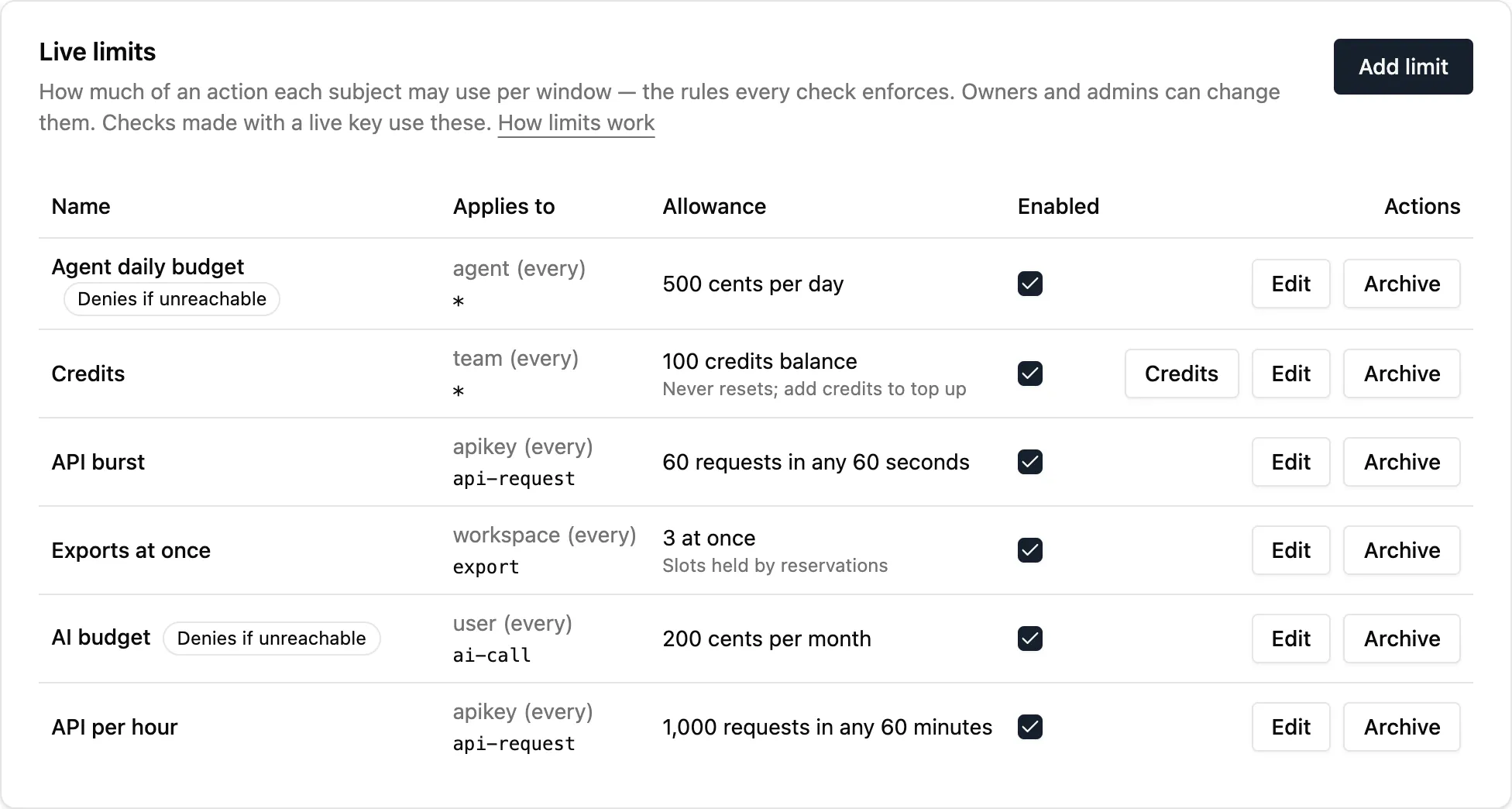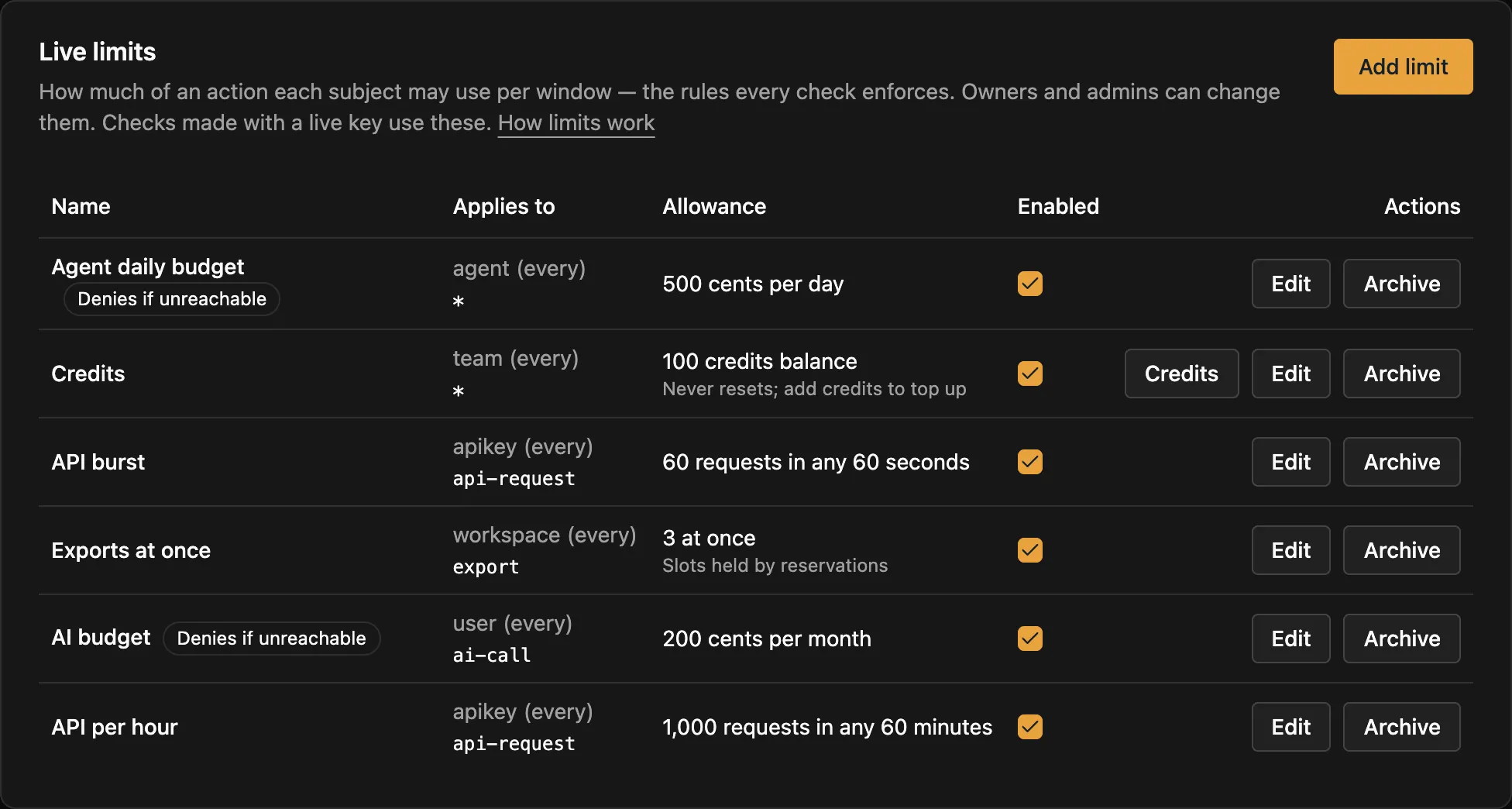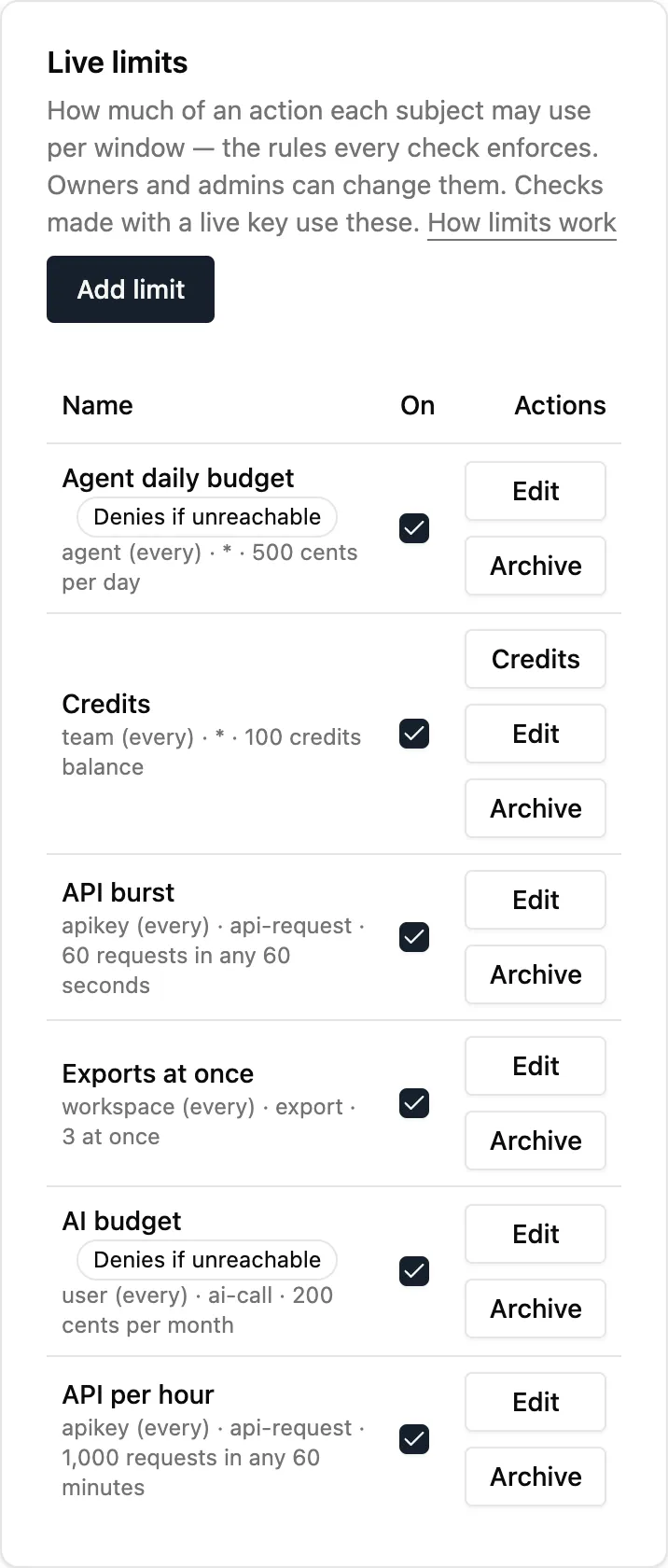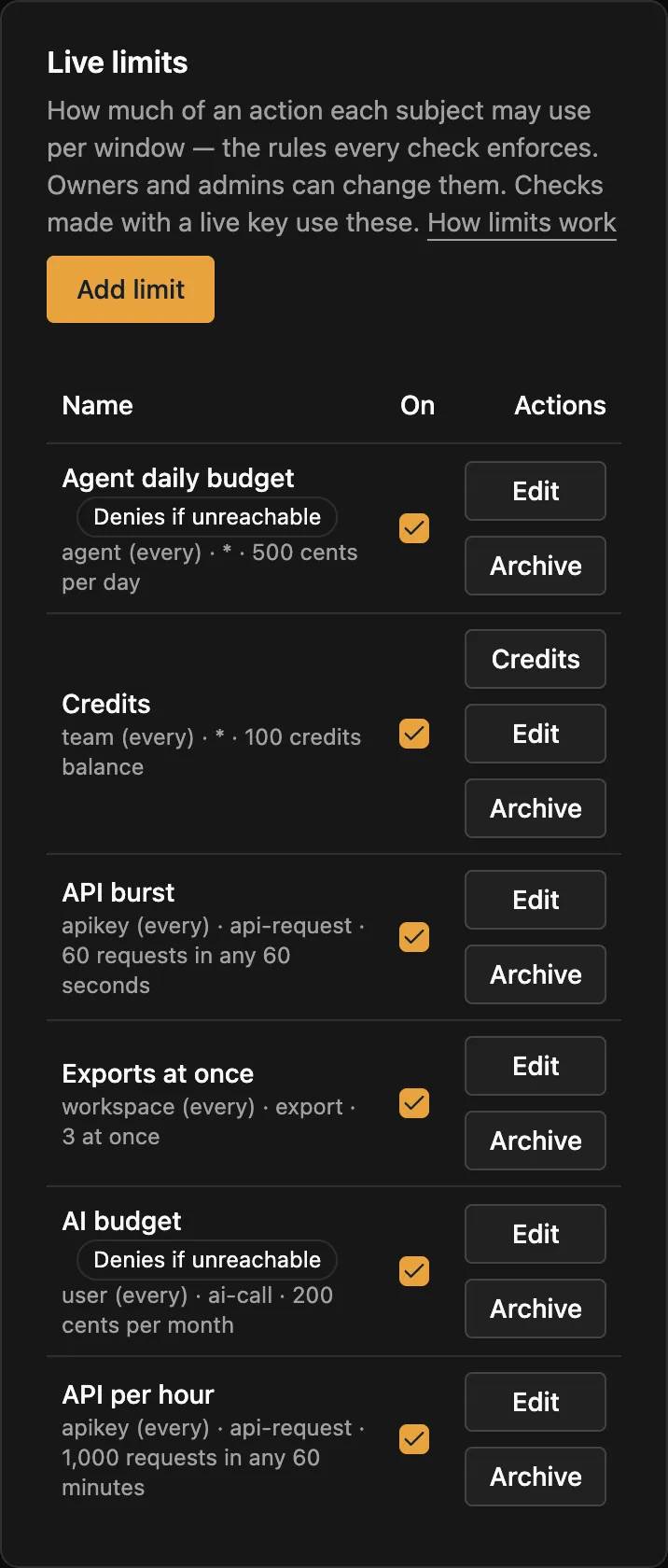](/docs/_astro/limits.CM3j-E6J.png "Open the screenshot at full size")
* TypeScript
```ts
import { createClient } from "@limitry/sdk";
const limitry = createClient();
// Named "200 cents per user per month for ai-call"
await limitry.limits.create({
subject: { kind: "user" },
action: "ai-call",
amount: 200,
unit: "cents",
window: "month",
failMode: "closed",
});
```
* Python
```python
from limitry import Limitry
limitry = Limitry()
# Named "200 cents per user per month for ai-call"
limitry.limits.create(
subject={"kind": "user"},
action="ai-call",
amount=200,
unit="cents",
window="month",
fail_mode="closed",
)
```
* CLI
```bash
limitry limits create --subject '{"kind":"user"}' --action ai-call \
--amount 200 --unit cents --window month --fail-mode closed
```
* curl
```bash
curl -X POST https://api.limitry.com/v1/limits \
-H "Authorization: Bearer $LIMITRY_API_KEY" \
-H "Content-Type: application/json" \
-d '{"subject":{"kind":"user"},"action":"ai-call","amount":200,
"unit":"cents","window":"month","failMode":"closed"}'
```
Agents can do the same through the [MCP server](/docs/mcp/). The workspace’s audit log records every change, and a change reaches [checks](/docs/checks/) at once.
## What can change
[Section titled “What can change”](#what-can-change)
You can change a limit’s name, amount and fail mode at any time, and turn it off or on. What it counts is fixed once it exists: `subject` (kind and id), `action`, `unit`, `window`, `every`, `start` and `rolling`. Changing one of those would start the limit’s counts over, or compare counts in the wrong unit, so Limitry refuses it with `400` `invalid_request` and a message saying what to do.
To change what a limit counts, create a new limit with the new values, then archive the old one. Its history stays. In the app, the edit view shows the fixed fields as text, with “Create a new limit to change this”. In a [`limitry.json`](/docs/limitry-json/), give the entry a new name.
A limit that’s off (`enabled: false`) never refuses, but checks still count against it: turn it on again and it starts from what was really used, not from zero.
## A limit no check reaches
[Section titled “A limit no check reaches”](#a-limit-no-check-reaches)
Each limit says when a check last reached it (`lastCheckedAt`, to the hour, from usage history). The **Limits** page flags a limit that no check has reached in 7 days: “No check has named a team in 7 days: this limit isn’t being enforced”. It usually means your checks send a different subject kind or action than the limit has, such as `teams` for `team`. Fix the check, or create a limit that matches it.
## Managing limits
[Section titled “Managing limits”](#managing-limits)
Test and live each have their own limits. The app shows the side you picked at the top right, and a key manages the limits of its own environment. Set limits up in test, then click **Copy to live** to create or update them in live. See [Test and live](/docs/test-and-live/).
To keep your limits in your repository instead, list them in a [`limitry.json`](/docs/limitry-json/) and run `limitry sync`. It creates, changes and (if you ask) archives limits by name to match the file, from your machine or from CI. See [Sync limits from GitHub](/docs/guides/sync-from-github/).
## Trying a limit in the app
[Section titled “Trying a limit in the app”](#trying-a-limit-in-the-app)
In test, the **Limits** page has **Try a check**. Pick a limit, type a subject id such as `usr_123`, and click **Check**. You get the same answer your code would get from a check with a test key: allowed or refused, and what’s left on every limit that applies. Click it until a limit refuses to see a refusal. These checks count against your test allowance and aren’t billed. Owners and admins can try checks; it isn’t on the live side, where a check would count for real.
## Examples to start from
[Section titled “Examples to start from”](#examples-to-start-from)
While a workspace has no limits in test, the **Limits** page offers **Add example limits**: images per user per day, an AI budget per user per month, and API calls per key per minute, each named “Example: …”. **Simulate traffic** then sends a few hundred test checks from pretend users and keys, enough that some are refused, and the [Usage](/docs/usage/) page shows them within a minute. Test checks aren’t billed. **Remove examples** archives the example limits and nothing else. Examples are for test only.
## Archiving a limit
[Section titled “Archiving a limit”](#archiving-a-limit)
Limitry never erases a limit. When you no longer need one, archive it: **Archive** on the Limits page, or `limitry limits archive `. Checks stop enforcing it at once and don’t count against it while it is archived. It leaves the list, but its usage history and credits stay. The [Usage](/docs/usage/) page still shows it, marked archived. **Archived limits** on the Limits page lists them, and **Restore** (or `limitry limits restore `) brings one back. An archived limit’s name is free, so a new limit can take it. You can’t restore a limit while another active limit has its name.
# MCP server
> Connect Claude or any MCP client to your workspace, what it can do there, and how you stay in control.
AI agents that support the Model Context Protocol (MCP), such as Claude and many other assistants and coding agents, can work in your workspace through our MCP server:
```text
https://mcp.limitry.com/mcp
```
## Connect
[Section titled “Connect”](#connect)
Add the address above as a remote MCP server. In Claude, that’s **Settings → Connectors → Add custom connector**. The first time, your browser opens:
1. Sign in, if you aren’t already.
2. Choose the **one workspace** the agent will work in.
3. Choose what it may do. Everything that can change data starts unticked, so tick only what the agent needs.
4. Click **Allow**.
There’s nothing to copy and no key to store. The agent gets its own sign-in, valid only for that workspace and that access.
## Test and live
[Section titled “Test and live”](#test-and-live)
The agent works in **test** unless you connect it to live. Test limits and counts are separate from live ones, so an agent trying things out can’t refuse your real customers by mistake. To let an agent work in live, connect it with this address instead, or add it as a second connector:
```text
https://mcp.limitry.com/mcp?environment=live
```
Every tool result ends with `Environment: test` or `Environment: live`, so you and the agent can always tell which side it used. See [Test and live](/docs/test-and-live/).
## What the agent can do
[Section titled “What the agent can do”](#what-the-agent-can-do)
The agent’s tools are the [API](https://api.limitry.com/v1/docs) operations you allowed, such as reading the workspace or listing webhook deliveries. It always acts as **you**, with your role in the workspace: if you couldn’t do something in the app, the agent can’t either. Everything it changes appears in the workspace’s audit log under your name.
Some actions are never available to agents, even with full access: anything that sends your workspace’s data somewhere new or gives out access, such as creating webhook endpoints or credentials. The agent can **ask** for them instead. You approve or deny in the app, and if the action creates a secret, the app shows it to you, never to the agent. See [Approvals](/docs/approvals/).
## Staying in control
[Section titled “Staying in control”](#staying-in-control)
* **Account → Connected apps** lists every agent you’ve connected. Disconnect one and it stops working at once.
* The workspace’s **audit log** records what each agent did.
* If you’re removed from the workspace, your agents lose access too.
## For developers
[Section titled “For developers”](#for-developers)
The server follows the MCP authorization specification. A request without a token gets a `401` pointing to `/.well-known/oauth-protected-resource/mcp`, which names the authorization server: `https://api.limitry.com/auth`, with dynamic client registration and PKCE. The authorization server issues tokens for the MCP server only.
A tool that changes something takes an optional `idempotencyKey` argument. When an agent calls the tool again after an error or a timeout, the same key makes the change happen once. Within one call, the server retries a failed attempt with its key. See [Idempotency](/docs/idempotency/).
For your own scripts, the [CLI](/docs/cli/) or the [SDK](/docs/typescript/) are simpler. See [Use with AI agents](/docs/agents/) for the agent skill.
# Pagination
> How list endpoints return results a page at a time.
List endpoints return results newest first, a page at a time. Each page comes with a cursor that points to the next one.
```bash
curl \
-H "Authorization: Bearer YOUR_API_KEY" \
"https://api.limitry.com/v1/workspace/audit-events?limit=25"
```
```json
{
"items": [{ "id": "…", "action": "member.invited", "createdAt": "…" }],
"nextCursor": "eyJ0IjoiMjAyNi0wOC0uLi4ifQ"
}
```
To get the next page, send the cursor back as it is:
```bash
curl \
-H "Authorization: Bearer YOUR_API_KEY" \
"https://api.limitry.com/v1/workspace/audit-events?limit=25&cursor=eyJ0IjoiMjAyNi0wOC0uLi4ifQ"
```
Keep going until `nextCursor` is `null`. That’s the last page.
## Good to know
[Section titled “Good to know”](#good-to-know)
* `limit` is from 1 to 100, and 25 by default.
* Don’t build or change a cursor yourself. A cursor that isn’t one we gave you returns `invalid_request`.
* Rows added while you’re paging don’t cause skipped or repeated items.
* Items may gain new fields over time. We won’t rename existing fields.
* One list works differently: `GET /v1/usage/subjects` lists a limit’s subjects most used first, in one page with no cursor. Its `limit` is from 1 to 200, and 50 by default.
# Plan usage
> How much of your plan the workspace used this period, and its limits.
We count some things per month, from your billing date: the day your subscription started, or the day you created the workspace on the free plan. An annual plan’s allowance still refills every month, on that day. Each count, called a meter, comes with your plan’s limit for it. See them under **Settings → Billing**, or through the API:
```bash
curl -H "Authorization: Bearer YOUR_API_KEY" \
https://api.limitry.com/v1/workspace/usage
```
```json
{
"periodStart": "2026-10-17T14:30:00.000Z",
"periodEnd": "2026-11-17T14:30:00.000Z",
"meters": [
{
"id": "webhook_deliveries",
"description": "Webhook deliveries this month (each event, each endpoint)",
"used": 1520,
"limit": null
},
{
"id": "checks",
"description": "Allowed live checks this month",
"used": 41230,
"limit": 100000
},
{
"id": "subjects",
"description": "Active live subjects this month",
"used": 312,
"limit": 1000
},
{
"id": "test_checks",
"description": "Test checks this month — not billed",
"used": 880,
"limit": 10000
}
]
}
```
| Meter | What it counts |
| -------------------- | ---------------------------------------------------------------------------- |
| `checks` | Allowed checks made with live keys. Refused checks don’t count. |
| `subjects` | Different subjects with at least one allowed live check. |
| `test_checks` | Checks made with test keys, against their own allowance. They aren’t billed. |
| `webhook_deliveries` | Each event delivered to each endpoint. Counted, not limited. |
`limit` is `null` when the plan has no limit for that meter. Counts start again at `periodEnd`, a month after `periodStart`. Starting a new subscription starts a new period. The key needs the `workspace:read` scope. These counts are the same whichever environment asks, because the plan covers the whole workspace. See [Plan allowances](/docs/plans/) for each plan’s numbers.
# Plan allowances
> What each plan includes, what counts toward it, and why your product keeps working when you reach it.
Every plan has every feature: pools, credits, budgets, reservations, rolling and concurrent limits, webhooks, the SDK and the MCP server. Plans differ in how much you can use.
Prices are on the [Pricing page](/pricing/).
| | Free | Pro | Growth | Enterprise |
| -------------------------------- | ------- | --------- | ----------- | ---------- |
| Allowed checks a month | 100,000 | 1 million | 25 million | Agreed |
| Active subjects a month | 1,000 | 10,000 | 100,000 | Agreed |
| Test checks a month (not billed) | 10,000 | 100,000 | 2.5 million | Agreed |
| Usage history | 7 days | 90 days | 13 months | Agreed |
| Members | 3 | 10 | 25 | Agreed |
## What counts
[Section titled “What counts”](#what-counts)
* **Allowed checks.** Refused checks never count, so a burst of abuse against your limits doesn’t use up your plan. A check that draws from a user and a team pool counts once.
* **Active subjects:** the different users, keys, agents or teams with at least one allowed check this month, each counted once.
* **Test checks.** Checks made with a test key have their own allowance, 10% of the plan’s allowed checks, and aren’t billed. They never count toward your allowed checks or active subjects. See [Test and live](/docs/test-and-live/).
You can see your usage in **Settings → Billing**, or with `GET /v1/workspace/usage`. It’s about a minute behind live checks.
## When you reach your plan’s limit
[Section titled “When you reach your plan’s limit”](#when-you-reach-your-plans-limit)
Your product keeps working.
* At 80% and 100% of a monthly allowance, your workspace’s owners get an email and a notification, and the app shows a notice.
* You get 10% grace on allowed checks and active subjects. Past that, checks answer `402 plan_limit_reached` instead of a decision. The SDK treats that the same as Limitry being unreachable, so each limit’s fail mode applies. With `open`, the default, your product keeps working, but its limits aren’t enforced until you upgrade or the next period starts. With `closed`, it refuses.
* Test checks have no grace: past their allowance, test checks answer `402 plan_limit_reached`.
* Upgrading lifts it within a minute. Otherwise it resets on your billing date: the day your subscription started, or the day you created the workspace on Free. Annual plans reset every month, on that day.
If you call the API directly, handle a 402 the way you’d handle a timeout: apply your fail mode. The SDK’s `guard` and `reserve` do this for you.
# Pools, balances and budgets
> Share an allowance across a team, sell prepaid credits, and cap what an agent can spend.
Pools, balances and budgets aren’t separate features. Each one is an ordinary limit, used in a particular way. Pools and balances use one example: customers buy credits that their whole team spends, at 25 credits a report.
## Pools: an allowance a team shares
[Section titled “Pools: an allowance a team shares”](#pools-an-allowance-a-team-shares)
Put the limit on the shared subject, for example 5,000 credits a month for each `team`. Then name the team on each user’s check:
```json
{
"subject": { "kind": "user", "id": "usr_123" },
"shared": [{ "kind": "team", "id": "team_42" }],
"action": "report",
"cost": 25
}
```
The check must fit every limit on the user and every limit on the team. It charges all of them, or none. However many of the team’s users check at the same moment, the pool is never overspent. That holds when a busy workspace’s counts are spread over several of Limitry’s servers too: a check whose subjects live on different servers is still all or nothing, and takes roughly 40 to 60 milliseconds more, as it saves on each server in turn. You can name up to 4 shared subjects, such as a team, its organization and a project.
## Balances: prepaid credits
[Section titled “Balances: prepaid credits”](#balances-prepaid-credits)
Set the window to `total`. The amount is the starting balance, and it never resets. When a team buys 5,000 credits, add them to its balance:
* TypeScript
```ts
import { createClient } from "@limitry/sdk";
const limitry = createClient();
await limitry.limits.credits.create("lmt_3f0c…", {
subject: { kind: "team", id: "team_42" },
amount: 5000,
note: "October credits",
});
```
* Python
```python
from limitry import Limitry
limitry = Limitry()
limitry.limits.credits.create(
"lmt_3f0c…",
subject={"kind": "team", "id": "team_42"},
amount=5000,
note="October credits",
)
```
* CLI
```bash
limitry limits credits create lmt_3f0c… --subject '{"kind":"team","id":"team_42"}' \
--amount 5000 --note "October credits"
```
* curl
```bash
curl -X POST https://api.limitry.com/v1/limits/$LIMIT_ID/credits \
-H "Authorization: Bearer $LIMITRY_API_KEY" \
-H "Content-Type: application/json" \
-d '{ "subject": { "kind": "team", "id": "team_42" }, "amount": 5000, "note": "October credits" }'
```
In the app, open the balance on the **Limits** page and choose **Credits**. Limitry keeps every credit added or taken back (`limitry limits credits list `).
When a balance runs out, the check’s `retryAfterSeconds` is `null`, because waiting won’t help and only more credits will. Owners and admins can add credits. An agent can ask to, and a person approves the request (`limit.credit`).
To take credits back, after a refund or a chargeback, send a negative amount with a note that says why:
* TypeScript
```ts
import { createClient } from "@limitry/sdk";
const limitry = createClient();
await limitry.limits.credits.create("lmt_3f0c…", {
subject: { kind: "team", id: "team_42" },
amount: -5000,
note: "Refund of order 1042",
});
```
* Python
```python
from limitry import Limitry
limitry = Limitry()
limitry.limits.credits.create(
"lmt_3f0c…",
subject={"kind": "team", "id": "team_42"},
amount=-5000,
note="Refund of order 1042",
)
```
* CLI
```bash
limitry limits credits create lmt_3f0c… --subject '{"kind":"team","id":"team_42"}' \
--amount -5000 --note "Refund of order 1042"
```
* curl
```bash
curl -X POST https://api.limitry.com/v1/limits/$LIMIT_ID/credits \
-H "Authorization: Bearer $LIMITRY_API_KEY" \
-H "Content-Type: application/json" \
-d '{ "subject": { "kind": "team", "id": "team_42" }, "amount": -5000, "note": "Refund of order 1042" }'
```
If the customer already spent those credits, the balance goes below zero. Checks are then refused until more credits bring it back above zero. In the app, choose **Take back** in the **Credits** dialog.
## Budgets: a spending cap for an agent
[Section titled “Budgets: a spending cap for an agent”](#budgets-a-spending-cap-for-an-agent)
A budget is a limit counted in money. For example, $5 a day for every AI agent in your product, across everything it spends on models and paid tools:
| Field | Value |
| ------- | ----------------------------- |
| Subject | `agent` (every agent, or one) |
| Action | `*` |
| Unit | `cents` |
| Amount | `500` |
| Window | `day`, or `total` for one-off |
Each check, with an action such as `tool`, passes the step’s price in cents as `cost`. When you don’t know the price up front, [reserve](/docs/reservations/) what it will probably cost and commit what the call actually cost. Once the budget is used up, every check is refused until the window resets, or for a balance, until you add credits. With a `total` budget, the agent can ask a person for more credits (the `limit.credit` approval).
The [Give AI agents a budget](/docs/guides/agent-budgets/) guide puts this together end to end.
# Python SDK
> Guard costly work with a with block, and call every API operation from Python, typed from the API itself.
The Python SDK does two things. `guard` and `reserve` put a limit around your code in a `with` block. And every API operation is a typed method, so your editor knows each keyword and answer. It needs Python 3.10 or later.
## Install
[Section titled “Install”](#install)
```bash
pip install limitry
```
Set `LIMITRY_API_KEY` to a key from **API keys** in the app. Use a test key (`lim_test_…`) while you build.
## Guard costly work
[Section titled “Guard costly work”](#guard-costly-work)
`guard` checks the limit, then runs the block only if it’s allowed. Here it counts one AI call against a limit such as 100 a day:
```python
from limitry import LimitReached, Limitry, Unavailable
limitry = Limitry() # reads LIMITRY_API_KEY
try:
with limitry.guard(subject={"kind": "user", "id": "usr_123"}, action="ai-call"):
reply = call_model(prompt)
except LimitReached as error:
print(f"Try again in {error.retry_after_seconds} seconds")
except Unavailable:
print("Limitry is unreachable and this limit fails closed")
```
A refusal raises `LimitReached`, with `reason` (`limit_reached` or `too_many_reservations`), `limit_id` and `retry_after_seconds`.
When you only know the cost afterwards, such as an AI reply your product pays for by the token, `reserve` reserves what it will probably cost (5 cents here), runs the block and charges what it actually used. If the block raises, the reservation is released:
```python
from limitry import Limitry
limitry = Limitry()
with limitry.reserve(
subject={"kind": "user", "id": "usr_123"}, action="ai-call", cost=5
) as reservation:
response = call_model(prompt)
reservation.cost(price_cents(response.usage)) # your prices, in cents
```
If Limitry can’t be reached, each limit’s fail mode decides: `open` lets the work run, `closed` raises `Unavailable`, never `LimitReached`. “Can’t be reached” means no decision within 1.5 seconds (`timeout`), retries included: a network error, a `408`, a `429` or a `5xx` is retried at most twice with the same key inside that time. A `402` (the workspace is past its plan) counts the same way. A `503` with code `moving` (a busy workspace’s counts moving between Limitry’s servers, a few seconds) or `busy` (too many checks at once; nothing was charged) is not “can’t be reached”: the check, commit or release is sent again with the same key for up to 30 seconds, each try with its own `timeout`, before the fail mode decides. Each retry waits the answer’s `Retry-After` plus a random, growing backoff, so clients spread out instead of retrying together. Both take `timeout` and `fail_mode` to force one. `reservation.cost()` takes a whole number from 0 to 1,000,000,000 and raises `ValueError` for anything else, before the work’s usage could be lost. `reservation.extend()` raises the API’s error, such as for an expired reservation.
## Methods
[Section titled “Methods”](#methods)
Each API operation is a method, named like its command in the [CLI](/docs/cli/): `limitry limits create` is `limitry.limits.create()`.
```python
from limitry import Limitry
limitry = Limitry()
limitry.limits.create(
name="AI replies per day",
subject={"kind": "user"},
action="ai-call",
amount=100,
window="day",
)
limits = limitry.limits.list()
```
* Ids in the path are arguments, and everything else is a keyword, in Python’s style: `failMode` is `fail_mode=`. Answers keep the API’s own names.
* A method returns the response’s data. A failure raises an `ApiError` with the [error](/docs/errors/)’s `code`, `message`, `status` and `request_id`.
* Every write sends an [idempotency key](/docs/idempotency/), and a failed attempt (a network error, a timeout, a `5xx`, a `429`) is retried with the same key, so it happens once. To make your own retry safe too, pass your key: `request_options={"idempotency_key": key}`.
* A request waits up to 60 seconds for an answer (`timeout=`).
Every method, linked to its fields and a full example under **Endpoints**:
### Checks
| Method | What it does |
| ------------------------------------------------------------------------------------ | ------------------------------- |
| [`limitry.checks.create()`](/docs/reference/checks/#check-whether-a-subject-may-act) | Check whether a subject may act |
### Reservations
| Method | What it does |
| --------------------------------------------------------------------------------------- | --------------------- |
| [`limitry.reservations.commit()`](/docs/reference/reservations/#commit-a-reservation) | Commit a reservation |
| [`limitry.reservations.extend()`](/docs/reference/reservations/#extend-a-reservation) | Extend a reservation |
| [`limitry.reservations.release()`](/docs/reference/reservations/#release-a-reservation) | Release a reservation |
### Limits
| Method | What it does |
| ------------------------------------------------------------------------------------- | ------------------------- |
| [`limitry.limits.archive()`](/docs/reference/limits/#archive-a-limit) | Archive a limit |
| [`limitry.limits.create()`](/docs/reference/limits/#create-a-limit) | Create a limit |
| [`limitry.limits.credits.create()`](/docs/reference/limits/#add-credits-to-a-balance) | Add credits to a balance |
| [`limitry.limits.credits.list()`](/docs/reference/limits/#list-a-balances-credits) | List a balance's credits |
| [`limitry.limits.get()`](/docs/reference/limits/#get-a-limit) | Get a limit |
| [`limitry.limits.list()`](/docs/reference/limits/#list-limits) | List limits |
| [`limitry.limits.restore()`](/docs/reference/limits/#restore-an-archived-limit) | Restore an archived limit |
| [`limitry.limits.sync()`](/docs/reference/limits/#sync-limits-from-a-list) | Sync limits from a list |
| [`limitry.limits.update()`](/docs/reference/limits/#change-a-limit) | Change a limit |
### Subjects
| Method | What it does |
| ------------------------------------------------------------------------------------ | ---------------------------- |
| [`limitry.subjects.get()`](/docs/reference/subjects/#get-a-subject) | Get a subject |
| [`limitry.subjects.reset()`](/docs/reference/subjects/#reset-a-subjects-limits) | Reset a subject's limits |
| [`limitry.subjects.update()`](/docs/reference/subjects/#set-a-subjects-billing-date) | Set a subject's billing date |
### Usage
| Method | What it does |
| ---------------------------------------------------------------------------------- | ----------------------------- |
| [`limitry.usage.query()`](/docs/reference/usage/#get-a-limits-usage-over-time) | Get a limit's usage over time |
| [`limitry.usage.standing()`](/docs/reference/usage/#get-where-a-subject-stands) | Get where a subject stands |
| [`limitry.usage.subjects()`](/docs/reference/usage/#list-who-is-using-a-limit-now) | List who is using a limit now |
### Workspace
| Method | What it does |
| --------------------------------------------------------------------------------------------- | --------------------------------- |
| [`limitry.workspace.get()`](/docs/reference/workspace/#get-the-current-workspace) | Get the current workspace |
| [`limitry.workspace.invitations.list()`](/docs/reference/workspace/#list-pending-invitations) | List pending invitations |
| [`limitry.workspace.members.list()`](/docs/reference/workspace/#list-workspace-members) | List workspace members |
| [`limitry.workspace.teams.list()`](/docs/reference/workspace/#list-teams) | List teams |
| [`limitry.workspace.usage()`](/docs/reference/workspace/#get-your-plans-usage-this-period) | Get your plan's usage this period |
### Webhooks
| Method | What it does |
| -------------------------------------------------------------------------------------------------------- | ----------------------------- |
| [`limitry.workspace.event_types.list()`](/docs/reference/webhooks/#list-event-types) | List event types |
| [`limitry.workspace.webhook_deliveries.list()`](/docs/reference/webhooks/#list-an-endpoints-deliveries) | List an endpoint's deliveries |
| [`limitry.workspace.webhook_deliveries.redeliver()`](/docs/reference/webhooks/#redeliver-an-event) | Redeliver an event |
| [`limitry.workspace.webhook_endpoints.create()`](/docs/reference/webhooks/#add-a-webhook-endpoint) | Add a webhook endpoint |
| [`limitry.workspace.webhook_endpoints.delete()`](/docs/reference/webhooks/#remove-a-webhook-endpoint) | Remove a webhook endpoint |
| [`limitry.workspace.webhook_endpoints.enable()`](/docs/reference/webhooks/#re-enable-a-webhook-endpoint) | Re-enable a webhook endpoint |
| [`limitry.workspace.webhook_endpoints.get()`](/docs/reference/webhooks/#get-a-webhook-endpoint) | Get a webhook endpoint |
| [`limitry.workspace.webhook_endpoints.list()`](/docs/reference/webhooks/#list-webhook-endpoints) | List webhook endpoints |
| [`limitry.workspace.webhook_endpoints.test()`](/docs/reference/webhooks/#send-a-test-event) | Send a test event |
### Approvals
| Method | What it does |
| ------------------------------------------------------------------------------------------------------------------- | ----------------------------------------- |
| [`limitry.workspace.approval_actions.list()`](/docs/reference/approvals/#list-the-actions-you-can-ask-approval-for) | List the actions you can ask approval for |
| [`limitry.workspace.approval_requests.create()`](/docs/reference/approvals/#ask-a-person-to-approve-an-action) | Ask a person to approve an action |
| [`limitry.workspace.approval_requests.get()`](/docs/reference/approvals/#check-an-approval-request) | Check an approval request |
| [`limitry.workspace.approval_requests.redeem()`](/docs/reference/approvals/#redeem-an-approved-request) | Redeem an approved request |
### Audit events
| Method | What it does |
| ---------------------------------------------------------------------------------------------------- | --------------------------- |
| [`limitry.workspace.audit_events.list()`](/docs/reference/audit-events/#list-workspace-audit-events) | List workspace audit events |
### Personal access tokens
| Method | What it does |
| ------------------------------------------------------------------------------------------------------------- | ------------------------------------ |
| [`limitry.user.me()`](/docs/reference/personal-access-tokens/#get-the-current-user) | Get the current user |
| [`limitry.user.revoke_token()`](/docs/reference/personal-access-tokens/#revoke-the-token-making-this-request) | Revoke the token making this request |
## Async
[Section titled “Async”](#async)
`AsyncLimitry` has the same methods to `await`, and `guard` and `reserve` as `async with`:
```python
from limitry import AsyncLimitry
async def answer(prompt: str) -> str:
async with AsyncLimitry() as limitry:
async with limitry.reserve(
subject={"kind": "user", "id": "usr_123"}, action="ai-call", cost=5
) as reservation:
response = await call_model(prompt)
reservation.cost(price_cents(response.usage))
return response.text
```
## Your key
[Section titled “Your key”](#your-key)
* `Limitry()` reads your key from the `LIMITRY_API_KEY` environment variable. Without it, it raises an error naming the variable. To pass the key yourself: `Limitry(token=key)`.
* A test key (`lim_test_…`) acts in test, and a live key (`lim_live_…`) in live. See [Test and live](/docs/test-and-live/).
* A **personal access token** names the workspace, and acts in test unless you name live: `Limitry(token=token, workspace="acme", environment="live")`.
# Quickstart
> Create a limit and make your first check, in about five minutes.
By the end of this page you’ll have a limit of 100 AI replies a day for each of your users, and a check that counts against it.
## 1. Create a workspace
[Section titled “1. Create a workspace”](#1-create-a-workspace)
[Sign up](https://app.limitry.com/sign-up), verify your email and create a workspace. Limits, keys and usage all belong to a workspace.
## 2. Get a test key
[Section titled “2. Get a test key”](#2-get-a-test-key)
Every workspace has a test side and a live side, and you start in test. Test keys have their own limits and counts, and their checks aren’t billed (see [Test and live](/docs/test-and-live/)).
On the dashboard, the **Get started** card has a **Create a test key** button. It creates a key that starts with `lim_test_` and can manage limits and make checks. Copy the secret now, because it’s shown only once. Keep it in your secret manager or environment, not in code.
```bash
export LIMITRY_API_KEY="lim_test_…" # the SDKs read this
export LIMITRY_TOKEN="$LIMITRY_API_KEY" # the CLI reads this
```
Only workspace owners can create keys. You can also create one under **Settings → API Keys**, while the app shows **test** (the **Test | Live** toggle at the top right). Choose **Custom**, then, under Limits and checks, set Limits to **View and change** and Checks to **Use** (`limits:read`, `limits:write` and `checks:write`).
Then install the client you’ll use (curl needs nothing):
* TypeScript
```bash
npm install @limitry/sdk
```
* Python
```bash
pip install limitry
```
* CLI
```bash
npm install -g @limitry/cli
```
## 3. Create a limit
[Section titled “3. Create a limit”](#3-create-a-limit)
In the app, open **Limits** (in **test**) and add one: 100 replies per day, for subjects of kind `user`, action `ai-call`. Or from your code or a terminal:
* TypeScript
```ts
import { createClient } from "@limitry/sdk";
const limitry = createClient(); // reads LIMITRY_API_KEY
await limitry.limits.create({
name: "AI replies per day",
subject: { kind: "user" },
action: "ai-call",
amount: 100,
unit: "replies",
window: "day",
});
```
* Python
```python
from limitry import Limitry
limitry = Limitry() # reads LIMITRY_API_KEY
limitry.limits.create(
name="AI replies per day",
subject={"kind": "user"},
action="ai-call",
amount=100,
unit="replies",
window="day",
)
```
* CLI
```bash
limitry limits create --name "AI replies per day" --subject '{"kind":"user"}' \
--action ai-call --amount 100 --unit replies --window day
```
* curl
```bash
curl -X POST https://api.limitry.com/v1/limits \
-H "Authorization: Bearer $LIMITRY_API_KEY" \
-H "Content-Type: application/json" \
-d '{"name":"AI replies per day","subject":{"kind":"user"},"action":"ai-call",
"amount":100,"unit":"replies","window":"day"}'
```
It applies to every subject of kind `user`, in test, from the next check. With the CLI, try it (this counts as one call):
```bash
limitry check user:usr_123 ai-call
# Allowed. AI replies per day: 99 replies left, resets 2026-10-06T00:00:00.000Z
```
## 4. Check before the work
[Section titled “4. Check before the work”](#4-check-before-the-work)
Ask whether user `usr_123` may make one AI call:
* TypeScript
```ts
import { createClient } from "@limitry/sdk";
const limitry = createClient();
const answer = await limitry.checks.create({
subject: { kind: "user", id: "usr_123" },
action: "ai-call",
});
```
* Python
```python
from limitry import Limitry
limitry = Limitry()
answer = limitry.checks.create(
subject={"kind": "user", "id": "usr_123"},
action="ai-call",
)
```
* CLI
```bash
limitry check user:usr_123 ai-call
```
* curl
```bash
curl -X POST https://api.limitry.com/v1/checks \
-H "Authorization: Bearer $LIMITRY_API_KEY" \
-H "Content-Type: application/json" \
-d '{"subject":{"kind":"user","id":"usr_123"},"action":"ai-call"}'
```
The answer:
```json
{
"id": "chk_…",
"allowed": true,
"reason": null,
"limits": [
{
"limitId": "lmt_…",
"name": "AI replies per day",
"unit": "replies",
"window": "day",
"rolling": false,
"failMode": "open",
"remaining": 99,
"resetsAt": "2026-10-06T00:00:00.000Z"
}
],
"retryAfterSeconds": null
}
```
After 100 allowed checks in a day, the next answer is `"allowed": false`, with `retryAfterSeconds` telling you when the user can try again. A “no” is a normal answer, not an error.
## 5. Use it from your code
[Section titled “5. Use it from your code”](#5-use-it-from-your-code)
In your code, `guard` wraps the check and the work together, so the work runs only when it’s allowed (the [TypeScript](/docs/typescript/) and [Python](/docs/python/) SDKs):
* TypeScript
```ts
import { createClient } from "@limitry/sdk";
const limitry = createClient(); // reads LIMITRY_API_KEY
const reply = await limitry.guard(
{ subject: { kind: "user", id: user.id }, action: "ai-call" },
() => callModel(prompt),
);
```
* Python
```python
from limitry import Limitry
limitry = Limitry() # reads LIMITRY_API_KEY
with limitry.guard(subject={"kind": "user", "id": user.id}, action="ai-call"):
reply = call_model(prompt)
```
If the user is over the limit, `guard` throws (raises in Python) `LimitReached` and the reply is never generated, so you don’t pay for it.
Counting replies is the simplest limit. Replies cost different amounts, so you’ll often also cap what each of your users spends, in cents, and charge each reply at what it actually cost. That’s [Limit AI spend per user of your product](/docs/guides/limit-ai-spend/).
## 6. Go live
[Section titled “6. Go live”](#6-go-live)
When your limits work in test, move them to production:
1. On the **Limits** page, still in test, click **Copy to live**. Check what it will create, then confirm.
2. Switch to **Live** at the top right and create a live key under **Settings → API Keys**. It starts with `lim_live_`.
3. Give your production code the live key. Nothing else changes: the same code now uses live limits and counts toward your plan.
Next, read [Checks](/docs/checks/) for everything a check can do, or pick a guide close to what you’re building from the [introduction](/docs/#what-are-you-building). To show your users how much they have left, see [Show users where they stand](/docs/guides/show-usage/), and to warn them before they run out, see [Warn your users before they hit a limit](/docs/guides/warn-users/).
# API reference
> Every endpoint of the Limitry API, by area, each in TypeScript, Python, the CLI and curl.
Every endpoint of the Limitry API, by area. Each one shows the same call in TypeScript, Python, the CLI and curl, with its fields.
* To try a call in your browser, use the [interactive reference](https://api.limitry.com/v1/docs).
* For tools that read OpenAPI, the document is at .
* Before your first call, see [Authentication](/docs/authentication/) and [Errors and rate limits](/docs/errors/).
## Checks
[Section titled “Checks”](#checks)
* [Check whether a subject may act](/docs/reference/checks/#check-whether-a-subject-may-act): `limitry.checks.create()`
## Reservations
[Section titled “Reservations”](#reservations)
* [Commit a reservation](/docs/reference/reservations/#commit-a-reservation): `limitry.reservations.commit()`
* [Extend a reservation](/docs/reference/reservations/#extend-a-reservation): `limitry.reservations.extend()`
* [Release a reservation](/docs/reference/reservations/#release-a-reservation): `limitry.reservations.release()`
## Limits
[Section titled “Limits”](#limits)
* [Archive a limit](/docs/reference/limits/#archive-a-limit): `limitry.limits.archive()`
* [Create a limit](/docs/reference/limits/#create-a-limit): `limitry.limits.create()`
* [Add credits to a balance](/docs/reference/limits/#add-credits-to-a-balance): `limitry.limits.credits.create()`
* [List a balance’s credits](/docs/reference/limits/#list-a-balances-credits): `limitry.limits.credits.list()`
* [Get a limit](/docs/reference/limits/#get-a-limit): `limitry.limits.get()`
* [List limits](/docs/reference/limits/#list-limits): `limitry.limits.list()`
* [Restore an archived limit](/docs/reference/limits/#restore-an-archived-limit): `limitry.limits.restore()`
* [Sync limits from a list](/docs/reference/limits/#sync-limits-from-a-list): `limitry.limits.sync()`
* [Change a limit](/docs/reference/limits/#change-a-limit): `limitry.limits.update()`
## Subjects
[Section titled “Subjects”](#subjects)
* [Get a subject](/docs/reference/subjects/#get-a-subject): `limitry.subjects.get()`
* [Reset a subject’s limits](/docs/reference/subjects/#reset-a-subjects-limits): `limitry.subjects.reset()`
* [Set a subject’s billing date](/docs/reference/subjects/#set-a-subjects-billing-date): `limitry.subjects.update()`
## Usage
[Section titled “Usage”](#usage)
* [Get a limit’s usage over time](/docs/reference/usage/#get-a-limits-usage-over-time): `limitry.usage.query()`
* [Get where a subject stands](/docs/reference/usage/#get-where-a-subject-stands): `limitry.usage.standing()`
* [List who is using a limit now](/docs/reference/usage/#list-who-is-using-a-limit-now): `limitry.usage.subjects()`
## Workspace
[Section titled “Workspace”](#workspace)
* [Get the current workspace](/docs/reference/workspace/#get-the-current-workspace): `limitry.workspace.get()`
* [List pending invitations](/docs/reference/workspace/#list-pending-invitations): `limitry.workspace.invitations.list()`
* [List workspace members](/docs/reference/workspace/#list-workspace-members): `limitry.workspace.members.list()`
* [List teams](/docs/reference/workspace/#list-teams): `limitry.workspace.teams.list()`
* [Get your plan’s usage this period](/docs/reference/workspace/#get-your-plans-usage-this-period): `limitry.workspace.usage()`
## Webhooks
[Section titled “Webhooks”](#webhooks)
* [List event types](/docs/reference/webhooks/#list-event-types): `limitry.workspace.eventTypes.list()`
* [List an endpoint’s deliveries](/docs/reference/webhooks/#list-an-endpoints-deliveries): `limitry.workspace.webhookDeliveries.list()`
* [Redeliver an event](/docs/reference/webhooks/#redeliver-an-event): `limitry.workspace.webhookDeliveries.redeliver()`
* [Add a webhook endpoint](/docs/reference/webhooks/#add-a-webhook-endpoint): `limitry.workspace.webhookEndpoints.create()`
* [Remove a webhook endpoint](/docs/reference/webhooks/#remove-a-webhook-endpoint): `limitry.workspace.webhookEndpoints.delete()`
* [Re-enable a webhook endpoint](/docs/reference/webhooks/#re-enable-a-webhook-endpoint): `limitry.workspace.webhookEndpoints.enable()`
* [Get a webhook endpoint](/docs/reference/webhooks/#get-a-webhook-endpoint): `limitry.workspace.webhookEndpoints.get()`
* [List webhook endpoints](/docs/reference/webhooks/#list-webhook-endpoints): `limitry.workspace.webhookEndpoints.list()`
* [Send a test event](/docs/reference/webhooks/#send-a-test-event): `limitry.workspace.webhookEndpoints.test()`
## Approvals
[Section titled “Approvals”](#approvals)
* [List the actions you can ask approval for](/docs/reference/approvals/#list-the-actions-you-can-ask-approval-for): `limitry.workspace.approvalActions.list()`
* [Ask a person to approve an action](/docs/reference/approvals/#ask-a-person-to-approve-an-action): `limitry.workspace.approvalRequests.create()`
* [Check an approval request](/docs/reference/approvals/#check-an-approval-request): `limitry.workspace.approvalRequests.get()`
* [Redeem an approved request](/docs/reference/approvals/#redeem-an-approved-request): `limitry.workspace.approvalRequests.redeem()`
## Audit events
[Section titled “Audit events”](#audit-events)
* [List workspace audit events](/docs/reference/audit-events/#list-workspace-audit-events): `limitry.workspace.auditEvents.list()`
## Personal access tokens
[Section titled “Personal access tokens”](#personal-access-tokens)
* [Get the current user](/docs/reference/personal-access-tokens/#get-the-current-user): `limitry.user.me()`
* [Revoke the token making this request](/docs/reference/personal-access-tokens/#revoke-the-token-making-this-request): `limitry.user.revokeToken()`
# Approvals
> The approvals endpoints, each in TypeScript, Python, the CLI and curl.
## Set up
[Section titled “Set up”](#set-up)
* TypeScript
```bash
npm install @limitry/sdk
```
```ts
import { createClient } from "@limitry/sdk";
const limitry = createClient(); // reads LIMITRY_API_KEY
```
* Python
```bash
pip install limitry
```
```python
from limitry import Limitry
limitry = Limitry() # reads LIMITRY_API_KEY
```
* CLI
```bash
npm install -g @limitry/cli
limitry login
```
* curl
```bash
export LIMITRY_API_KEY="lim_test_…"
```
## List the actions you can ask approval for
[Section titled “List the actions you can ask approval for”](#list-the-actions-you-can-ask-approval-for)
`GET /v1/workspace/approval-actions`
Actions a credential may not take itself but may ASK a person to approve: each one’s input (JSON Schema), who can approve it, and whether it creates a secret.
* TypeScript
```ts
await limitry.workspace.approvalActions.list();
```
* Python
```python
limitry.workspace.approval_actions.list()
```
* CLI
```bash
limitry workspace approval-actions list
```
* curl
```bash
curl -X GET "https://api.limitry.com/v1/workspace/approval-actions" \
-H "Authorization: Bearer $LIMITRY_API_KEY"
```
## Ask a person to approve an action
[Section titled “Ask a person to approve an action”](#ask-a-person-to-approve-an-action)
`POST /v1/workspace/approval-requests`
Files a request for an action you may not take yourself (see approval-actions) and notifies everyone who can approve it.
* TypeScript
```ts
await limitry.workspace.approvalRequests.create({
action: "workspace.apiKey.create",
input: {
name: "acme-web",
scopes: [
"workspace:read",
],
},
reason: "",
});
```
* Python
```python
limitry.workspace.approval_requests.create(
action="workspace.apiKey.create",
input={
"name": "acme-web",
"scopes": ["workspace:read"],
},
reason="",
)
```
* CLI
```bash
limitry workspace approval-requests create \
--action workspace.apiKey.create \
--input '{"name":"acme-web","scopes":["workspace:read"]}' \
--reason ''
```
* curl
```bash
curl -X POST "https://api.limitry.com/v1/workspace/approval-requests" \
-H "Authorization: Bearer $LIMITRY_API_KEY" \
-H "Content-Type: application/json" \
-d '{"action":"workspace.apiKey.create","input":{"name":"acme-web","scopes":["workspace:read"]},"reason":""}'
```
| Field | Description |
| ------------------------ | ------------------------------------------ |
| `action`string, required | An action id from approval-actions. |
| `input`object, required | The action's input, per its JSON Schema. |
| `reason`string, required | Why — the person reads it before deciding. |
More about this endpoint
Show the person `approveUrl` and why you need it; then check the request until it is decided (it expires after 24 hours). A personal access token or an app a person connected may ask — not a workspace API key.
## Check an approval request
[Section titled “Check an approval request”](#check-an-approval-request)
`GET /v1/workspace/approval-requests/{requestId}`
The request you filed: pending, denied, completed (the action ran — see `result`), approved (waiting for the CLI to redeem it), failed or expired.
* TypeScript
```ts
await limitry.workspace.approvalRequests.get("");
```
* Python
```python
limitry.workspace.approval_requests.get("")
```
* CLI
```bash
limitry workspace approval-requests get ''
```
* curl
```bash
curl -X GET "https://api.limitry.com/v1/workspace/approval-requests/" \
-H "Authorization: Bearer $LIMITRY_API_KEY"
```
| Field | Description |
| --------------------------------- | ----------------- |
| `requestId`string, path, required | The request's id. |
## Redeem an approved request
[Section titled “Redeem an approved request”](#redeem-an-approved-request)
`POST /v1/workspace/approval-requests/{requestId}/redeem`
Runs an approved, secret-producing action ONCE and returns its secret — to the personal access token that asked, only.
* TypeScript
```ts
await limitry.workspace.approvalRequests.redeem("");
```
* Python
```python
limitry.workspace.approval_requests.redeem("")
```
* CLI
```bash
limitry workspace approval-requests redeem ''
```
* curl
```bash
curl -X POST "https://api.limitry.com/v1/workspace/approval-requests//redeem" \
-H "Authorization: Bearer $LIMITRY_API_KEY"
```
| Field | Description |
| --------------------------------- | ----------------- |
| `requestId`string, path, required | The request's id. |
More about this endpoint
The CLI writes it to a file without printing it.
# Audit events
> The audit events endpoints, each in TypeScript, Python, the CLI and curl.
## Set up
[Section titled “Set up”](#set-up)
* TypeScript
```bash
npm install @limitry/sdk
```
```ts
import { createClient } from "@limitry/sdk";
const limitry = createClient(); // reads LIMITRY_API_KEY
```
* Python
```bash
pip install limitry
```
```python
from limitry import Limitry
limitry = Limitry() # reads LIMITRY_API_KEY
```
* CLI
```bash
npm install -g @limitry/cli
limitry login
```
* curl
```bash
export LIMITRY_API_KEY="lim_test_…"
```
## List workspace audit events
[Section titled “List workspace audit events”](#list-workspace-audit-events)
`GET /v1/workspace/audit-events`
The workspace’s audit trail, newest first.
* TypeScript
```ts
await limitry.workspace.auditEvents.list();
```
* Python
```python
limitry.workspace.audit_events.list()
```
* CLI
```bash
limitry workspace audit-events list
```
* curl
```bash
curl -X GET "https://api.limitry.com/v1/workspace/audit-events" \
-H "Authorization: Bearer $LIMITRY_API_KEY"
```
| Field | Description |
| --------------------- | ----------------------------------------------- |
| `limit`number, query | Items per page, 1–100 (default 25). |
| `cursor`string, query | Opaque token from a previous page's nextCursor. |
More about this endpoint
Paginate with the opaque `nextCursor` token; `limit` is clamped to 1–100 (default 25). Owner-only for personal access tokens, like the audit page in the application; a Workspace API key is its workspace and always passes.
# Checks
> The checks endpoints, each in TypeScript, Python, the CLI and curl.
## Set up
[Section titled “Set up”](#set-up)
* TypeScript
```bash
npm install @limitry/sdk
```
```ts
import { createClient } from "@limitry/sdk";
const limitry = createClient(); // reads LIMITRY_API_KEY
```
* Python
```bash
pip install limitry
```
```python
from limitry import Limitry
limitry = Limitry() # reads LIMITRY_API_KEY
```
* CLI
```bash
npm install -g @limitry/cli
limitry login
```
* curl
```bash
export LIMITRY_API_KEY="lim_test_…"
```
## Check whether a subject may act
[Section titled “Check whether a subject may act”](#check-whether-a-subject-may-act)
`POST /v1/checks`
Asks whether `subject` may do `action` at `cost`, given every enabled limit that applies, and — in `consume` mode — uses it.
* TypeScript
```ts
await limitry.checks.create({
subject: {
kind: "user",
id: "usr_123",
},
action: "ai-call",
});
```
* Python
```python
limitry.checks.create(
subject={"kind": "user", "id": "usr_123"},
action="ai-call",
)
```
* CLI
`limitry check : `, short for:
```bash
limitry checks create \
--subject '{"kind":"user","id":"usr_123"}' \
--action ai-call
```
* curl
```bash
curl -X POST "https://api.limitry.com/v1/checks" \
-H "Authorization: Bearer $LIMITRY_API_KEY" \
-H "Content-Type: application/json" \
-d '{"subject":{"kind":"user","id":"usr_123"},"action":"ai-call"}'
```
| Field | Description |
| ------------------------- | ------------------------------------------------------------------------------------------------------------------------------------------------------------------------------------------------------------------------------------------------------------------------------------- |
| `subject`object, required | Who is acting, as `{"kind": "user", "id": "usr_123"}`. |
| `shared`array | Shared subjects it also draws from — a team's, org's or project's pool (at most 4). Every limit on every subject must fit; all are charged, or none. |
| `action`string, required | What the subject wants to do. |
| `cost`number | Units it would use. Default 1. |
| `mode`string | `consume` (default) decides and uses; `preview` decides without using; `reserve` decides and reserves `cost` (what it will probably use) until you commit the actual amount or release it — see `reservation` in the answer. Only a reservation takes a slot of a `concurrent` limit. |
| `ttlSeconds`number | With `reserve`: how long the reservation lasts before it releases itself. Default 300, at most 3600. |
More about this endpoint
Always 200 for a decision, allowed or refused: read `allowed`; `limits` shows what is left on each limit and `retryAfterSeconds` when to try again. An `Idempotency-Key` header makes a retried check return the same decision without using twice. Its API-key check is cached briefly for speed: a revoked key can keep working here for up to 60 seconds.
# Limits
> The limits endpoints, each in TypeScript, Python, the CLI and curl.
## Set up
[Section titled “Set up”](#set-up)
* TypeScript
```bash
npm install @limitry/sdk
```
```ts
import { createClient } from "@limitry/sdk";
const limitry = createClient(); // reads LIMITRY_API_KEY
```
* Python
```bash
pip install limitry
```
```python
from limitry import Limitry
limitry = Limitry() # reads LIMITRY_API_KEY
```
* CLI
```bash
npm install -g @limitry/cli
limitry login
```
* curl
```bash
export LIMITRY_API_KEY="lim_test_…"
```
## List limits
[Section titled “List limits”](#list-limits)
`GET /v1/limits`
The workspace’s active limits, newest first (`archived=true`: the archived ones).
* TypeScript
```ts
await limitry.limits.list();
```
* Python
```python
limitry.limits.list()
```
* CLI
```bash
limitry limits list
```
* curl
```bash
curl -X GET "https://api.limitry.com/v1/limits" \
-H "Authorization: Bearer $LIMITRY_API_KEY"
```
| Field | Description |
| -------------------------- | ----------------------------------------------- |
| `limit`number, query | Items per page, 1–100 (default 25). |
| `cursor`string, query | Opaque token from a previous page's nextCursor. |
| `subjectKind`string, query | Only this kind. |
| `action`string, query | Only this action. |
| `archived`string, query | `true`: the archived limits instead. |
More about this endpoint
Filter by `subjectKind` and `action`; paginate with the opaque `nextCursor` token.
## Create a limit
[Section titled “Create a limit”](#create-a-limit)
`POST /v1/limits`
Limits how much a subject may use per window — for example 200 cents a month for every `user`.
* TypeScript
```ts
await limitry.limits.create({
subject: {
kind: "user",
},
amount: 200,
window: "month",
});
```
* Python
```python
limitry.limits.create(
subject={"kind": "user"},
amount=200,
window="month",
)
```
* CLI
```bash
limitry limits create \
--subject '{"kind":"user"}' \
--amount 200 \
--window month
```
* curl
```bash
curl -X POST "https://api.limitry.com/v1/limits" \
-H "Authorization: Bearer $LIMITRY_API_KEY" \
-H "Content-Type: application/json" \
-d '{"subject":{"kind":"user"},"amount":200,"window":"month"}'
```
| Field | Description |
| ------------------------- | ----------------------------------------------------------------------------------------------------------------------------------------------------------------------------------------------------------------------------------------------------------------------------------------------------------------------------------------------- |
| `name`string | A name, unique among the environment's active limits. Default: the sentence the limit reads as, such as "200 cents per user per month". If a limit already has that name, the answer is 409: give this one a name. |
| `subject`object, required | Who it applies to: `{"kind": "user"}` for every user, `{"kind": "user", "id": "usr_123"}` for one. |
| `action`string | The action to limit. Default: `*`, every action. |
| `amount`number, required | How many units each subject may use per window. |
| `unit`string | What the amount counts, in words. Default: units. |
| `window`string, required | `minute`, `hour`, `day`, `week`, `month` or `year`: a period of `every` of them, reset where `start` says (or rolling: see `rolling`). `total`: a balance that never resets, raised by credits. `concurrent`: at most `amount` open reservations at once. |
| `every`number | How many `window` units a period lasts: `window: "month", every: 3` is a quarter, `window: "hour", every: 5` five hours. Default: 1. |
| `start`string | Where a period begins. `calendar`: UTC boundaries (midnight, Monday, the 1st, 1 January). `billing_date`: from the subject's billing date, set with `subjects.update` (its first check until then), so an annual plan can reset monthly from its start day. `first_use`: at the first check after the previous period ended. Default: calendar. |
| `rolling`boolean | Count the last window instead of the calendar one (minute, hour or day only). Default: false. |
| `enabled`boolean | Whether checks enforce it. Default: true. |
| `failMode`string | What your code should do when Limitry can't be reached: `open` (allow) or `closed` (deny). Default: open. |
More about this endpoint
Only `subject.kind`, `amount` and `window` are needed: `action` defaults to every action (`*`), `unit` to units, and `name` to the sentence the limit reads as. Checks enforce it from then on. What it counts (subject, action, unit, window, every, start, rolling) is fixed once created. Owners and admins only, for a person’s token.
## Get a limit
[Section titled “Get a limit”](#get-a-limit)
`GET /v1/limits/{limitId}`
One limit: who it applies to, the action, amount and window.
* TypeScript
```ts
await limitry.limits.get("lmt_3f0c…");
```
* Python
```python
limitry.limits.get("lmt_3f0c…")
```
* CLI
```bash
limitry limits get 'lmt_3f0c…'
```
* curl
```bash
curl -X GET "https://api.limitry.com/v1/limits/lmt_3f0c…" \
-H "Authorization: Bearer $LIMITRY_API_KEY"
```
| Field | Description |
| ------------------------------- | ----------- |
| `limitId`string, path, required | |
## Change a limit
[Section titled “Change a limit”](#change-a-limit)
`PATCH /v1/limits/{limitId}`
Changes a limit’s name, amount, fail mode or whether it is enabled; checks use the new rule at once.
* TypeScript
```ts
await limitry.limits.update("lmt_3f0c…");
```
* Python
```python
limitry.limits.update("lmt_3f0c…")
```
* CLI
```bash
limitry limits update 'lmt_3f0c…'
```
* curl
```bash
curl -X PATCH "https://api.limitry.com/v1/limits/lmt_3f0c…" \
-H "Authorization: Bearer $LIMITRY_API_KEY" \
-H "Content-Type: application/json" \
-d '{}'
```
| Field | Description |
| ------------------------------- | -------------------------------------------------------------------------------------------------------------------------- |
| `limitId`string, path, required | |
| `name`string | A new name, unique among the environment's active limits. |
| `amount`number | How many units each subject may use per window. |
| `enabled`boolean | Whether checks enforce it. |
| `failMode`string | What your code should do when Limitry can't be reached: `open` (allow) or `closed` (deny). |
| `subject`object | Who it applies to. Fixed once the limit is created: to change it, create a new limit and archive this one. |
| `action`string | The action. Fixed once the limit is created: to change it, create a new limit and archive this one. |
| `unit`string | What the amount counts. Fixed once the limit is created: to change it, create a new limit and archive this one. |
| `window`string | The window. Fixed once the limit is created: to change it, create a new limit and archive this one. |
| `every`number | How many windows a period lasts. Fixed once the limit is created: to change it, create a new limit and archive this one. |
| `start`string | Where a period begins. Fixed once the limit is created: to change it, create a new limit and archive this one. |
| `rolling`boolean | Whether it counts the last window. Fixed once the limit is created: to change it, create a new limit and archive this one. |
More about this endpoint
What a limit counts (subject, action, unit, window, every, start, rolling) is fixed: a different value is refused (400) — create a new limit and archive this one. Owners and admins only, for a person’s token.
## Archive a limit
[Section titled “Archive a limit”](#archive-a-limit)
`POST /v1/limits/{limitId}/archive`
Stops a limit: checks stop enforcing it at once, and it leaves the list.
* TypeScript
```ts
await limitry.limits.archive("lmt_3f0c…");
```
* Python
```python
limitry.limits.archive("lmt_3f0c…")
```
* CLI
```bash
limitry limits archive 'lmt_3f0c…'
```
* curl
```bash
curl -X POST "https://api.limitry.com/v1/limits/lmt_3f0c…/archive" \
-H "Authorization: Bearer $LIMITRY_API_KEY"
```
| Field | Description |
| ------------------------------- | ----------- |
| `limitId`string, path, required | |
More about this endpoint
It is archived, not erased — its usage history and credits stay, and `POST /v1/limits/{limitId}/restore` brings it back. Owners and admins only, for a person’s token.
## Restore an archived limit
[Section titled “Restore an archived limit”](#restore-an-archived-limit)
`POST /v1/limits/{limitId}/restore`
Brings an archived limit back into force — refused while an active limit has its name.
* TypeScript
```ts
await limitry.limits.restore("lmt_3f0c…");
```
* Python
```python
limitry.limits.restore("lmt_3f0c…")
```
* CLI
```bash
limitry limits restore 'lmt_3f0c…'
```
* curl
```bash
curl -X POST "https://api.limitry.com/v1/limits/lmt_3f0c…/restore" \
-H "Authorization: Bearer $LIMITRY_API_KEY"
```
| Field | Description |
| ------------------------------- | ----------- |
| `limitId`string, path, required | |
More about this endpoint
Owners and admins only, for a person’s token.
## Sync limits from a list
[Section titled “Sync limits from a list”](#sync-limits-from-a-list)
`POST /v1/limits/sync`
Makes the environment’s limits match `limits`, by name: creates the missing, changes those that differ (an omitted field means its default) and, with `archiveMissing`, archives active limits the list doesn’t name.
* TypeScript
```ts
await limitry.limits.sync({
limits: [
{
name: "AI budget",
subject: {
kind: "user",
},
action: "ai-call",
amount: 200,
unit: "cents",
window: "month",
},
],
});
```
* Python
```python
limitry.limits.sync(
limits=[
{
"name": "AI budget",
"subject": {"kind": "user"},
"action": "ai-call",
"amount": 200,
"unit": "cents",
"window": "month",
},
],
)
```
* CLI
`limitry sync [file]`, short for:
```bash
limitry limits sync \
--limits '[{"name":"AI budget","subject":{"kind":"user"},"action":"ai-call","amount":200,"unit":"cents","window":"month"}]'
```
* curl
```bash
curl -X POST "https://api.limitry.com/v1/limits/sync" \
-H "Authorization: Bearer $LIMITRY_API_KEY" \
-H "Content-Type: application/json" \
-d '{"limits":[{"name":"AI budget","subject":{"kind":"user"},"action":"ai-call","amount":200,"unit":"cents","window":"month"}]}'
```
| Field | Description |
| ----------------------- | --------------------------------------------------------------------------------------------------------------------------------------------------------------------------------------------------------------------------------------------------------------------------------------------------------- |
| `limits`array, required | Every limit you want, each described whole: an omitted field is its default, as on create. Names are the key and must be unique in the list. What a limit counts (subject, action, unit, window, every, start, rolling) is fixed: to change it, rename the entry, which creates a new limit. At most 200. |
| `archiveMissing`boolean | Archive the environment's active limits whose names aren't in `limits` (restorable). Default: false, which leaves them alone. |
| `preview`boolean | Answer what the sync would do and change nothing. Default: false. |
More about this endpoint
Running it twice changes nothing the second time. Limitry checks the whole list first, and a problem anywhere changes nothing (400, each problem in `details`); then it writes every change at once. What a limit counts is fixed: a different subject, action, unit or window under an existing name is refused until the entry is renamed. `preview` answers what it would do without writing. For keeping limits in a file in your repository (`limitry sync`). Owners and admins only, for a person’s token.
## List a balance’s credits
[Section titled “List a balance’s credits”](#list-a-balances-credits)
`GET /v1/limits/{limitId}/credits`
Credits added to (or taken back from) subjects’ balances for this limit, newest first.
* TypeScript
```ts
await limitry.limits.credits.list("lmt_3f0c…");
```
* Python
```python
limitry.limits.credits.list("lmt_3f0c…")
```
* CLI
```bash
limitry limits credits list 'lmt_3f0c…'
```
* curl
```bash
curl -X GET "https://api.limitry.com/v1/limits/lmt_3f0c…/credits" \
-H "Authorization: Bearer $LIMITRY_API_KEY"
```
| Field | Description |
| ------------------------------- | ----------- |
| `limitId`string, path, required | |
## Add credits to a balance
[Section titled “Add credits to a balance”](#add-credits-to-a-balance)
`POST /v1/limits/{limitId}/credits`
Adds `amount` credits to one subject’s balance — a limit whose window is `total`.
* TypeScript
```ts
await limitry.limits.credits.create("lmt_3f0c…", {
subject: {
kind: "team",
id: "team_42",
},
amount: 5000,
});
```
* Python
```python
limitry.limits.credits.create(
"lmt_3f0c…",
subject={"kind": "team", "id": "team_42"},
amount=5000,
)
```
* CLI
```bash
limitry limits credits create \
'lmt_3f0c…' \
--subject '{"kind":"team","id":"team_42"}' \
--amount 5000
```
* curl
```bash
curl -X POST "https://api.limitry.com/v1/limits/lmt_3f0c…/credits" \
-H "Authorization: Bearer $LIMITRY_API_KEY" \
-H "Content-Type: application/json" \
-d '{"subject":{"kind":"team","id":"team_42"},"amount":5000}'
```
| Field | Description |
| ------------------------------- | ------------------------------------------------------------- |
| `limitId`string, path, required | |
| `subject`object, required | Who gets the credits, as `{"kind": "team", "id": "team_42"}`. |
| `amount`number, required | Credits to add; negative to take them back. Not 0. |
| `note`string | Required when `amount` is negative. |
More about this endpoint
A negative `amount` takes credits back (a refund, a chargeback) and needs a `note` saying why; the balance may go below zero, and checks are refused until more credits are added. Owners and admins, or a workspace API key; an agent asks a person (the `limit.credit` approval).
# Personal access tokens
> The personal access tokens endpoints, each in TypeScript, Python, the CLI and curl.
## Set up
[Section titled “Set up”](#set-up)
* TypeScript
```bash
npm install @limitry/sdk
```
```ts
import { createClient } from "@limitry/sdk";
const limitry = createClient(); // reads LIMITRY_API_KEY
```
* Python
```bash
pip install limitry
```
```python
from limitry import Limitry
limitry = Limitry() # reads LIMITRY_API_KEY
```
* CLI
```bash
npm install -g @limitry/cli
limitry login
```
* curl
```bash
export LIMITRY_API_KEY="lim_test_…"
```
## Get the current user
[Section titled “Get the current user”](#get-the-current-user)
`GET /v1/user/me`
Returns the user the personal access token belongs to, with their workspace memberships.
* TypeScript
```ts
await limitry.user.me();
```
* Python
```python
limitry.user.me()
```
* CLI
```bash
limitry user me
```
* curl
```bash
curl -X GET "https://api.limitry.com/v1/user/me" \
-H "Authorization: Bearer $LIMITRY_API_KEY"
```
More about this endpoint
Useful as an integration smoke test (“who am I?”).
## Revoke the token making this request
[Section titled “Revoke the token making this request”](#revoke-the-token-making-this-request)
`DELETE /v1/user/token`
Revokes the personal access token used to call it — signing out from a script or the CLI (`logout`).
* TypeScript
```ts
await limitry.user.revokeToken();
```
* Python
```python
limitry.user.revoke_token()
```
* CLI
```bash
limitry user revoke-token --yes
```
* curl
```bash
curl -X DELETE "https://api.limitry.com/v1/user/token" \
-H "Authorization: Bearer $LIMITRY_API_KEY"
```
More about this endpoint
The token stops working immediately; other tokens are untouched.
# Reservations
> The reservations endpoints, each in TypeScript, Python, the CLI and curl.
## Set up
[Section titled “Set up”](#set-up)
* TypeScript
```bash
npm install @limitry/sdk
```
```ts
import { createClient } from "@limitry/sdk";
const limitry = createClient(); // reads LIMITRY_API_KEY
```
* Python
```bash
pip install limitry
```
```python
from limitry import Limitry
limitry = Limitry() # reads LIMITRY_API_KEY
```
* CLI
```bash
npm install -g @limitry/cli
limitry login
```
* curl
```bash
export LIMITRY_API_KEY="lim_test_…"
```
## Extend a reservation
[Section titled “Extend a reservation”](#extend-a-reservation)
`POST /v1/reservations/{reservationId}/extend`
Keeps a reservation for longer work: it now expires `ttlSeconds` from now (default 300, at most 3600) — call it again as a heartbeat.
* TypeScript
```ts
await limitry.reservations.extend("");
```
* Python
```python
limitry.reservations.extend("")
```
* CLI
```bash
limitry reservations extend ''
```
* curl
```bash
curl -X POST "https://api.limitry.com/v1/reservations//extend" \
-H "Authorization: Bearer $LIMITRY_API_KEY" \
-H "Content-Type: application/json" \
-d '{}'
```
| Field | Description |
| ------------------------------------- | ------------------------------ |
| `reservationId`string, path, required | |
| `ttlSeconds`number | Seconds from now. Default 300. |
More about this endpoint
Only an open reservation can be extended. Its API-key check is cached briefly for speed: a revoked key can keep working here for up to 60 seconds.
## Commit a reservation
[Section titled “Commit a reservation”](#commit-a-reservation)
`POST /v1/reservations/{reservationId}/commit`
Commits a reservation with the ACTUAL amount used (`cost`): less than reserved gives the rest back at once; more is charged in full — the work happened.
* TypeScript
```ts
await limitry.reservations.commit("", {
cost: 3,
});
```
* Python
```python
limitry.reservations.commit("", cost=3)
```
* CLI
```bash
limitry reservations commit '' --cost 3
```
* curl
```bash
curl -X POST "https://api.limitry.com/v1/reservations//commit" \
-H "Authorization: Bearer $LIMITRY_API_KEY" \
-H "Content-Type: application/json" \
-d '{"cost":3}'
```
| Field | Description |
| ------------------------------------- | ------------------------- |
| `reservationId`string, path, required | |
| `cost`number, required | The amount actually used. |
More about this endpoint
A commit after the reservation expired still charges `cost`. Repeating a commit answers the same. Its API-key check is cached briefly for speed: a revoked key can keep working here for up to 60 seconds.
## Release a reservation
[Section titled “Release a reservation”](#release-a-reservation)
`POST /v1/reservations/{reservationId}/release`
Gives the whole reservation back — the work did not happen.
* TypeScript
```ts
await limitry.reservations.release("");
```
* Python
```python
limitry.reservations.release("")
```
* CLI
```bash
limitry reservations release ''
```
* curl
```bash
curl -X POST "https://api.limitry.com/v1/reservations//release" \
-H "Authorization: Bearer $LIMITRY_API_KEY"
```
| Field | Description |
| ------------------------------------- | ----------- |
| `reservationId`string, path, required | |
More about this endpoint
Repeating a release answers the same; releasing a committed reservation is refused. Its API-key check is cached briefly for speed: a revoked key can keep working here for up to 60 seconds.
# Subjects
> The subjects endpoints, each in TypeScript, Python, the CLI and curl.
## Set up
[Section titled “Set up”](#set-up)
* TypeScript
```bash
npm install @limitry/sdk
```
```ts
import { createClient } from "@limitry/sdk";
const limitry = createClient(); // reads LIMITRY_API_KEY
```
* Python
```bash
pip install limitry
```
```python
from limitry import Limitry
limitry = Limitry() # reads LIMITRY_API_KEY
```
* CLI
```bash
npm install -g @limitry/cli
limitry login
```
* curl
```bash
export LIMITRY_API_KEY="lim_test_…"
```
## Get a subject
[Section titled “Get a subject”](#get-a-subject)
`GET /v1/subjects/{subjectKind}/{subjectId}`
A subject’s billing date: when its `billing_date` limits’ periods start from.
* TypeScript
```ts
await limitry.subjects.get("team", "team_42");
```
* Python
```python
limitry.subjects.get("team", "team_42")
```
* CLI
```bash
limitry subjects get team team_42
```
* curl
```bash
curl -X GET "https://api.limitry.com/v1/subjects/team/team_42" \
-H "Authorization: Bearer $LIMITRY_API_KEY"
```
| Field | Description |
| ----------------------------------- | ----------- |
| `subjectKind`string, path, required | |
| `subjectId`string, path, required | |
More about this endpoint
A subject is yours (a user, a team, an agent) and exists once a check names it.
## Set a subject’s billing date
[Section titled “Set a subject’s billing date”](#set-a-subjects-billing-date)
`PATCH /v1/subjects/{subjectKind}/{subjectId}`
Sets when a subject’s `billing_date` limits’ periods start from: typically its subscription’s start date, from your billing system’s webhook, so its allowance resets on its own billing day (monthly for an annual plan, too).
* TypeScript
```ts
await limitry.subjects.update("team", "team_42", {
billingDate: "2026-03-17T14:30:00Z",
});
```
* Python
```python
limitry.subjects.update(
"team",
"team_42",
billing_date="2026-03-17T14:30:00Z",
)
```
* CLI
```bash
limitry subjects update team team_42 --billing-date 2026-03-17T14:30:00Z
```
* curl
```bash
curl -X PATCH "https://api.limitry.com/v1/subjects/team/team_42" \
-H "Authorization: Bearer $LIMITRY_API_KEY" \
-H "Content-Type: application/json" \
-d '{"billingDate":"2026-03-17T14:30:00Z"}'
```
| Field | Description |
| ----------------------------------- | ------------------------------------------------------------------------------------ |
| `subjectKind`string, path, required | |
| `subjectId`string, path, required | |
| `billingDate`string, required | The date and time its periods start from (ISO 8601), such as a subscription's start. |
More about this endpoint
Owners and admins only, for a person’s token.
## Reset a subject’s limits
[Section titled “Reset a subject’s limits”](#reset-a-subjects-limits)
`POST /v1/subjects/{subjectKind}/{subjectId}/reset`
Resets one limit on a subject (`limitId`), or every limit on it (`{}`), at once: for goodwill, a promotion or support.
* TypeScript
```ts
await limitry.subjects.reset("team", "team_42");
```
* Python
```python
limitry.subjects.reset("team", "team_42")
```
* CLI
```bash
limitry subjects reset team team_42
```
* curl
```bash
curl -X POST "https://api.limitry.com/v1/subjects/team/team_42/reset" \
-H "Authorization: Bearer $LIMITRY_API_KEY" \
-H "Content-Type: application/json" \
-d '{}'
```
| Field | Description |
| ----------------------------------- | ----------------------------------------------------- |
| `subjectKind`string, path, required | |
| `subjectId`string, path, required | |
| `limitId`string | Just this limit. Default: every limit on the subject. |
More about this endpoint
The schedule doesn’t move: the next reset is still the usual one. A balance goes back to its amount; a concurrent limit is skipped. Send an Idempotency-Key and a repeat resets once. Owners and admins only, for a person’s token.
# Usage
> The usage endpoints, each in TypeScript, Python, the CLI and curl.
## Set up
[Section titled “Set up”](#set-up)
* TypeScript
```bash
npm install @limitry/sdk
```
```ts
import { createClient } from "@limitry/sdk";
const limitry = createClient(); // reads LIMITRY_API_KEY
```
* Python
```bash
pip install limitry
```
```python
from limitry import Limitry
limitry = Limitry() # reads LIMITRY_API_KEY
```
* CLI
```bash
npm install -g @limitry/cli
limitry login
```
* curl
```bash
export LIMITRY_API_KEY="lim_test_…"
```
## Get where a subject stands
[Section titled “Get where a subject stands”](#get-where-a-subject-stands)
`GET /v1/usage/standing`
Every enabled limit on one subject (`subject`, as `kind:id`, such as `user:usr_123`) — and on its shared subjects (`shared`, comma-separated `kind:id`, such as `team:team_42`) — with what is used, what is left and when it resets, exact as of now.
* TypeScript
```ts
await limitry.usage.standing({
subject: "user:usr_123",
});
```
* Python
```python
limitry.usage.standing(subject="user:usr_123")
```
* CLI
```bash
limitry usage standing --subject user:usr_123
```
* curl
```bash
curl -X GET "https://api.limitry.com/v1/usage/standing?subject=user%3Ausr_123" \
-H "Authorization: Bearer $LIMITRY_API_KEY"
```
| Field | Description |
| -------------------------------- | -------------------------------------------------------------------- |
| `subject`string, query, required | The subject, as `kind:id`: its kind and id as your checks send them. |
| `shared`string, query | Shared subjects to include, comma-separated `kind:id` (up to 4). |
More about this endpoint
For showing an end user where they stand: call it from your server with your key, never from a browser. Not a check: nothing is counted. A subject with no limit here answers an empty `limits` list.
## List who is using a limit now
[Section titled “List who is using a limit now”](#list-who-is-using-a-limit-now)
`GET /v1/usage/subjects`
A limit’s subjects in its CURRENT window, most used first: units used, what is left, and how many checks it refused.
* TypeScript
```ts
await limitry.usage.subjects({
limitId: "lmt_3f0c…",
});
```
* Python
```python
limitry.usage.subjects(limit_id="lmt_3f0c…")
```
* CLI
```bash
limitry usage subjects --limit-id 'lmt_3f0c…'
```
* curl
```bash
curl -X GET "https://api.limitry.com/v1/usage/subjects?limitId=lmt_3f0c%E2%80%A6" \
-H "Authorization: Bearer $LIMITRY_API_KEY"
```
| Field | Description |
| -------------------------------- | ------------------------------------------------------ |
| `limitId`string, query, required | The limit. |
| `limit`number, query | How many subjects, most used first: 1–200. Default 50. |
More about this endpoint
Up to about a minute behind live checks.
## Get a limit’s usage over time
[Section titled “Get a limit’s usage over time”](#get-a-limits-usage-over-time)
`GET /v1/usage`
Units used, checks allowed and refused for one limit — across all subjects, or one (`subject`, as `kind:id`) — per hour or per day (UTC), every bucket in the range included.
* TypeScript
```ts
await limitry.usage.query({
limitId: "lmt_3f0c…",
});
```
* Python
```python
limitry.usage.query(limit_id="lmt_3f0c…")
```
* CLI
```bash
limitry usage query --limit-id 'lmt_3f0c…'
```
* curl
```bash
curl -X GET "https://api.limitry.com/v1/usage?limitId=lmt_3f0c%E2%80%A6" \
-H "Authorization: Bearer $LIMITRY_API_KEY"
```
| Field | Description |
| -------------------------------- | ------------------------------------------------------------ |
| `limitId`string, query, required | The limit. |
| `subject`string, query | One subject's usage, not every subject's, as `kind:id`. |
| `from`string, query | Start of the range (ISO 8601). Default: 30 days before `to`. |
| `to`string, query | End of the range (ISO 8601). Default: now. |
| `granularity`string, query | One bucket per `hour` or per `day` (UTC). Default: day. |
More about this endpoint
Up to about a minute behind live checks. Default: the last 30 days, by day.
# Webhooks
> The webhooks endpoints, each in TypeScript, Python, the CLI and curl.
## Set up
[Section titled “Set up”](#set-up)
* TypeScript
```bash
npm install @limitry/sdk
```
```ts
import { createClient } from "@limitry/sdk";
const limitry = createClient(); // reads LIMITRY_API_KEY
```
* Python
```bash
pip install limitry
```
```python
from limitry import Limitry
limitry = Limitry() # reads LIMITRY_API_KEY
```
* CLI
```bash
npm install -g @limitry/cli
limitry login
```
* curl
```bash
export LIMITRY_API_KEY="lim_test_…"
```
## List webhook endpoints
[Section titled “List webhook endpoints”](#list-webhook-endpoints)
`GET /v1/workspace/webhook-endpoints`
The workspace’s outgoing webhook endpoints, newest first, without their signing secrets.
* TypeScript
```ts
await limitry.workspace.webhookEndpoints.list();
```
* Python
```python
limitry.workspace.webhook_endpoints.list()
```
* CLI
```bash
limitry workspace webhook-endpoints list
```
* curl
```bash
curl -X GET "https://api.limitry.com/v1/workspace/webhook-endpoints" \
-H "Authorization: Bearer $LIMITRY_API_KEY"
```
More about this endpoint
A workspace has at most 10, so the list is a single page (`nextCursor` is null).
## Add a webhook endpoint
[Section titled “Add a webhook endpoint”](#add-a-webhook-endpoint)
`POST /v1/workspace/webhook-endpoints`
Registers an https URL to receive the workspace’s events, signed Svix-compatibly.
* TypeScript
```ts
await limitry.workspace.webhookEndpoints.create({
url: "https://example.com/hooks",
});
```
* Python
```python
limitry.workspace.webhook_endpoints.create(
url="https://example.com/hooks",
)
```
* CLI
```bash
limitry workspace webhook-endpoints create \
--url https://example.com/hooks
```
* curl
```bash
curl -X POST "https://api.limitry.com/v1/workspace/webhook-endpoints" \
-H "Authorization: Bearer $LIMITRY_API_KEY" \
-H "Content-Type: application/json" \
-d '{"url":"https://example.com/hooks"}'
```
| Field | Description |
| --------------------- | --------------------------------------------------------------- |
| `url`string, required | The https URL that receives the events. |
| `description`string | A note for people managing the endpoint. |
| `eventTypes`array | Only these event types (see event-types); omit for every event. |
More about this endpoint
The response carries the endpoint’s signing secret (`whsec_…`) — shown ONCE, store it to verify deliveries. Private and non-https hosts are refused; at most 10 per workspace.
## Get a webhook endpoint
[Section titled “Get a webhook endpoint”](#get-a-webhook-endpoint)
`GET /v1/workspace/webhook-endpoints/{endpointId}`
One endpoint, without its signing secret: whether it is enabled, its consecutive failures and its last delivery status.
* TypeScript
```ts
await limitry.workspace.webhookEndpoints.get("we_3f0c…");
```
* Python
```python
limitry.workspace.webhook_endpoints.get("we_3f0c…")
```
* CLI
```bash
limitry workspace webhook-endpoints get 'we_3f0c…'
```
* curl
```bash
curl -X GET "https://api.limitry.com/v1/workspace/webhook-endpoints/we_3f0c…" \
-H "Authorization: Bearer $LIMITRY_API_KEY"
```
| Field | Description |
| ---------------------------------- | ----------- |
| `endpointId`string, path, required | |
## Remove a webhook endpoint
[Section titled “Remove a webhook endpoint”](#remove-a-webhook-endpoint)
`DELETE /v1/workspace/webhook-endpoints/{endpointId}`
Stops all deliveries to the endpoint and deletes it with its secret.
* TypeScript
```ts
await limitry.workspace.webhookEndpoints.delete("we_3f0c…");
```
* Python
```python
limitry.workspace.webhook_endpoints.delete("we_3f0c…")
```
* CLI
```bash
limitry workspace webhook-endpoints delete 'we_3f0c…' --yes
```
* curl
```bash
curl -X DELETE "https://api.limitry.com/v1/workspace/webhook-endpoints/we_3f0c…" \
-H "Authorization: Bearer $LIMITRY_API_KEY"
```
| Field | Description |
| ---------------------------------- | ----------- |
| `endpointId`string, path, required | |
More about this endpoint
Its delivery history goes with it.
## Re-enable a webhook endpoint
[Section titled “Re-enable a webhook endpoint”](#re-enable-a-webhook-endpoint)
`POST /v1/workspace/webhook-endpoints/{endpointId}/enable`
Resumes deliveries to an endpoint that was disabled after repeated failures, keeping its signing secret; the failure count resets.
* TypeScript
```ts
await limitry.workspace.webhookEndpoints.enable("we_3f0c…");
```
* Python
```python
limitry.workspace.webhook_endpoints.enable("we_3f0c…")
```
* CLI
```bash
limitry workspace webhook-endpoints enable 'we_3f0c…'
```
* curl
```bash
curl -X POST "https://api.limitry.com/v1/workspace/webhook-endpoints/we_3f0c…/enable" \
-H "Authorization: Bearer $LIMITRY_API_KEY"
```
| Field | Description |
| ---------------------------------- | ----------- |
| `endpointId`string, path, required | |
## Send a test event
[Section titled “Send a test event”](#send-a-test-event)
`POST /v1/workspace/webhook-endpoints/{endpointId}/test`
Sends a `ping` event to the endpoint, signed like every delivery — the way to check an integration verifies and accepts deliveries.
* TypeScript
```ts
await limitry.workspace.webhookEndpoints.test("we_3f0c…");
```
* Python
```python
limitry.workspace.webhook_endpoints.test("we_3f0c…")
```
* CLI
```bash
limitry workspace webhook-endpoints test 'we_3f0c…'
```
* curl
```bash
curl -X POST "https://api.limitry.com/v1/workspace/webhook-endpoints/we_3f0c…/test" \
-H "Authorization: Bearer $LIMITRY_API_KEY"
```
| Field | Description |
| ---------------------------------- | ----------- |
| `endpointId`string, path, required | |
## List an endpoint’s deliveries
[Section titled “List an endpoint’s deliveries”](#list-an-endpoints-deliveries)
`GET /v1/workspace/webhook-endpoints/{endpointId}/deliveries`
Delivery history for one endpoint, newest first: each event’s status, attempts and last HTTP status (payloads are not returned).
* TypeScript
```ts
await limitry.workspace.webhookDeliveries.list("we_3f0c…");
```
* Python
```python
limitry.workspace.webhook_deliveries.list("we_3f0c…")
```
* CLI
```bash
limitry workspace webhook-deliveries list 'we_3f0c…'
```
* curl
```bash
curl -X GET "https://api.limitry.com/v1/workspace/webhook-endpoints/we_3f0c…/deliveries" \
-H "Authorization: Bearer $LIMITRY_API_KEY"
```
| Field | Description |
| ---------------------------------- | ----------------------------------------------- |
| `endpointId`string, path, required | |
| `limit`number, query | Items per page, 1–100 (default 25). |
| `cursor`string, query | Opaque token from a previous page's nextCursor. |
More about this endpoint
Kept for 30 days. Paginate with the opaque `nextCursor`.
## Redeliver an event
[Section titled “Redeliver an event”](#redeliver-an-event)
`POST /v1/workspace/webhook-endpoints/{endpointId}/deliveries/{deliveryId}/redeliver`
Sends a recorded delivery’s event again, as a new delivery with its own history entry; the event id is unchanged, so receivers can deduplicate.
* TypeScript
```ts
await limitry.workspace.webhookDeliveries.redeliver("we_3f0c…", "del_8a1b…");
```
* Python
```python
limitry.workspace.webhook_deliveries.redeliver("we_3f0c…", "del_8a1b…")
```
* CLI
```bash
limitry workspace webhook-deliveries redeliver 'we_3f0c…' 'del_8a1b…'
```
* curl
```bash
curl -X POST "https://api.limitry.com/v1/workspace/webhook-endpoints/we_3f0c…/deliveries/del_8a1b…/redeliver" \
-H "Authorization: Bearer $LIMITRY_API_KEY"
```
| Field | Description |
| ---------------------------------- | ----------- |
| `endpointId`string, path, required | |
| `deliveryId`string, path, required | |
More about this endpoint
The endpoint must be enabled.
## List event types
[Section titled “List event types”](#list-event-types)
`GET /v1/workspace/event-types`
Every workspace event a webhook endpoint can subscribe to, with what it means.
* TypeScript
```ts
await limitry.workspace.eventTypes.list();
```
* Python
```python
limitry.workspace.event_types.list()
```
* CLI
```bash
limitry workspace event-types list
```
* curl
```bash
curl -X GET "https://api.limitry.com/v1/workspace/event-types" \
-H "Authorization: Bearer $LIMITRY_API_KEY"
```
More about this endpoint
Pass some as `eventTypes` when adding an endpoint; an endpoint without a list receives them all.
# Workspace
> The workspace endpoints, each in TypeScript, Python, the CLI and curl.
## Set up
[Section titled “Set up”](#set-up)
* TypeScript
```bash
npm install @limitry/sdk
```
```ts
import { createClient } from "@limitry/sdk";
const limitry = createClient(); // reads LIMITRY_API_KEY
```
* Python
```bash
pip install limitry
```
```python
from limitry import Limitry
limitry = Limitry() # reads LIMITRY_API_KEY
```
* CLI
```bash
npm install -g @limitry/cli
limitry login
```
* curl
```bash
export LIMITRY_API_KEY="lim_test_…"
```
## Get the current workspace
[Section titled “Get the current workspace”](#get-the-current-workspace)
`GET /v1/workspace`
Returns the Workspace the credential acts in — the API key’s own, or the one named by X-Workspace for a personal access token.
* TypeScript
```ts
await limitry.workspace.get();
```
* Python
```python
limitry.workspace.get()
```
* CLI
```bash
limitry workspace get
```
* curl
```bash
curl -X GET "https://api.limitry.com/v1/workspace" \
-H "Authorization: Bearer $LIMITRY_API_KEY"
```
More about this endpoint
Useful as an integration smoke test (“who am I?”).
## List workspace members
[Section titled “List workspace members”](#list-workspace-members)
`GET /v1/workspace/members`
The workspace’s members with their roles, newest first.
* TypeScript
```ts
await limitry.workspace.members.list();
```
* Python
```python
limitry.workspace.members.list()
```
* CLI
```bash
limitry workspace members list
```
* curl
```bash
curl -X GET "https://api.limitry.com/v1/workspace/members" \
-H "Authorization: Bearer $LIMITRY_API_KEY"
```
| Field | Description |
| --------------------- | ----------------------------------------------- |
| `limit`number, query | Items per page, 1–100 (default 25). |
| `cursor`string, query | Opaque token from a previous page's nextCursor. |
More about this endpoint
Paginate with the opaque `nextCursor`; `limit` is clamped to 1–100 (default 25). Members are invited, removed and given roles in the app.
## List pending invitations
[Section titled “List pending invitations”](#list-pending-invitations)
`GET /v1/workspace/invitations`
Invitations sent and not yet accepted, declined or expired, newest first.
* TypeScript
```ts
await limitry.workspace.invitations.list();
```
* Python
```python
limitry.workspace.invitations.list()
```
* CLI
```bash
limitry workspace invitations list
```
* curl
```bash
curl -X GET "https://api.limitry.com/v1/workspace/invitations" \
-H "Authorization: Bearer $LIMITRY_API_KEY"
```
| Field | Description |
| --------------------- | ----------------------------------------------- |
| `limit`number, query | Items per page, 1–100 (default 25). |
| `cursor`string, query | Opaque token from a previous page's nextCursor. |
More about this endpoint
Owners and admins only for a personal credential, as in the app. Paginate with the opaque `nextCursor`.
## Get your plan’s usage this period
[Section titled “Get your plan’s usage this period”](#get-your-plans-usage-this-period)
`GET /v1/workspace/usage`
How much of each meter the workspace used this period, with the plan’s limit for it (null = unlimited).
* TypeScript
```ts
await limitry.workspace.usage();
```
* Python
```python
limitry.workspace.usage()
```
* CLI
```bash
limitry workspace usage
```
* curl
```bash
curl -X GET "https://api.limitry.com/v1/workspace/usage" \
-H "Authorization: Bearer $LIMITRY_API_KEY"
```
More about this endpoint
A period is a month from the workspace’s billing date: its subscription’s (an annual plan refills monthly from its start), else the day the workspace was created.
## List teams
[Section titled “List teams”](#list-teams)
`GET /v1/workspace/teams`
The workspace’s teams with their members’ user ids, newest first.
* TypeScript
```ts
await limitry.workspace.teams.list();
```
* Python
```python
limitry.workspace.teams.list()
```
* CLI
```bash
limitry workspace teams list
```
* curl
```bash
curl -X GET "https://api.limitry.com/v1/workspace/teams" \
-H "Authorization: Bearer $LIMITRY_API_KEY"
```
| Field | Description |
| --------------------- | ----------------------------------------------- |
| `limit`number, query | Items per page, 1–100 (default 25). |
| `cursor`string, query | Opaque token from a previous page's nextCursor. |
More about this endpoint
Paginate with the opaque `nextCursor`; `limit` is clamped to 1–100 (default 25). Teams are created and staffed in the app.
# Reservations
> Reserve what work will probably cost now, and commit the actual amount when it is done.
Some work only knows its cost afterwards, like an AI reply your product pays for by the token. A reservation sets aside what the work will probably cost while it runs, then you commit the actual amount. The examples on this page reserve 5 cents for a user’s `ai-call` against a budget of 200 cents a month, and commit what the call cost.
## In one step
[Section titled “In one step”](#in-one-step)
The SDKs’ `reserve` reserves `cost`, runs your code, then commits what it reports, or releases the reservation if your code fails:
* TypeScript
```ts
import { createClient } from "@limitry/sdk";
const limitry = createClient();
const answer = await limitry.reserve(
{ subject: { kind: "user", id: "usr_123" }, action: "ai-call", cost: 5 },
async (reservation) => {
const response = await callModel(prompt);
reservation.cost(priceCents(response.usage)); // your prices, in cents
return response;
},
);
```
* Python
```python
from limitry import Limitry
limitry = Limitry()
with limitry.reserve(
subject={"kind": "user", "id": "usr_123"}, action="ai-call", cost=5
) as reservation:
response = call_model(prompt)
reservation.cost(price_cents(response.usage)) # your prices, in cents
```
The steps below are what `reserve` does, for when you reserve, commit and release yourself.
## 1. Reserve
[Section titled “1. Reserve”](#1-reserve)
Make a check with `mode: "reserve"` and what the work will probably cost as the `cost`:
* TypeScript
```ts
import { createClient } from "@limitry/sdk";
const limitry = createClient();
const answer = await limitry.checks.create({
subject: { kind: "user", id: "usr_123" },
action: "ai-call",
cost: 5,
mode: "reserve",
});
```
* Python
```python
from limitry import Limitry
limitry = Limitry()
answer = limitry.checks.create(
subject={"kind": "user", "id": "usr_123"},
action="ai-call",
cost=5,
mode="reserve",
)
```
* CLI
```bash
limitry checks create --subject '{"kind":"user","id":"usr_123"}' \
--action ai-call --cost 5 --mode reserve
```
* curl
```bash
curl -X POST https://api.limitry.com/v1/checks \
-H "Authorization: Bearer $LIMITRY_API_KEY" \
-H "Content-Type: application/json" \
-d '{ "subject": { "kind": "user", "id": "usr_123" }, "action": "ai-call",
"cost": 5, "mode": "reserve" }'
```
It decides like any other check. If it’s allowed, Limitry reserves the cost: other checks for that subject see it as used. The answer includes the reservation:
```json
{
"allowed": true,
"limits": [{ "limitId": "lmt_…", "remaining": 195, "…": "…" }],
"reservation": { "id": "rsv_…", "expiresAt": "2026-10-04T12:05:00Z" }
}
```
If the check is refused, Limitry reserves nothing and there’s no `reservation`.
## 2. Commit or release
[Section titled “2. Commit or release”](#2-commit-or-release)
When the work is done, commit what it actually used, here 3 cents:
* TypeScript
```ts
await limitry.reservations.commit("rsv_…", { cost: 3 });
```
* Python
```python
limitry.reservations.commit("rsv_…", cost=3)
```
* CLI
```bash
limitry reservations commit rsv_… --cost 3
```
* curl
```bash
curl -X POST https://api.limitry.com/v1/reservations/rsv_…/commit \
-H "Authorization: Bearer $LIMITRY_API_KEY" \
-H "Content-Type: application/json" -d '{ "cost": 3 }'
```
If it used less than it reserved, Limitry gives the rest back at once: the user’s budget shows 197 cents left, not 195. If it used more, Limitry records the actual cost in full, even past the limit, because the work did happen. The next check then sees the true total.
If the work didn’t happen, release the reservation instead: `reservations.release(id)` (`limitry reservations release `) gives all of it back.
A commit or release is safe to retry: the same one gets the same answer. Committing again with a different cost, releasing a committed reservation, or committing a released one is refused with `400`.
## Expiry
[Section titled “Expiry”](#expiry)
A reservation lasts `ttlSeconds`, which you set on the check: 300 by default, 3,600 at most. One that nobody commits or releases gives itself back when it expires, so a crashed worker never keeps a subject blocked. If the work did finish after all, a late commit within 24 hours still charges the full cost it reports.
For longer work, extend it as a heartbeat: `reservations.extend(id, { ttlSeconds: 600 })` makes it expire that long from now (`reservation.extend()` inside `reserve`, in both SDKs). A reservation can also take a slot of a [concurrent limit](/docs/rolling-and-concurrency/).
## Good to know
[Section titled “Good to know”](#good-to-know)
* A subject can have at most 1,000 open reservations. Past that, the check is refused with `reason.code: "too_many_reservations"`.
* A reservation counts as one check on your plan. Committing and releasing are free.
* Reservations need the same `checks:write` scope as checks.
# When limits reset
> Reset a limit on the calendar, on each subject's billing date, or a set time after first use. Any period length, and reset now.
A limit’s allowance resets at the end of each period. Three settings decide when:
| Setting | Decides | Example |
| -------- | ------------------------------------------------------------ | ----------------------------------------- |
| `window` | The unit: `minute`, `hour`, `day`, `week`, `month` or `year` | `month` |
| `every` | How many units a period lasts (default 1) | `every: 3` with `month` is a quarter |
| `start` | Where each period begins | `calendar`, `billing_date` or `first_use` |
How often your customers pay doesn’t matter here. An annual plan can still reset its allowance every month. All three settings are fixed once a limit exists: to change one, create a new limit and archive the old one (see [What can change](/docs/limits/#what-can-change)).
The examples on this page give each team credits that its members spend on reports, at 25 credits a report. Unlike a prepaid balance, which never resets (see [Pools, balances and budgets](/docs/pools-and-budgets/)), these credits come back each period.
## On the calendar
[Section titled “On the calendar”](#on-the-calendar)
`start: "calendar"` is the default. Periods begin on UTC boundaries, the same for every subject:
* `day` at midnight, `week` on Monday, `month` on the 1st, `year` on 1 January.
* `every: 3` with `month` resets on 1 January, April, July and October.
- TypeScript
```ts
import { createClient } from "@limitry/sdk";
const limitry = createClient();
await limitry.limits.create({
name: "Quarterly credits",
subject: { kind: "team" },
action: "report",
amount: 15000,
unit: "credits",
window: "month",
every: 3,
});
```
- Python
```python
from limitry import Limitry
limitry = Limitry()
limitry.limits.create(
name="Quarterly credits",
subject={"kind": "team"},
action="report",
amount=15000,
unit="credits",
window="month",
every=3,
)
```
- CLI
```bash
limitry limits create --name "Quarterly credits" --subject '{"kind":"team"}' \
--action report --amount 15000 --unit credits --window month --every 3
```
- curl
```bash
curl -X POST https://api.limitry.com/v1/limits \
-H "Authorization: Bearer $LIMITRY_API_KEY" \
-H "Content-Type: application/json" \
-d '{"name":"Quarterly credits","subject":{"kind":"team"},"action":"report",
"amount":15000,"unit":"credits","window":"month","every":3}'
```
## On each subject’s billing date
[Section titled “On each subject’s billing date”](#on-each-subjects-billing-date)
`start: "billing_date"` resets each subject on its own date, its **billing date**. A team that subscribed on 17 March resets on the 17th of every month. Set a subject’s billing date when its subscription starts, usually from your billing webhook:
* TypeScript
```ts
import { createClient } from "@limitry/sdk";
const limitry = createClient();
await limitry.limits.create({
name: "Monthly credits",
subject: { kind: "team" },
action: "report",
amount: 5000,
unit: "credits",
window: "month",
start: "billing_date",
});
// When the team's subscription starts (Stripe's start_date is in seconds)
await limitry.subjects.update("team", "team_42", {
billingDate: new Date(1773757800 * 1000).toISOString(),
});
```
* Python
```python
from datetime import datetime, timezone
from limitry import Limitry
limitry = Limitry()
limitry.limits.create(
name="Monthly credits",
subject={"kind": "team"},
action="report",
amount=5000,
unit="credits",
window="month",
start="billing_date",
)
# When the team's subscription starts (Stripe's start_date is in seconds)
limitry.subjects.update(
"team",
"team_42",
billing_date=datetime.fromtimestamp(1773757800, tz=timezone.utc).isoformat(),
)
```
- **No billing date yet:** the subject’s first counted check becomes its billing date, so `billing_date` limits work before you set one. A reservation counts as a check here, even one you release later.
- **Annual plans:** an annual subscription that started on 17 March still resets a monthly allowance on the 17th of every month. Set the billing date once, when the subscription starts.
- **Month ends:** a billing date on the 31st resets on the last day of shorter months, then on the 31st again. A billing date on 29 February resets on 28 February in other years.
- **A new billing date** never hands out a fresh allowance. The current period runs on until the new date, and what was used in it still counts. From then on, periods follow the new date. To start a fresh period now, for an upgrade or a re-subscribe, set the new date and then [reset now](#reset-now).
`limitry subjects get team team_42` (or `limitry.subjects.get("team", "team_42")` in the SDKs) shows a subject’s `billingDate`.
## From first use
[Section titled “From first use”](#from-first-use)
`start: "first_use"` starts a period at a subject’s first check and resets it a period later. Nothing runs while the subject is idle. This is how AI chat products allow “45 messages per 5 hours, starting from your first message”:
* TypeScript
```ts
import { createClient } from "@limitry/sdk";
const limitry = createClient();
await limitry.limits.create({
name: "Messages per 5 hours",
subject: { kind: "user" },
action: "chat",
amount: 45,
window: "hour",
every: 5,
start: "first_use",
});
```
* Python
```python
from limitry import Limitry
limitry = Limitry()
limitry.limits.create(
name="Messages per 5 hours",
subject={"kind": "user"},
action="chat",
amount=45,
window="hour",
every=5,
start="first_use",
)
```
Before a subject’s first check, its `resetsAt` is `null`. The check that starts the period already answers when it ends. A reservation starts the period too, even one you release later.
## Reset now
[Section titled “Reset now”](#reset-now)
Reset a subject’s allowance at once, for goodwill, a promotion or support. Name one limit, or send `{}` to reset every limit on the subject:
* TypeScript
```ts
import { createClient } from "@limitry/sdk";
const limitry = createClient();
await limitry.subjects.reset(
"team",
"team_42",
{ limitId: "lmt_3f0c…" },
{ idempotencyKey: "ticket-8812" },
);
```
* Python
```python
from limitry import Limitry
limitry = Limitry()
limitry.subjects.reset(
"team",
"team_42",
limit_id="lmt_3f0c…",
request_options={"idempotency_key": "ticket-8812"},
)
```
- The schedule doesn’t move: the next reset is still the usual one.
- A balance (`total`) goes back to its amount. Credits added before the reset no longer count.
- A `concurrent` limit is skipped. Its slots belong to work that’s still running.
- With an idempotency key, a repeated request resets once.
In the app, owners and admins can click **Reset** next to a subject on the [Usage](/docs/usage/) page.
## Stacking limits
[Section titled “Stacking limits”](#stacking-limits)
Every limit that matches a check applies, and each resets on its own schedule. Monthly credits with a daily cap against abuse are two limits:
| Limit | `amount` | `window` | `start` |
| --------------- | -------- | -------- | -------------- |
| Monthly credits | 5000 | `month` | `billing_date` |
| Daily cap | 500 | `day` | `calendar` |
Limitry refuses a team after 500 credits in a day (20 reports), even with credits left for the month. See [Offer a free plan with a daily cap](/docs/guides/daily-cap/).
## What answers show
[Section titled “What answers show”](#what-answers-show)
A check’s `limits[].resetsAt` and [`usage.standing`](/docs/guides/show-usage/) say when that subject’s own period ends. For `billing_date` and `first_use` limits, that’s different for every subject. The [Usage](/docs/usage/) page’s **Right now** table shows each subject’s use and refusals in its own current period, resets included.
# Rolling windows and concurrency
> Limits like "1,000 in any hour" and "at most 3 at once", which fixed windows can't express.
## Rolling windows
[Section titled “Rolling windows”](#rolling-windows)
By default, a `minute`, `hour` or `day` limit resets at the UTC boundary. Say each of your API’s customers may make 1,000 requests an hour with their key. A key could send 1,000 requests at 12:59 and 1,000 more at 13:01, and both bursts would be allowed. Set `rolling: true` and the limit counts the last 60 seconds, 60 minutes or 24 hours at the moment of each check instead.
* TypeScript
```ts
import { createClient } from "@limitry/sdk";
const limitry = createClient();
await limitry.limits.create({
name: "API per hour",
subject: { kind: "apikey" },
action: "api-request",
amount: 1000,
window: "hour",
rolling: true,
});
```
* Python
```python
from limitry import Limitry
limitry = Limitry()
limitry.limits.create(
name="API per hour",
subject={"kind": "apikey"},
action="api-request",
amount=1000,
window="hour",
rolling=True,
)
```
* CLI
```bash
limitry limits create --name "API per hour" --subject '{"kind":"apikey"}' \
--action api-request --amount 1000 --window hour --rolling
```
* curl
```bash
curl -X POST https://api.limitry.com/v1/limits \
-H "Authorization: Bearer $LIMITRY_API_KEY" \
-H "Content-Type: application/json" \
-d '{"name":"API per hour","subject":{"kind":"apikey"},"action":"api-request",
"amount":1000,"window":"hour","rolling":true}'
```
Limitry counts use in 60 slices of the window: a second for a minute, a minute for an hour, 24 minutes for a day. The oldest slice counts in full, so a rolling limit never allows more than its amount, and may refuse up to one slice early. In a check’s answer, `resetsAt` (and `retryAfterSeconds` when refused) is when enough use has left the window: the `Retry-After` to send with your 429. The [Rate-limit your API’s customers](/docs/guides/api-rate-limits/) guide adds a second rolling limit, 60 in any minute, against bursts.
`week`, `month`, `year`, `total` and `concurrent` limits can’t be rolling. In the app, choose **In any 60 seconds**, **In any 60 minutes** or **In any 24 hours** as the window.
## Concurrency
[Section titled “Concurrency”](#concurrency)
A limit with the window `concurrent` caps work in progress: `amount` is how many at once. Say exports are heavy, and each workspace of your product may run at most 3 at the same time. Each [reservation](/docs/reservations/) takes one slot, whatever its `cost`, and gives it back when it’s committed, released or expires. The `cost` still counts against the subject’s other limits.
At most 3 exports at once per workspace:
* TypeScript
```ts
import { createClient } from "@limitry/sdk";
const limitry = createClient();
await limitry.limits.create({
name: "Exports at once",
subject: { kind: "workspace" },
action: "export",
amount: 3,
window: "concurrent",
});
```
* Python
```python
from limitry import Limitry
limitry = Limitry()
limitry.limits.create(
name="Exports at once",
subject={"kind": "workspace"},
action="export",
amount=3,
window="concurrent",
)
```
* CLI
```bash
limitry limits create --name "Exports at once" --subject '{"kind":"workspace"}' \
--action export --amount 3 --window concurrent
```
* curl
```bash
curl -X POST https://api.limitry.com/v1/limits \
-H "Authorization: Bearer $LIMITRY_API_KEY" \
-H "Content-Type: application/json" \
-d '{"name":"Exports at once","subject":{"kind":"workspace"},"action":"export",
"amount":3,"window":"concurrent"}'
```
Then reserve a slot while each export runs. Limitry refuses a 4th export until one of the 3 ends. `reserve` gives it back when the work finishes, or fails:
* TypeScript
```ts
const file = await limitry.reserve(
{ subject: { kind: "workspace", id: "ws_42" }, action: "export" },
() => runExport(),
);
```
* Python
```python
with limitry.reserve(subject={"kind": "workspace", "id": "ws_42"}, action="export"):
run_export()
```
- A `consume` or `preview` check against a concurrent limit is allowed while a slot is free, but takes none. Instant work takes no slot.
- When every slot is taken, `retryAfterSeconds` is when the earliest reservation expires. A release can free one sooner.
- If you reserve, commit and release yourself (see [Reservations](/docs/reservations/)), release in a `finally` block. A reservation you never commit or release keeps its slot until it expires.
### Long-running work
[Section titled “Long-running work”](#long-running-work)
A reservation lasts `ttlSeconds`: 300 by default, 3,600 at most. For work that runs longer, extend it as a heartbeat:
* TypeScript
```ts
await limitry.reserve(
{ subject: { kind: "workspace", id: "ws_42" }, action: "export" },
async (reservation) => {
for (const part of parts) {
await exportPart(part);
await reservation.extend(600);
}
},
);
```
* Python
```python
with limitry.reserve(subject={"kind": "workspace", "id": "ws_42"}, action="export") as reservation:
for part in parts:
export_part(part)
reservation.extend(600)
```
* CLI
```bash
limitry reservations extend rsv_… --ttl-seconds 600
```
* curl
```bash
curl -X POST https://api.limitry.com/v1/reservations/rsv_…/extend \
-H "Authorization: Bearer $LIMITRY_API_KEY" \
-H "Content-Type: application/json" -d '{"ttlSeconds":600}'
```
If your worker dies, it stops extending, and the slot frees itself.
A limit can’t change to or from `concurrent`, because one counts use and the other counts open reservations. Its window is fixed once it exists: create a new limit instead (see [What can change](/docs/limits/#what-can-change)).
## In reports
[Section titled “In reports”](#in-reports)
Rolling limits report like any other. On the Usage page, **Right now** shows each subject’s use in the last window. For a concurrent limit, the chart shows how much work the limit let start each day, and **Right now** shows the slots each subject has reserved, among subjects checked in the last hour. For both, Limitry sends `limit.reached` at most once an hour per subject.
# Test and live
> Every workspace has a test side and a live side. The API key decides which one a request uses, and test traffic never touches live counts.
Every workspace has two environments, **test** and **live**. Each has its own API keys, webhook endpoints, limits, counts, balances, reservations and usage. Build and try your limits in test, then copy them to live when they work. Your production code uses a live key.
| | Test | Live |
| ------------- | ------------------------------------------ | ------------------------------ |
| API keys | start with `lim_test_` | start with `lim_live_` |
| Checks | count against a test allowance, not billed | count toward your plan |
| Plan limit | a hard stop at the test allowance | 10% grace, then your fail mode |
| Workspace API | a test key can read, not change | a live key can read and change |
| Webhooks | to test endpoints only | to live endpoints only |
You can’t rename the two environments, remove one or add a third.
## The key decides
[Section titled “The key decides”](#the-key-decides)
A key belongs to one environment, and its prefix says which: `lim_test_…` or `lim_live_…`. A request made with a test key reads and changes only test limits and counts. A request made with a live key uses only live ones. The API paths are the same in both, so moving to production means changing the key and nothing else.
Limit names are unique within an environment, so test and live can each have an “AI budget” limit. A limit id from one environment is not found with the other environment’s key. The same goes for a reservation: commit or release it with a key from the environment that made it.
Test traffic can’t move live counts, even by mistake. A check made with a test key never counts toward a live limit, a live balance or your plan’s allowed checks and active subjects.
## In the app
[Section titled “In the app”](#in-the-app)
Switch between **test** and **live** with the **Test | Live** toggle at the top right of the app. The side you’re on is highlighted with a dot. Limits, usage, credits, API keys and webhooks all show that side, and each page’s title says which, such as “Test API keys”. While you’re in test, an orange bar across the top of the page says “You’re viewing test data”, with a link to switch to live. The app remembers your choice for each workspace in this browser, and starts in test.
[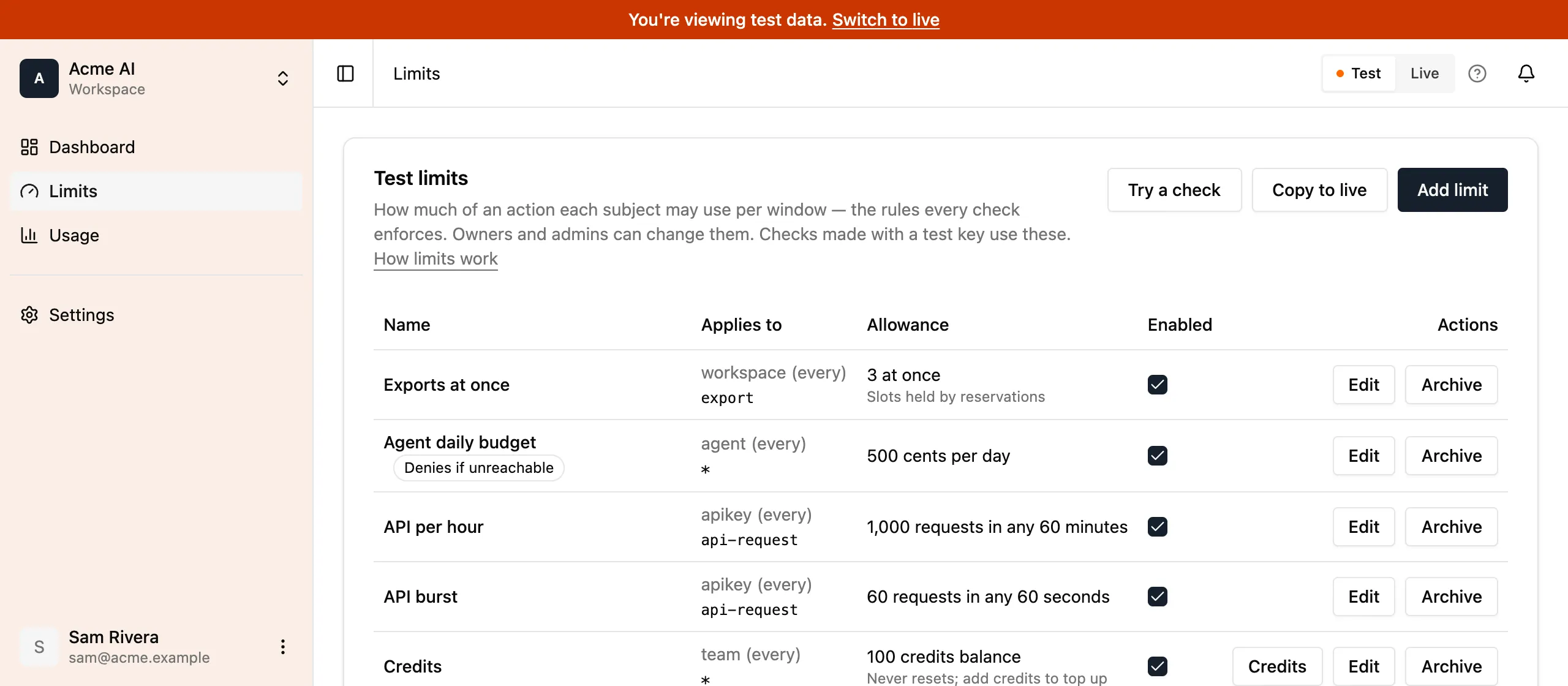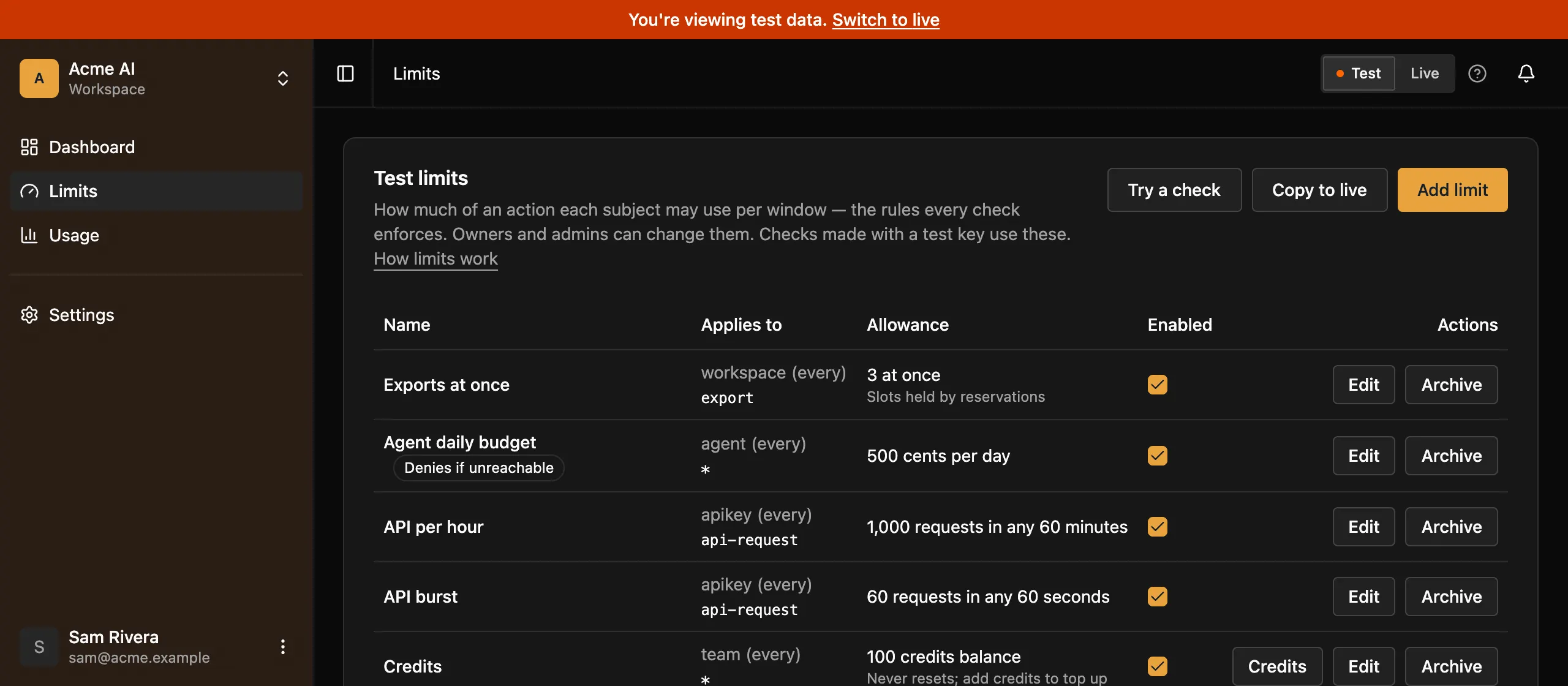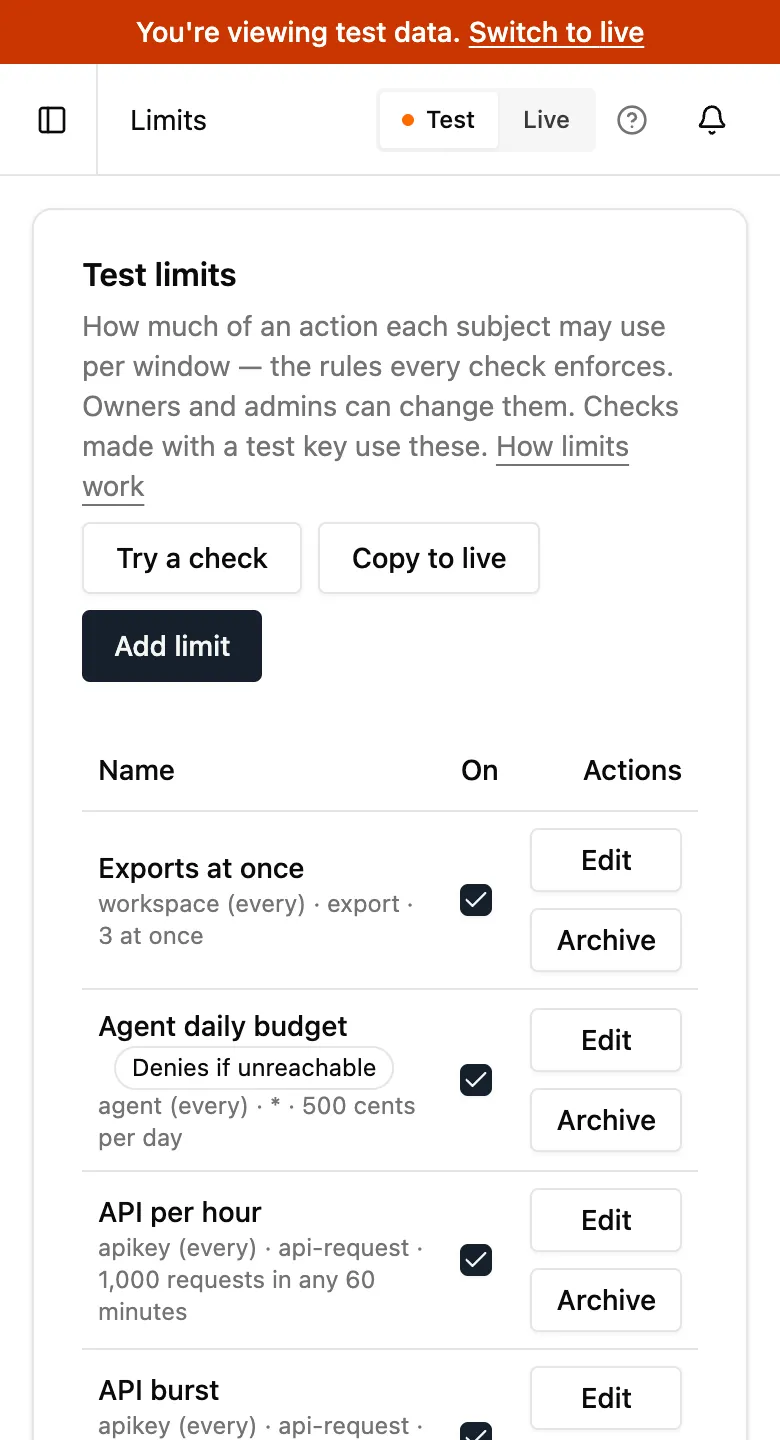](/docs/_astro/test-and-live.Dby6AJaD.png "Open the screenshot at full size")
Workspace-wide settings, such as members, billing and the audit log, are the same in both. Switching doesn’t change them. Webhook endpoints aren’t shared: each endpoint belongs to one side and receives only that side’s events.
## The test allowance
[Section titled “The test allowance”](#the-test-allowance)
Test checks have their own monthly allowance, 10% of your plan’s allowed checks, and they aren’t billed. Test checks never count toward your allowed checks or active subjects. The test allowance has no grace: once a workspace uses it up, test checks answer `402 plan_limit_reached` until the month resets or you upgrade. Live checks carry on as normal. See [Plan allowances](/docs/plans/) for the numbers on each plan.
## Copy to live
[Section titled “Copy to live”](#copy-to-live)
Once your limits work in test, copy them to live instead of creating them again. On the **Limits** page, switch to test and click **Copy to live**. Limitry lists exactly what will change in live before anything happens:
* When live has no limit with a test limit’s name, Limitry creates it in live.
* When live has a limit with the same name, Limitry updates it to match, field by field. The dialog shows each change, such as an amount going from 200 to 300.
* A limit that already matches is left alone.
* A limit can’t change to or from `concurrent` in place. Archive or rename the live one first.
The dialog ticks every limit it would change. Untick any you don’t want to copy, then confirm. Copy to live carries over the subject, action, amount, unit, window, `every`, `start`, rolling, enabled and fail mode settings. It never copies credits you added, balances, reservations or usage: live keeps its own.
[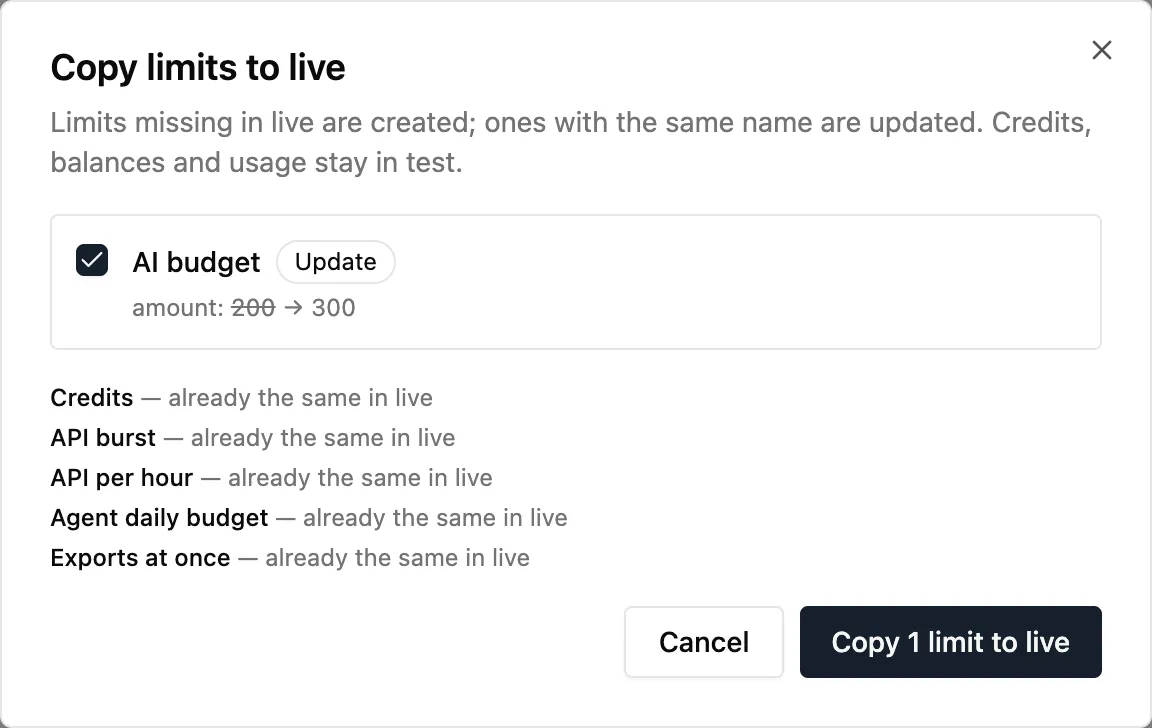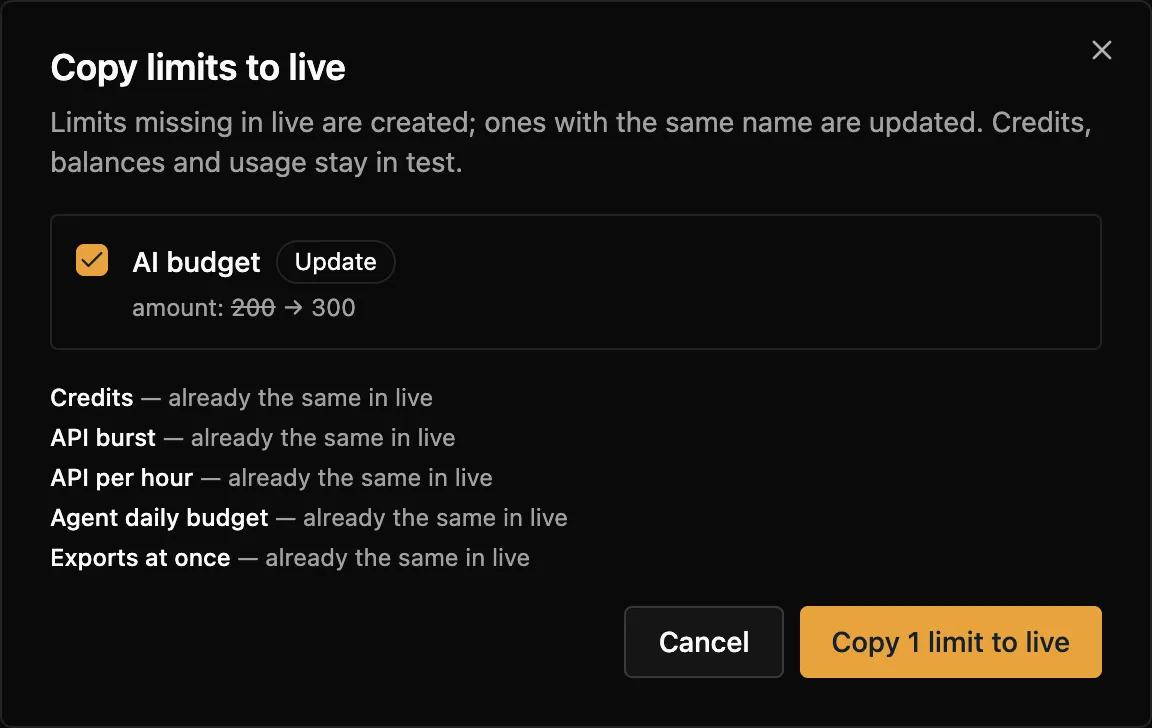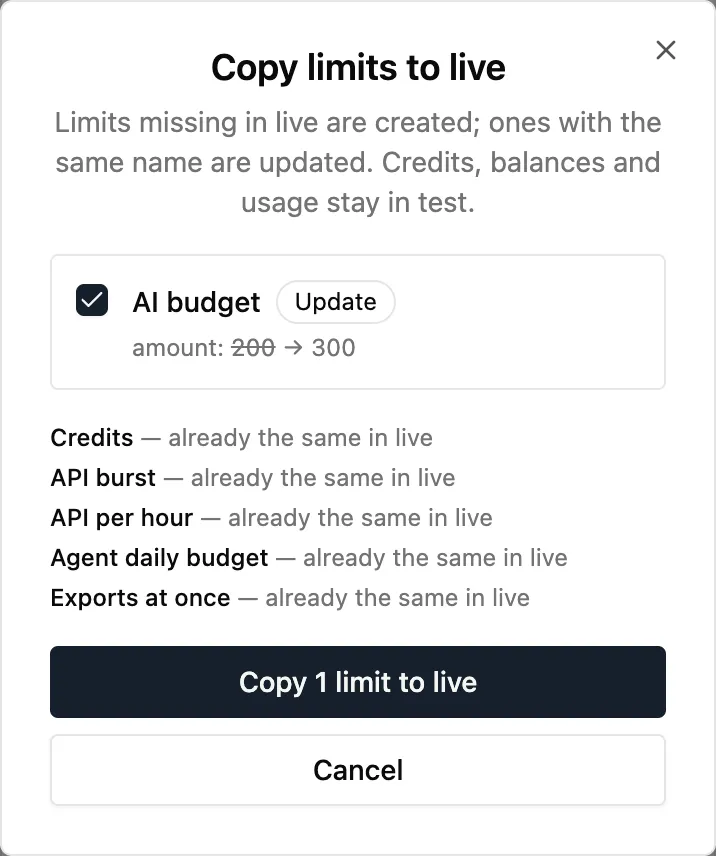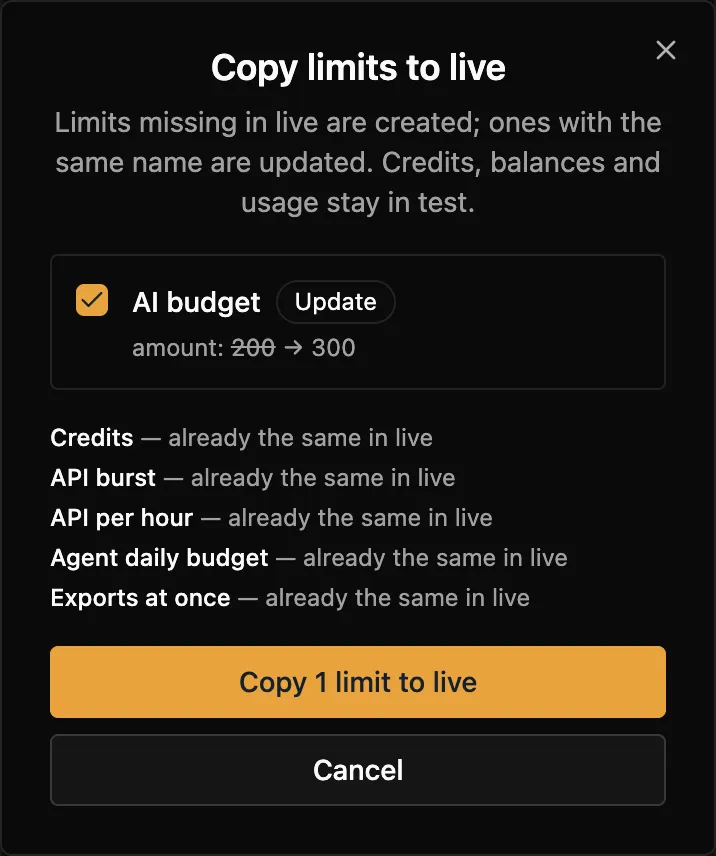](/docs/_astro/copy-to-live.Dv4STjK9.png "Open the screenshot at full size")
Owners and admins can copy limits. The audit log records each copy as `limits.copied_to_live`, with the limits it created and updated. An AI agent can’t copy limits itself; it asks, and an owner or admin approves (see [Approvals](/docs/approvals/)).
There’s no API call for Copy to live, because every key belongs to one environment. To do the same from your own code, read the limits with a test key and create or update them with a live key.
## Your tools default to test
[Section titled “Your tools default to test”](#your-tools-default-to-test)
Your own tools act as you: the [CLI](/docs/cli/), the [MCP server](/docs/mcp/), and scripts with a personal access token. They work in test unless you name live, so a mistake changes test limits, never the ones your customers depend on. To act in live, say so:
| Tool | Live |
| ------------------ | ----------------------------------------------------------------------------------- |
| CLI | `--environment live`, `LIMITRY_ENVIRONMENT=live`, or `limitry environment use live` |
| MCP server | connect to `https://mcp.limitry.com/mcp?environment=live` |
| SDK | `createClient({ token, environment: "live" })` |
| HTTP, with a token | the header `X-Environment: live` |
Every answer names its environment. The CLI prints `Environment: test` or `Environment: live` after each command, and every MCP tool result ends with the same line. An HTTP response to a personal access token or an agent carries an `X-Environment` header.
An API key always acts in its own environment, so it needs none of this. If a request made with a key names any other environment, it gets `403 forbidden`. A token that names an environment that doesn’t exist gets `400 invalid_request`.
## What a test key can’t change
[Section titled “What a test key can’t change”](#what-a-test-key-cant-change)
A test key can read workspace-wide things: members, webhook endpoints, deliveries, the audit log, approvals and workspace usage. It can’t change them: test keys are for trying limits, not for setting up the workspace. A test key that tries gets `403 forbidden` with the message “A test key cannot change workspace-wide settings”. Use a live key or a personal access token to manage webhook endpoints through the API.
## Webhooks
[Section titled “Webhooks”](#webhooks)
Each webhook endpoint belongs to test or live, like an API key, and gets only that environment’s events. Add an endpoint under **Settings → Webhooks** with the environment it’s for selected: a test endpoint for your staging app and a live one for production. Events about the workspace itself, such as a member joining, go to endpoints in both.
Every Limitry event also says where it happened in its `environment` field, `"test"` or `"live"`:
```json
{
"type": "limit.reached",
"data": {
"limitId": "lmt_…",
"name": "AI budget",
"action": "ai-call",
"unit": "cents",
"window": "month",
"subject": { "kind": "user", "id": "usr_123" },
"environment": "test",
"windowStart": "2026-10-01T00:00:00.000Z",
"resetsAt": "2026-11-01T00:00:00.000Z"
}
}
```
We moved endpoints added before 10 October 2026 to live.
## Older keys
[Section titled “Older keys”](#older-keys)
Keys that start with `sk_limitry_` date from before test and live existed. They no longer work and get `401 unauthorized`. Create a test or live key under **Settings → API Keys** instead.
# TypeScript SDK
> Guard costly work with one call, and call every API operation from TypeScript, with types from the API itself.
The SDK does two things. `guard` and `reserve` put a limit around your code in one call. And every API operation is a typed method, so your editor knows each field and answer.
## Install
[Section titled “Install”](#install)
```bash
npm install @limitry/sdk
```
Set `LIMITRY_API_KEY` to a key from **API keys** in the app. Use a test key (`lim_test_…`) while you build.
## Guard costly work
[Section titled “Guard costly work”](#guard-costly-work)
`guard` checks the limit, then runs your code only if it’s allowed. Here it counts one AI call against a limit such as 100 a day:
```ts
import { createClient, LimitReached, Unavailable } from "@limitry/sdk";
const limitry = createClient(); // reads LIMITRY_API_KEY
try {
const reply = await limitry.guard(
{ subject: { kind: "user", id: "usr_123" }, action: "ai-call" },
() => callModel(prompt),
);
} catch (error) {
if (error instanceof LimitReached) {
console.log(`Try again in ${error.retryAfterSeconds} seconds`);
} else if (error instanceof Unavailable) {
console.log("Limitry is unreachable and this limit fails closed");
}
}
```
A refusal throws `LimitReached`, with `reason` (`limit_reached` or `too_many_reservations`), `limitId` and `retryAfterSeconds`.
When you only know the cost afterwards, such as an AI reply your product pays for by the token, `reserve` reserves what it will probably cost (5 cents here), runs your code and charges what it actually used. If your code throws, the reservation is released:
```ts
import { createClient } from "@limitry/sdk";
const limitry = createClient();
const answer = await limitry.reserve(
{ subject: { kind: "user", id: "usr_123" }, action: "ai-call", cost: 5 },
async (reservation) => {
const response = await callModel(prompt);
reservation.cost(priceCents(response.usage)); // your prices, in cents
return response;
},
);
```
If Limitry can’t be reached, each limit’s fail mode decides: `open` lets the work run, `closed` throws `Unavailable`, never `LimitReached`. “Can’t be reached” means no decision within 1.5 seconds (`timeoutMs`), retries included: a network error, a `408`, a `429` or a `5xx` is retried at most twice with the same key inside that time. A `402` (the workspace is past its plan) counts the same way. A `503` with code `moving` (a busy workspace’s counts moving between Limitry’s servers, a few seconds) or `busy` (too many checks at once; nothing was charged) is not “can’t be reached”: the check, commit or release is sent again with the same key for up to 30 seconds, each try with its own 1.5 seconds, before the fail mode decides. Each retry waits the answer’s `Retry-After` plus a random, growing backoff, so clients spread out instead of retrying together. `reservation.cost()` takes a whole number from 0 to 1,000,000,000 and throws a `RangeError` for anything else, before the work’s usage could be lost. `reservation.extend()` throws the API’s error, such as for an expired reservation. See [Add Limitry with your agent](/docs/agent-quickstart/) for more.
## Methods
[Section titled “Methods”](#methods)
Each API operation is a method, named like its command in the [CLI](/docs/cli/): `limitry limits create` is `limitry.limits.create()`.
```ts
import { createClient } from "@limitry/sdk";
const limitry = createClient();
await limitry.limits.create({
name: "AI replies per day",
subject: { kind: "user" },
action: "ai-call",
amount: 100,
window: "day",
});
const { items } = await limitry.limits.list();
```
* Ids in the path are arguments, and everything else is one object: `limitry.limits.get(limitId)`.
* A method returns the response’s data. A failure throws an `ApiError` with the [error](/docs/errors/)’s `code`, `message`, `status` and `requestId`.
* Every write sends an [idempotency key](/docs/idempotency/), and a failed attempt (a network error, a `5xx`, a `429`) is retried with the same key, so it happens once. To make your own retry safe too, pass your key as the last argument: `limitry.checks.create(check, { idempotencyKey: id })`.
Every method, linked to its fields and a full example under **Endpoints**:
### Checks
| Method | What it does |
| ------------------------------------------------------------------------------------ | ------------------------------- |
| [`limitry.checks.create()`](/docs/reference/checks/#check-whether-a-subject-may-act) | Check whether a subject may act |
### Reservations
| Method | What it does |
| --------------------------------------------------------------------------------------- | --------------------- |
| [`limitry.reservations.commit()`](/docs/reference/reservations/#commit-a-reservation) | Commit a reservation |
| [`limitry.reservations.extend()`](/docs/reference/reservations/#extend-a-reservation) | Extend a reservation |
| [`limitry.reservations.release()`](/docs/reference/reservations/#release-a-reservation) | Release a reservation |
### Limits
| Method | What it does |
| ------------------------------------------------------------------------------------- | ------------------------- |
| [`limitry.limits.archive()`](/docs/reference/limits/#archive-a-limit) | Archive a limit |
| [`limitry.limits.create()`](/docs/reference/limits/#create-a-limit) | Create a limit |
| [`limitry.limits.credits.create()`](/docs/reference/limits/#add-credits-to-a-balance) | Add credits to a balance |
| [`limitry.limits.credits.list()`](/docs/reference/limits/#list-a-balances-credits) | List a balance's credits |
| [`limitry.limits.get()`](/docs/reference/limits/#get-a-limit) | Get a limit |
| [`limitry.limits.list()`](/docs/reference/limits/#list-limits) | List limits |
| [`limitry.limits.restore()`](/docs/reference/limits/#restore-an-archived-limit) | Restore an archived limit |
| [`limitry.limits.sync()`](/docs/reference/limits/#sync-limits-from-a-list) | Sync limits from a list |
| [`limitry.limits.update()`](/docs/reference/limits/#change-a-limit) | Change a limit |
### Subjects
| Method | What it does |
| ------------------------------------------------------------------------------------ | ---------------------------- |
| [`limitry.subjects.get()`](/docs/reference/subjects/#get-a-subject) | Get a subject |
| [`limitry.subjects.reset()`](/docs/reference/subjects/#reset-a-subjects-limits) | Reset a subject's limits |
| [`limitry.subjects.update()`](/docs/reference/subjects/#set-a-subjects-billing-date) | Set a subject's billing date |
### Usage
| Method | What it does |
| ---------------------------------------------------------------------------------- | ----------------------------- |
| [`limitry.usage.query()`](/docs/reference/usage/#get-a-limits-usage-over-time) | Get a limit's usage over time |
| [`limitry.usage.standing()`](/docs/reference/usage/#get-where-a-subject-stands) | Get where a subject stands |
| [`limitry.usage.subjects()`](/docs/reference/usage/#list-who-is-using-a-limit-now) | List who is using a limit now |
### Workspace
| Method | What it does |
| --------------------------------------------------------------------------------------------- | --------------------------------- |
| [`limitry.workspace.get()`](/docs/reference/workspace/#get-the-current-workspace) | Get the current workspace |
| [`limitry.workspace.invitations.list()`](/docs/reference/workspace/#list-pending-invitations) | List pending invitations |
| [`limitry.workspace.members.list()`](/docs/reference/workspace/#list-workspace-members) | List workspace members |
| [`limitry.workspace.teams.list()`](/docs/reference/workspace/#list-teams) | List teams |
| [`limitry.workspace.usage()`](/docs/reference/workspace/#get-your-plans-usage-this-period) | Get your plan's usage this period |
### Webhooks
| Method | What it does |
| ------------------------------------------------------------------------------------------------------- | ----------------------------- |
| [`limitry.workspace.eventTypes.list()`](/docs/reference/webhooks/#list-event-types) | List event types |
| [`limitry.workspace.webhookDeliveries.list()`](/docs/reference/webhooks/#list-an-endpoints-deliveries) | List an endpoint's deliveries |
| [`limitry.workspace.webhookDeliveries.redeliver()`](/docs/reference/webhooks/#redeliver-an-event) | Redeliver an event |
| [`limitry.workspace.webhookEndpoints.create()`](/docs/reference/webhooks/#add-a-webhook-endpoint) | Add a webhook endpoint |
| [`limitry.workspace.webhookEndpoints.delete()`](/docs/reference/webhooks/#remove-a-webhook-endpoint) | Remove a webhook endpoint |
| [`limitry.workspace.webhookEndpoints.enable()`](/docs/reference/webhooks/#re-enable-a-webhook-endpoint) | Re-enable a webhook endpoint |
| [`limitry.workspace.webhookEndpoints.get()`](/docs/reference/webhooks/#get-a-webhook-endpoint) | Get a webhook endpoint |
| [`limitry.workspace.webhookEndpoints.list()`](/docs/reference/webhooks/#list-webhook-endpoints) | List webhook endpoints |
| [`limitry.workspace.webhookEndpoints.test()`](/docs/reference/webhooks/#send-a-test-event) | Send a test event |
### Approvals
| Method | What it does |
| ------------------------------------------------------------------------------------------------------------------ | ----------------------------------------- |
| [`limitry.workspace.approvalActions.list()`](/docs/reference/approvals/#list-the-actions-you-can-ask-approval-for) | List the actions you can ask approval for |
| [`limitry.workspace.approvalRequests.create()`](/docs/reference/approvals/#ask-a-person-to-approve-an-action) | Ask a person to approve an action |
| [`limitry.workspace.approvalRequests.get()`](/docs/reference/approvals/#check-an-approval-request) | Check an approval request |
| [`limitry.workspace.approvalRequests.redeem()`](/docs/reference/approvals/#redeem-an-approved-request) | Redeem an approved request |
### Audit events
| Method | What it does |
| --------------------------------------------------------------------------------------------------- | --------------------------- |
| [`limitry.workspace.auditEvents.list()`](/docs/reference/audit-events/#list-workspace-audit-events) | List workspace audit events |
### Personal access tokens
| Method | What it does |
| ------------------------------------------------------------------------------------------------------------ | ------------------------------------ |
| [`limitry.user.me()`](/docs/reference/personal-access-tokens/#get-the-current-user) | Get the current user |
| [`limitry.user.revokeToken()`](/docs/reference/personal-access-tokens/#revoke-the-token-making-this-request) | Revoke the token making this request |
## Your key
[Section titled “Your key”](#your-key)
* `createClient()` reads your key from the `LIMITRY_API_KEY` environment variable. Without it, it throws an error naming the variable. Where there’s no `process.env`, such as a browser or a Cloudflare Worker, pass the key: `createClient({ token: env.LIMITRY_API_KEY })`.
* A test key (`lim_test_…`) acts in test, and a live key (`lim_live_…`) in live. See [Test and live](/docs/test-and-live/).
* A **personal access token** names the workspace, and acts in test unless you name live: `createClient({ token, workspace: "acme", environment: "live" })`.
## Your own timeout or fail mode
[Section titled “Your own timeout or fail mode”](#your-own-timeout-or-fail-mode)
`createLimits(client, options)` gives you `guard` and `reserve` with a different wait for a decision (`timeoutMs`, 1500 ms by default) or a fixed fail mode:
```ts
import { createClient, createLimits } from "@limitry/sdk";
const limits = createLimits(createClient(), { timeoutMs: 500 });
```
## Calling a path directly
[Section titled “Calling a path directly”](#calling-a-path-directly)
`limitry.GET`, `limitry.POST` and the other HTTP methods call any path, with the same types. They return `{ data, error, response }` instead of throwing, and `unwrap` turns that into the data or an `ApiError`.
# Usage and reports
> See how each limit is used over time and who is closest to it now, and get told when a limit is reached.
Limitry counts every check per limit, per subject, per hour. Reports in the app and the API are at most about a minute behind. Test and live each have their own usage: the app shows the side you picked, and the API answers for the key’s environment.
## In the app
[Section titled “In the app”](#in-the-app)
The **Usage** page shows, for the limit you pick:
* **Last 30 days:** units used per day (UTC), across all subjects. A plan that keeps less history shows fewer days: Free keeps 7.
* **Right now:** the subjects using the limit, most used first, with what each has used and has left in its current period. For a limit that resets on each subject’s billing date or from first use, that’s each subject’s own period. A subject that was refused shows how many of its checks were refused. Owners and admins can **Reset** a subject, which resets it at once (see [When limits reset](/docs/resets/#reset-now)).
[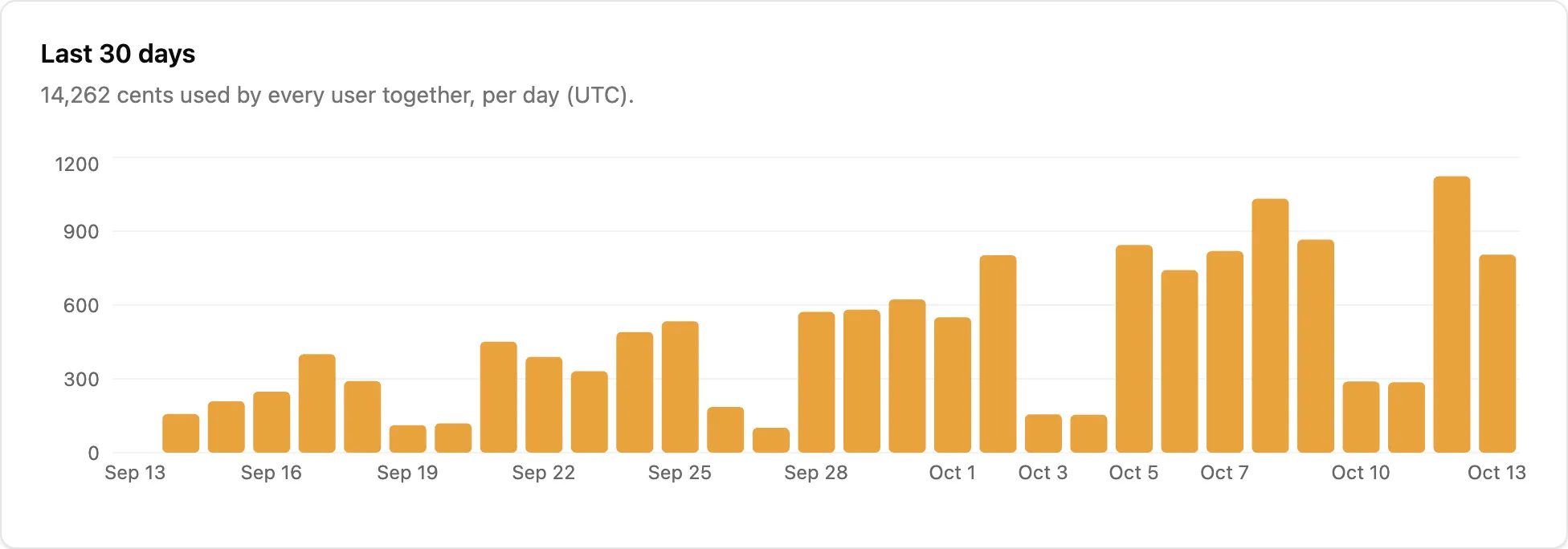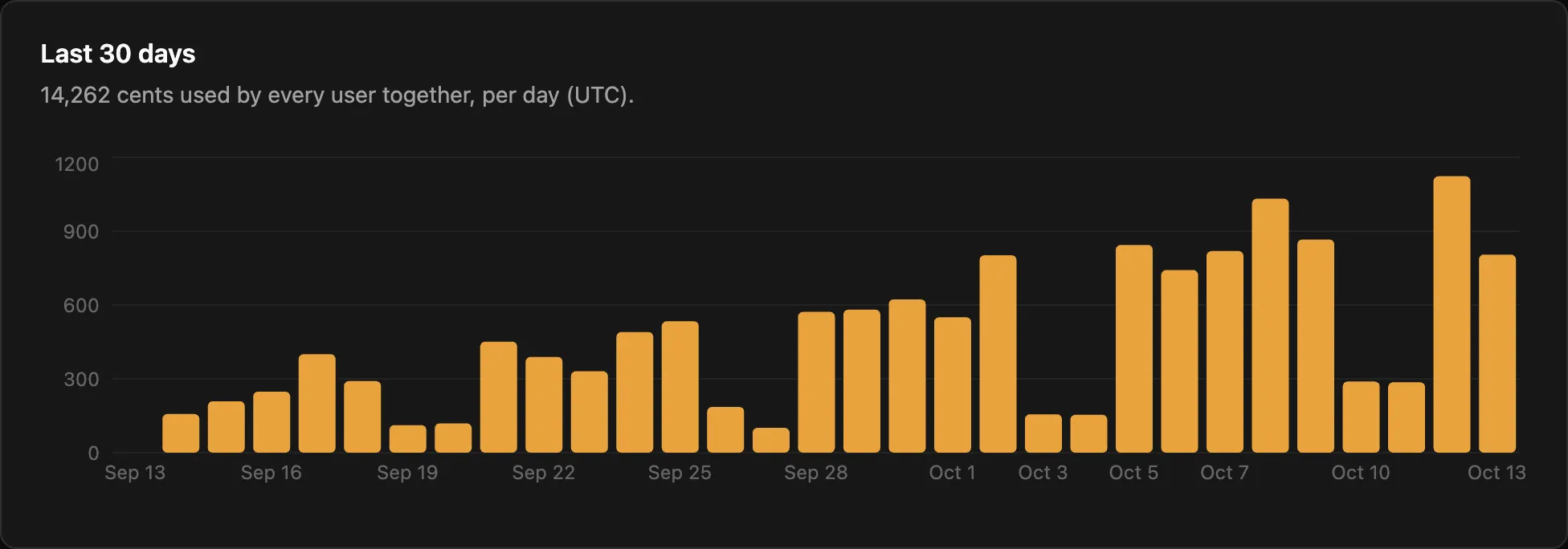](/docs/_astro/usage-chart.BTbs5p9b.png "Open the screenshot at full size")
[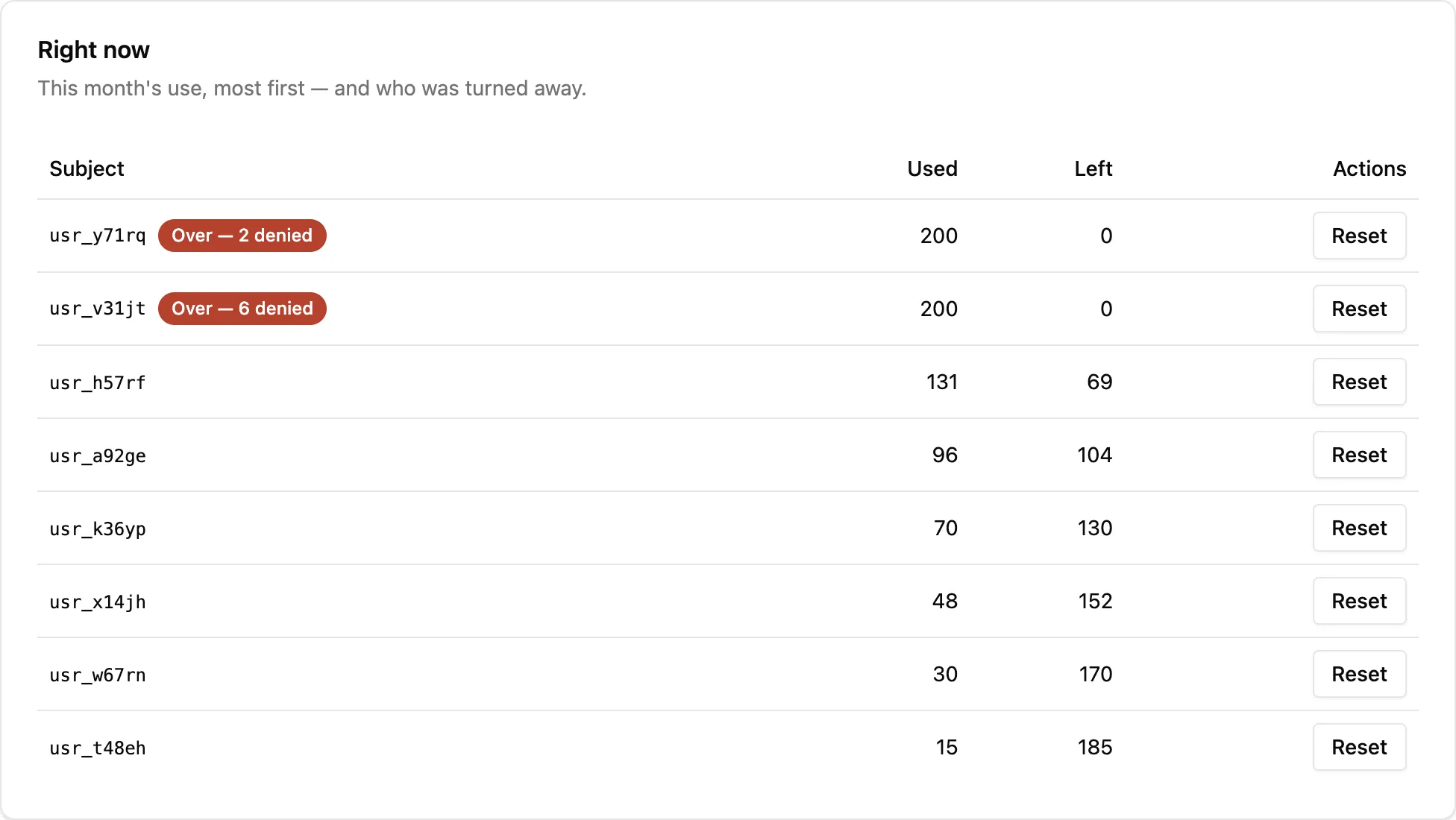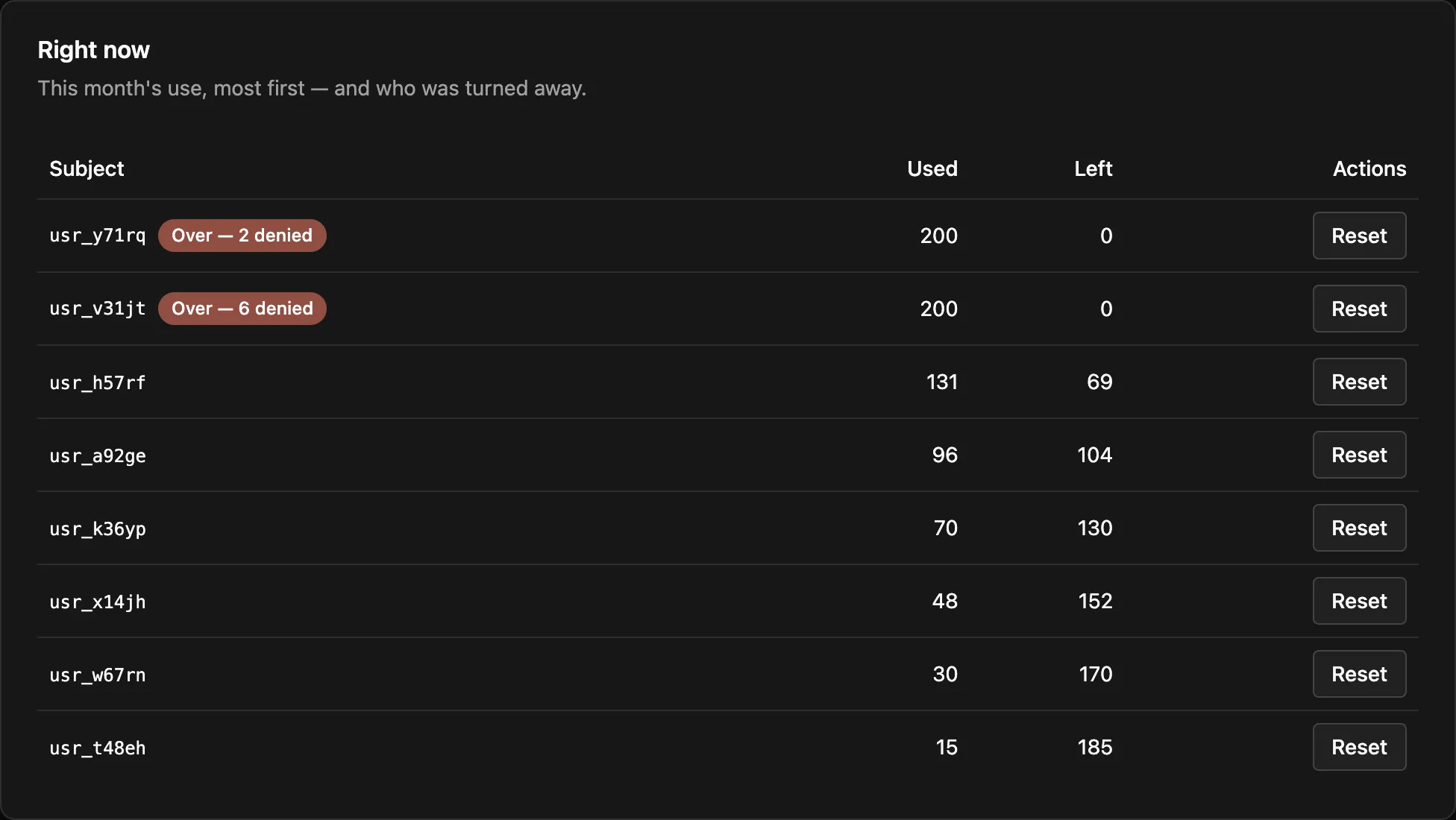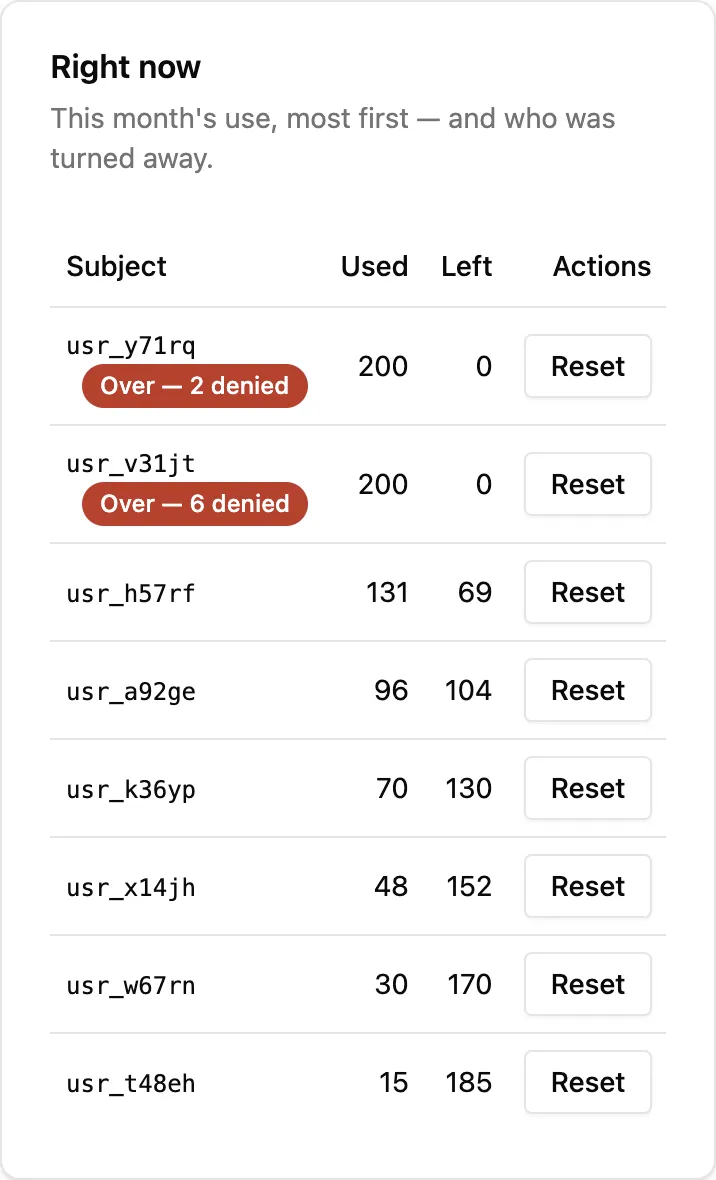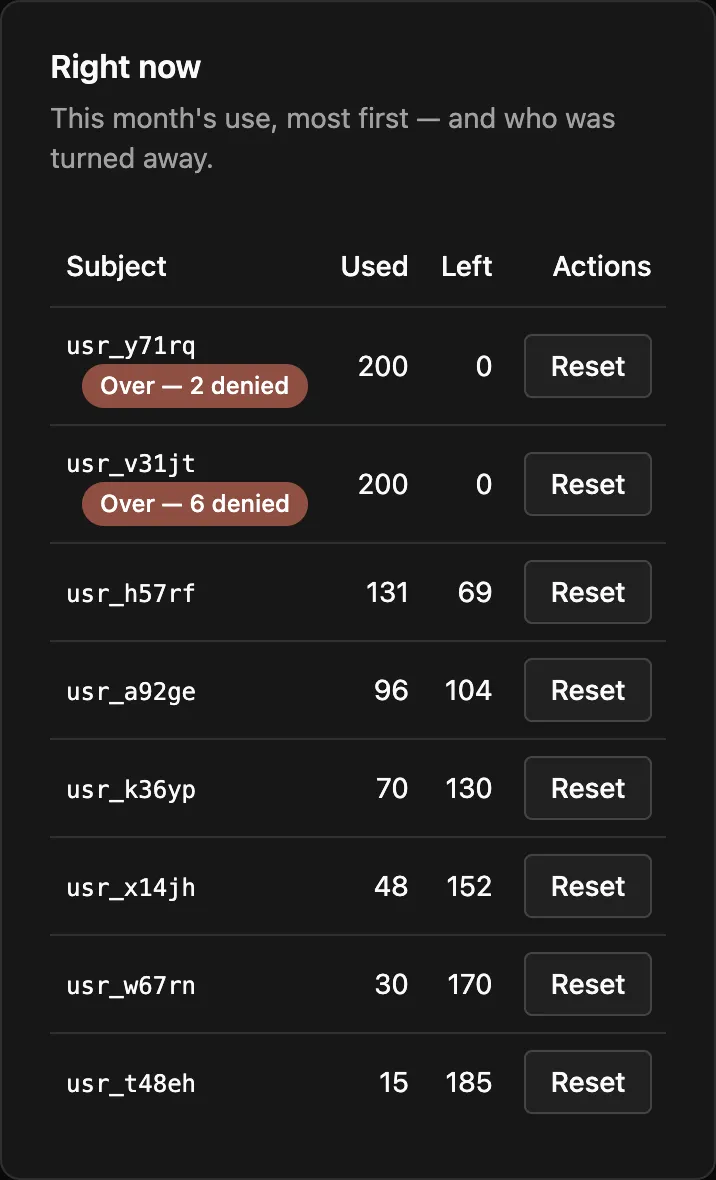](/docs/_astro/usage-now.C4zW5XXA.png "Open the screenshot at full size")
**Busiest subjects**, at the bottom of the page, lists the five subjects that made the most checks a second in the last 7 days, with when. The figure is a minute’s checks divided by 60, for the subject’s busiest minute. Limitry handles up to about 100 checks a second on one subject. A subject making 60 or more a second gets a note that it’s busy: Limitry is handling it, and there’s nothing for you to do.
## From your code or the CLI
[Section titled “From your code or the CLI”](#from-your-code-or-the-cli)
A limit’s use over time, by day (the default) or by hour, and who is using it in the current window. A key or token needs `limits:read`:
* TypeScript
```ts
import { createClient } from "@limitry/sdk";
const limitry = createClient();
const history = await limitry.usage.query({
limitId: "lmt_3f0c…",
granularity: "day",
});
const now = await limitry.usage.subjects({ limitId: "lmt_3f0c…" });
```
* Python
```python
from limitry import Limitry
limitry = Limitry()
history = limitry.usage.query(limit_id="lmt_3f0c…", granularity="day")
now = limitry.usage.subjects(limit_id="lmt_3f0c…")
```
* CLI
```bash
limitry usage query --limit-id lmt_3f0c… --granularity day
limitry usage subjects --limit-id lmt_3f0c…
```
* curl
```bash
curl "https://api.limitry.com/v1/usage?limitId=$LIMIT_ID&granularity=day" \
-H "Authorization: Bearer $LIMITRY_API_KEY"
curl "https://api.limitry.com/v1/usage/subjects?limitId=$LIMIT_ID" \
-H "Authorization: Bearer $LIMITRY_API_KEY"
```
The history has every bucket in the range, zeros included, each with `used`, `allowed` and `refused`. Add `subject` (as `kind:id`, such as `user:usr_123`) for one subject, and `from` and `to` (ISO times) for a different range. The default range is the last 30 days, and no range reaches further back than your plan’s history (Free keeps 7 days; see [Plan allowances](/docs/plans/)). `used` is net: Limitry gives back the unused part of a reservation, and all of a released one.
For a balance (window `total`), what’s left includes the credits you’ve added.
Limitry keeps usage for 13 months on every plan. Your plan sets how far back you can look: 7 days on Free, 90 days on Pro, 13 months on Growth. After an upgrade, the older usage is there to see.
To read a whole billing period after it ends, use Pro or Growth. On Free, send each finished hour to your billing system as it ends, as [Use Limitry with Stripe](/docs/guides/stripe/#3-bill-usage-through-stripe-meters) does.
## Webhook: `limit.reached`
[Section titled “Webhook: limit.reached”](#webhook-limitreached)
The first time a limit refuses a subject in a window, your webhook endpoints receive `limit.reached`. Here a user has spent this month’s AI budget:
```json
{
"type": "limit.reached",
"data": {
"limitId": "lmt_…",
"name": "AI budget",
"action": "ai-call",
"unit": "cents",
"window": "month",
"subject": { "kind": "user", "id": "usr_123" },
"environment": "live",
"windowStart": "2026-10-01T00:00:00.000Z",
"resetsAt": "2026-11-01T00:00:00.000Z"
}
}
```
It’s sent once per subject, limit and window, not on every refused check. `environment` says whether it happened in `test` or `live`, and only that environment’s endpoints receive it. `resetsAt` is `null` for a balance. Add an endpoint under **Settings → Webhooks**.
To hear before a subject is refused, use `limit.threshold_crossed`, sent at 80% and 100% of a limit. See [Warnings before a limit](/docs/webhooks/#warnings-before-a-limit).
## One subject, right now
[Section titled “One subject, right now”](#one-subject-right-now)
`limitry.standing(...)` in the SDKs (`limitry usage standing` on the CLI) answers where one subject stands on every limit that applies to it, exactly as a check would see it. It’s what you call to show your own users how much they have left. See [Show users where they stand](/docs/guides/show-usage/).
# Versioning
> What can change in the API, what never changes, and how we announce deprecations.
The API’s version is in its path: `/v1`. Within a version, we only make changes that don’t break a correctly written integration. The same promise covers the CLI and the tools agents use, because their names come from the API’s operations.
## Changes we may make at any time
[Section titled “Changes we may make at any time”](#changes-we-may-make-at-any-time)
* New endpoints.
* New optional request parameters and fields.
* New fields in responses.
* New error codes, webhook event types and scopes.
* New commands, and new tools for agents.
Write your integration so these don’t break it:
* Ignore response fields you don’t recognise.
* Treat an error `code` you don’t recognise as `internal_error`, and branch on `code`, never on `message`.
* Treat cursors and ids as opaque strings.
## Changes we never make within `/v1`
[Section titled “Changes we never make within /v1”](#changes-we-never-make-within-v1)
* Removing or renaming an endpoint, a field or an operation, and so a command or an agent’s tool.
* Changing the type or meaning of an existing field.
* Making an optional parameter required.
* Changing how requests authenticate, or which error a given failure returns.
A change like these only ships in a new version, `/v2`, which runs alongside `/v1` while integrations move over.
## Deprecations
[Section titled “Deprecations”](#deprecations)
Before we retire anything in `/v1`, we announce it in the changelog and mark it **deprecated** in the [API reference](https://api.limitry.com/v1/docs), with what to use instead. Deprecated endpoints keep working for as long as `/v1` exists.
# Webhooks
> Receive workspace events at your endpoint, verify signatures, and handle retries.
Webhooks send workspace events to an HTTPS endpoint you host, as they happen. Workspace owners manage endpoints in the app under **Settings → Webhooks**: add a URL, copy the signing secret (it’s shown once), and events start arriving.
## Managing endpoints through the API
[Section titled “Managing endpoints through the API”](#managing-endpoints-through-the-api)
Software can manage endpoints too, with a credential that has the `workspace.webhooks:write` scope. Reading them needs `workspace.webhooks:read`, and a personal access token must also belong to a workspace owner. A test key can read endpoints but not add or change them, so use a live key (`lim_live_…`) or a personal access token; each endpoint still belongs to test or live (below).
```bash
curl -X POST \
-H "Authorization: Bearer YOUR_LIVE_API_KEY" \
-H "Idempotency-Key: $(uuidgen)" \
-H "Content-Type: application/json" \
-d '{ "url": "https://example.com/hooks" }' \
https://api.limitry.com/v1/workspace/webhook-endpoints
```
The response includes the endpoint’s signing secret, once. The API can also list endpoints, re-enable one that we switched off after repeated failures, send a test event, and list and redeliver deliveries. See the [API reference](https://api.limitry.com/v1/docs).
AI agents connected to the workspace can read endpoints and delivery history, send test events and redeliver. They can’t add, remove or re-enable endpoints, because that changes where your workspace’s data goes, so a person does it.
## A delivery
[Section titled “A delivery”](#a-delivery)
Each delivery is an HTTP `POST` with a JSON body:
```json
{
"id": "evt_5f0c…",
"type": "workspace.member.joined",
"createdAt": "2026-08-20T12:00:00.000Z",
"data": { "userId": "…", "email": "casey@example.com" }
}
```
and three signature headers:
```http
webhook-id: del_9a1b…
webhook-timestamp: 1755691200
webhook-signature: v1,MEQCIB…
```
`webhook-id` identifies the delivery, and stays the same when it’s retried, so use it to ignore duplicates. The `id` in the body identifies the event. If you have several endpoints, each gets its own delivery of the same event; to process an event once across endpoints, deduplicate by its `id`. An event can occasionally reach you more than once as separate deliveries, for example when we resend it after an outage. It keeps the same `id` each time, so deduplicating by `id` covers that too.
## Verifying signatures
[Section titled “Verifying signatures”](#verifying-signatures)
Check every delivery before you trust it: that we sent it, that nobody changed it, and that it’s recent. The SDKs do all three with your endpoint’s secret (`whsec_…`, shown once when you add the endpoint) and give you the event:
* TypeScript
```ts
import { verifyWebhook, WebhookVerificationError } from "@limitry/sdk";
// A fetch-style handler (Hono, Workers, Next.js route handlers…).
export async function POST(request: Request) {
try {
// The RAW body: verify before parsing it.
const event = await verifyWebhook(
await request.text(),
request.headers,
process.env.WEBHOOK_SECRET!,
);
// handle event…
return new Response("ok");
} catch (error) {
if (error instanceof WebhookVerificationError) {
return new Response("bad signature", { status: 400 });
}
throw error;
}
}
```
* Python
```python
import os
from flask import Flask, request
from limitry import WebhookVerificationError, verify_webhook
app = Flask(__name__)
@app.post("/webhooks")
def webhooks():
try:
# The RAW body: verify before parsing it.
event = verify_webhook(
request.get_data(), request.headers, os.environ["WEBHOOK_SECRET"]
)
except WebhookVerificationError:
return "bad signature", 400
# handle event…
return "ok"
```
With a client already made, the same check is `client.webhooks.verify(…)`. The SDKs refuse a delivery older than 5 minutes, so nobody can replay an old one (`toleranceSeconds` / `tolerance_seconds` changes it).
We sign the same way as [Svix](https://docs.svix.com/receiving/verifying-payloads/how), so a standard Svix library verifies our deliveries too. In any other language, verify by hand: the signature is `v1,` followed by a Base64 HMAC-SHA256 of `` `${webhookId}.${timestamp}.${body}` ``, keyed with the secret after its `whsec_` prefix, Base64-decoded. Always verify the **raw** body, because re-serialising the JSON changes it and breaks the signature. Reject timestamps more than a few minutes old.
## Respond quickly, process later
[Section titled “Respond quickly, process later”](#respond-quickly-process-later)
Answer with a `2xx` within 10 seconds. If processing takes longer, acknowledge first and do the work afterwards, because a timeout counts as a failed delivery.
## Retries and failures
[Section titled “Retries and failures”](#retries-and-failures)
We retry a failed delivery automatically, with backoff, up to 6 attempts, with the same `webhook-id`. We retry a `5xx`, a `408`, a `429`, a timeout or a network error. Any other `3xx` or `4xx` fails the delivery at once, because your endpoint answered and refused it. We don’t follow redirects.
If 20 attempts in a row fail, counting retries, we switch the endpoint off. Once your endpoint is working again, choose **Re-enable** under **Settings → Webhooks**, or call `POST /v1/workspace/webhook-endpoints/{endpointId}/enable`. The endpoint keeps its signing secret, and the count starts again from zero.
Under **Settings → Webhooks → Deliveries** you can see each delivery’s status and attempts, send a test event (`type: "ping"`), and redeliver any recorded delivery. A redelivery has a new `webhook-id` but the same event `id`, so deduplicating by event still works.
## Events
[Section titled “Events”](#events)
| Type | Sent when | `data` |
| ------------------------- | ----------------------------------------------- | --------------------------------------------------------------------------------------------------------------------------------- |
| `limit.threshold_crossed` | A subject first reaches 80% or 100% of a limit. | `limitId`, `name`, `action`, `unit`, `window`, `subject`, `environment`, `threshold`, `used`, `amount`, `windowStart`, `resetsAt` |
| `limit.reached` | A limit first refuses a subject in a window. | `limitId`, `name`, `action`, `unit`, `window`, `subject`, `environment`, `windowStart`, `resetsAt` |
| `workspace.member.joined` | Someone accepts an invitation. | `userId`, `email` |
| `ping` | You send a test from Settings. | a test message |
`name`, `action`, `unit` and `window` say what the limit is, so a handler can word its message (“80% of this month’s AI budget”) without looking the limit up.
An endpoint belongs to [test or live](/docs/test-and-live/#webhooks) and receives only that environment’s limit events. `limit.reached` also says which in `environment`, `"test"` or `"live"`. See [Usage and reports](/docs/usage/#webhook-limitreached) for an example.
## Warnings before a limit
[Section titled “Warnings before a limit”](#warnings-before-a-limit)
`limit.threshold_crossed` tells you a subject is close to a limit while there’s still room to act: email the user, show a banner, offer more credits. Limitry sends it the first time a subject’s use reaches 80% of a limit in a window, and again at 100%, which is the last use the limit allows. Limitry refuses the first check after that and sends `limit.reached` as before.
```json
{
"id": "evt_3c9a…",
"type": "limit.threshold_crossed",
"createdAt": "2026-10-08T09:14:02.000Z",
"data": {
"limitId": "lmt_…",
"name": "AI budget",
"action": "ai-call",
"unit": "cents",
"window": "month",
"subject": { "kind": "user", "id": "usr_123" },
"environment": "live",
"threshold": 80,
"used": 160,
"amount": 200,
"windowStart": "2026-10-01T00:00:00.000Z",
"resetsAt": "2026-11-01T00:00:00.000Z"
}
}
```
How often each kind of limit warns:
| Limit | When it warns |
| ------------------------------------------ | ------------------------------------------------------------------------------------------------------------------------------------------------------------------------------------------------------------------ |
| Per minute, hour, day, week, month or year | Once at 80% and once at 100% in each window. |
| Rolling (“in any 24 hours”) | At 80% and 100%, at most once an hour for each. |
| Balance (window `total`) | At 20% left (`threshold: 80`) and when it runs out (`threshold: 100`). After you add credits, it can warn again (as a new event, with a new id) as the balance runs down. `windowStart` and `resetsAt` are `null`. |
| Concurrent (“at most N at once”) | Never. A concurrent limit fills and empties all the time, so a warning would mean nothing. |
A warning reaches your endpoint within about a minute of the check that crossed the line. A [reservation](/docs/reservations/) counts from the moment you make it. If its commit costs more than it reserved, the extra use can warn too. If you release a reservation that warned, or commit it for less, the warning stands. The next time use reaches the line, it warns again. A rolling limit still warns at most once an hour.
A warning from [test](/docs/test-and-live/) carries `"environment": "test"`, so a handler can skip it. If we send the same warning twice, after an outage for example, both deliveries carry the same event `id`, so deduplicating by `id` drops the second one.
Limitry only tells you. Whether and how to tell your user is up to your product: see [Warn your users before they hit a limit](/docs/guides/warn-users/).
Event payloads only ever gain fields, so write parsers that ignore fields they don’t know. `GET /v1/workspace/event-types` lists every event type and what it means.
## Choosing events
[Section titled “Choosing events”](#choosing-events)
An endpoint receives every event unless you choose otherwise. In **Settings → Webhooks**, pick “Only these” when you add it, or pass `eventTypes` when you create it through the API:
```bash
curl -X POST https://api.limitry.com/v1/workspace/webhook-endpoints \
-H "Authorization: Bearer YOUR_LIVE_API_KEY" -H "content-type: application/json" \
-d '{"url":"https://example.com/hooks","eventTypes":["limit.reached"]}'
```
A test event (`ping`) always reaches the endpoint you’re testing.